Christmas is the season of giving—and a bottle of wine always feels warmer when it comes in a beautiful box made by hand. Instead of using ordinary packaging this year, why not create a wooden Christmas wine box with your laser cutter? It’s festive, practical, and instantly makes your gift feel more thoughtful and personal.
In this tutorial, I’ll walk you through the full process step by step. Even if you’re new to laser projects, you can easily follow along and make one yourself.
Verify the lens is clean or there's no problem in the laser.
Make sure the exhaust fan is working well.
Ensure the air assist is on.
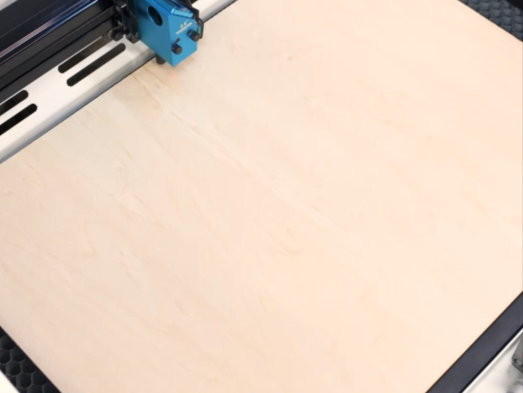
Step 1: Place the Wood on the Laser Bed
Start by laying your wooden board flat on the laser bed. Make sure the surface is clean and sits evenly without warping. If needed, use magnets or light tape at the edges to keep the board from shifting during cutting.
Tips:
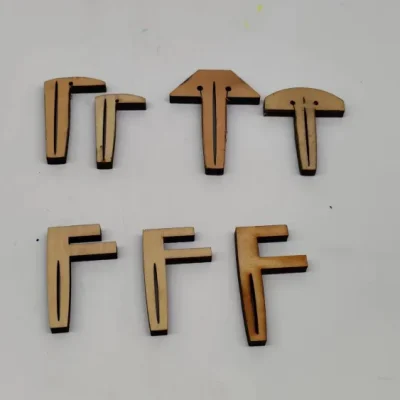
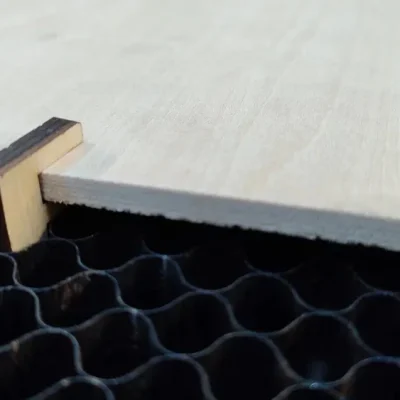
There are three common types of pins: T-shaped, L-shaped, and F-shaped. A special use for F-shaped pins is clamping up the plywood to prevent burn marks. Be mindful of the height of the magnets and pins. If they are too tall, the sensor might hit them and become damaged during processing.
3 common types of pins
F-shaped pin usage
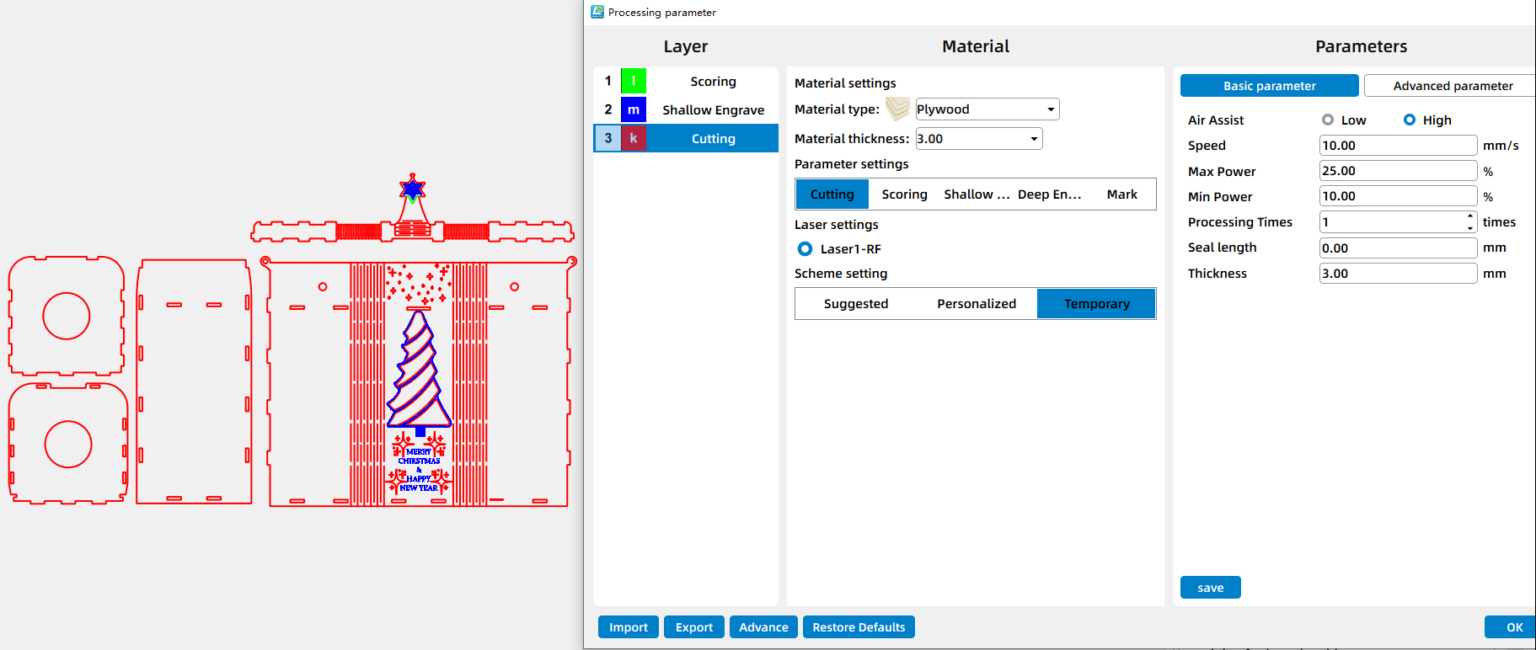
Step 2: Open the File and Check the Settings
Open your laser software(I use LaserMaker) and import the Christmas wine box design file. Adjust the layout so it fits properly within your material size. Before moving on, double-check your engraving and cutting parameters to match the thickness and type of wood you’re using.
Step 3: Focus Your Laser Machine
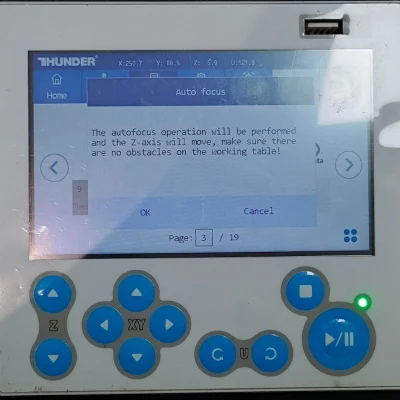
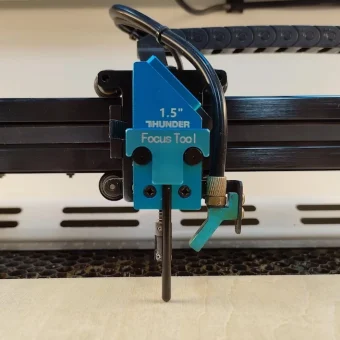
Proper focusing ensures neat, polished edges. If your machine has auto focus, use it for quick setup. For manual focusing, lower the laser head with the focus stick until it touches the wood surface at a perfect angle. Always double-check before cutting.
Auto focus
Manual focus
Step 4: Frame the Design and Start Laser Cutting
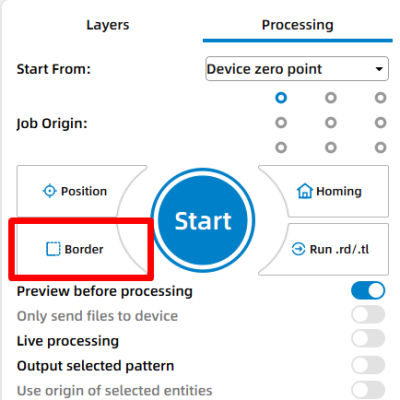
Then click “Frame” or “Border” to preview your cutting area and make sure the design fits nicely on your board. This confirms your material placement and avoids wasting wood. Adjust as necessary. Once everything is set, start the laser job.
Step 5: Monitor the Laser Cutting Process
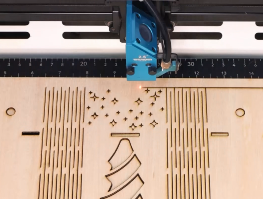
Stay close to the machine while it’s running and watch the cutting and engraving progress. Keep an eye out for excessive smoke, small flame-ups, or any movement of the material that could affect the outcome. Make sure your workspace is well-ventilated, and rely on air assist if available to achieve cleaner edges on the wood.
Step 6: Assemble the Box
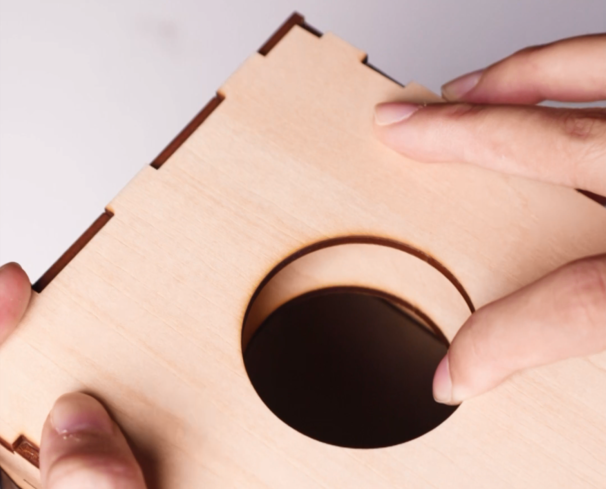
Once all parts are cut, carefully remove them from the laser bed. Align the joints and slots as designed and assemble the box piece by piece. Most wine box designs use an interlocking structure, so the parts should fit together smoothly and firmly.
Step 7: Complete the Task
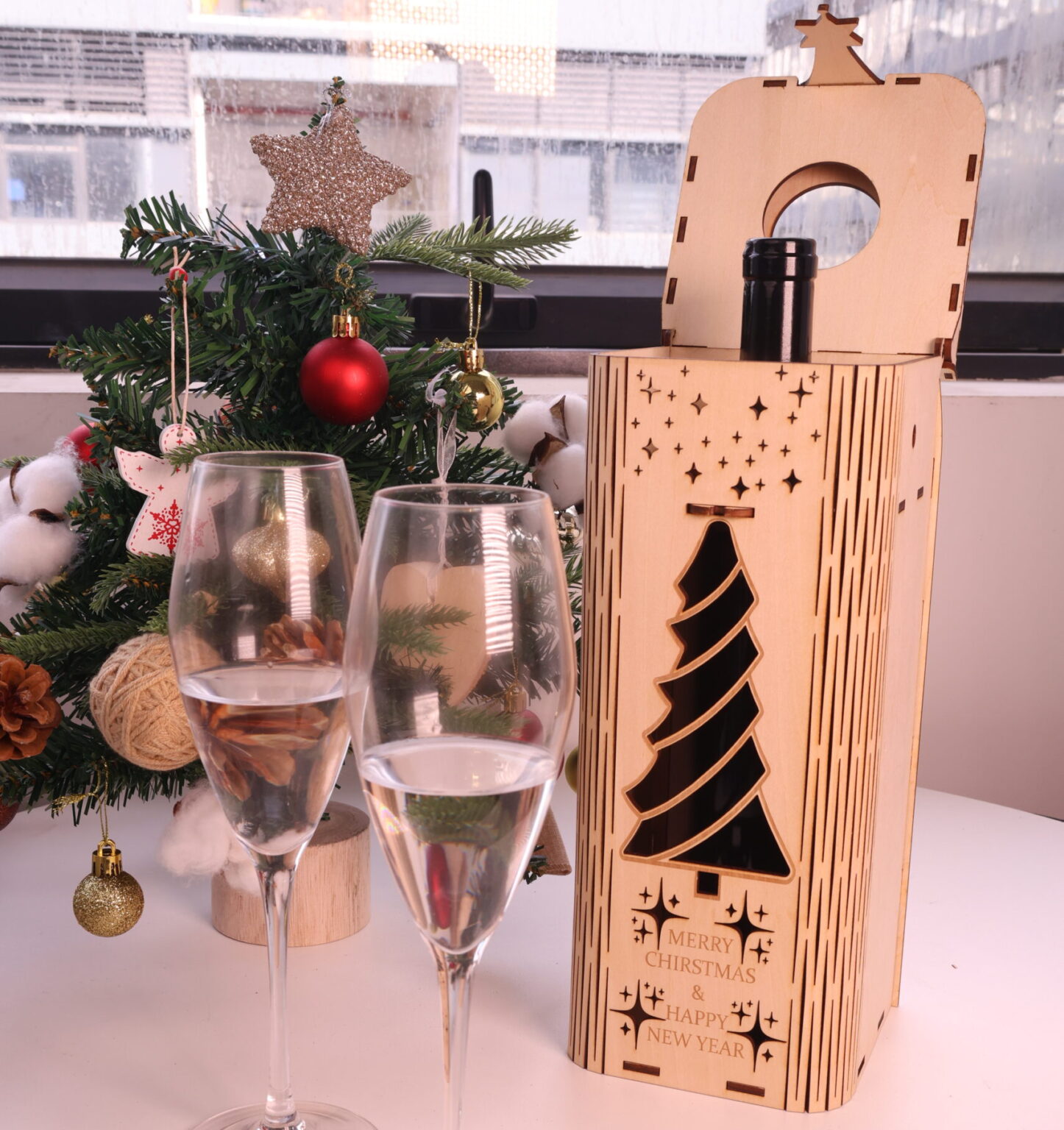
After assembly, your Christmas wine box is complete. You can leave it in its natural wood finish for a classic look, or add paint, stain, or ribbon for extra holiday charm. Place a bottle of wine inside—and your Christmas gift is ready.
Come and Try!
Your Christmas wine box is finished—now imagine how special it feels to hand someone a gift you made yourself. Each box carries not only a bottle of wine, but also your time, care, and creativity. Whether it’s for family, friends, or customers, this small project can turn an ordinary gift into a lasting holiday memory.

.png "laser cutter Globle") International
International
 United States
 Brasil
 Canada
 Costa Rica
 Mexico
 Česká
Česká
 Romania
 Polska
 Ireland
 Italia
 Lietuva
 Россия
 Deutschland
 Britain
 Україна
 France
 Sverige
 Norway
 Denmark
 Ελλάδα
 Portugal
 한국
한국
 中国
中国
 中国香港
中国香港
 Israel
 中國臺灣
中國臺灣
 ジャパン
ジャパン India
India
 پاکستان
 پශ්රී ලංකා
 ประเทศไทย
 Australia
 New Zealand
 South Africa