


Thunder Nova 51 Review: Specs, Performance & Buying Guide
 2026-10-10


Bolt Series
Professional High-Precision Laser Engraving Machine

Nova Series
Large Format Glass Tube Laser Cutting Machine

Nova Plus Series
Business-grade RF CO₂ Laser Cutter

Nova Pro Series
Professional Laser Cutting & Engraving System

Titan Series
Industrial-grade Laser System

Titan Pro Series
Industrial-grade Dual-laser System


WHAT ARE YOU LOOKING FOR?
Search Across Products, Blog Posts, Support Content, And Resources.

Thunder Nova 51 Review: Specs, Performance & Buying Guide
2026-10-10

The Thunder Nova 51 is a large-format CO2 laser cutting and engraving machine designed for users who work with larger sheets, oversized designs, and batch production. Its 1300 × 900 mm working area supports applications such as woodworking, acrylic cutting, signage, model making, and personalized products. Available laser power and machine specifications depend on the configuration and sales region.
This Thunder Nova 51 review examines its specifications, material capabilities, practical advantages, limitations, and suitability for different workloads. It also explains what to consider when comparing the Nova 51 with other Nova Series models, helping buyers decide whether its working area and cutting capabilities match their production needs.
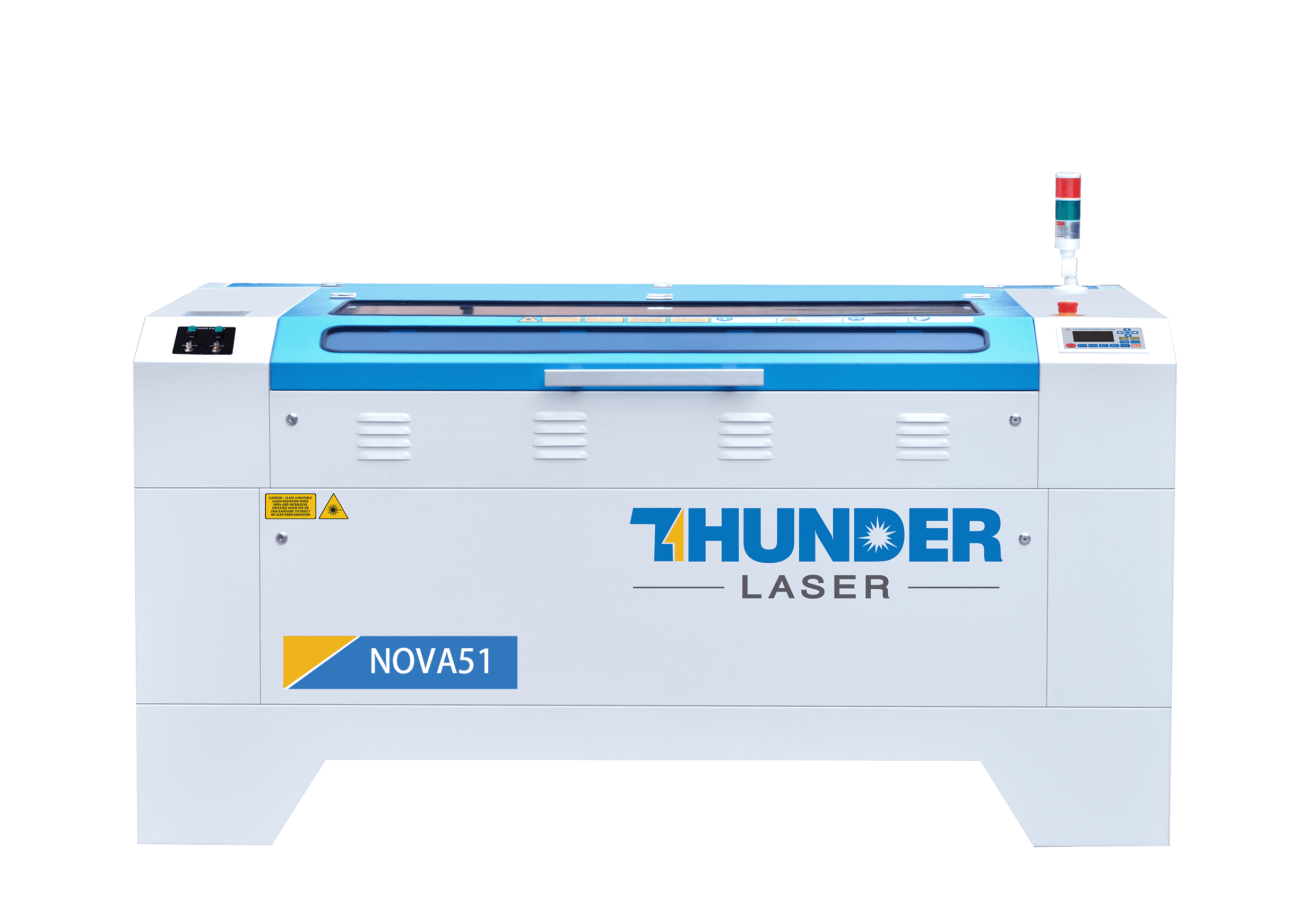
Thunder Nova 51 Laser Cutting and Engraving Machine
The Nova 51 combines a large working area with a sealed glass CO2 laser source for cutting and engraving non-metal materials. The specifications below summarize key configuration details. Confirm the exact specifications, included accessories, and electrical requirements for the machine offered in your region before purchasing.
| Specification | Details |
|---|---|
| Laser Source | Sealed glass CO2 laser tube |
| Laser Power | 100W or 130W, depending on configuration and market |
| Working Area | 1300 × 900 mm (51.2 × 35.4 in) |
| Table Size | Approximately 1400 × 1030 mm; confirm the table specification for your version |
| Z-Axis / Work Height | Published specifications vary between 225 mm and 230 mm; confirm the exact configuration |
| Machine Footprint | Approximately 1900 × 1405 mm; overall height varies by published specification |
| Net Weight | Approximately 430–431 kg, depending on the specification source |
| Maximum Engraving Speed | Up to 1000 mm/s; actual processing speed depends on the job |
| Engraving Resolution | Up to 500 DPI with the standard head; higher resolution may require an optional head and compatible configuration |
| Cooling | Water-cooled; confirm the required chiller for the selected laser power |
| Motion Control | High-speed hybrid servo drive system |
| Memory | Up to 1 GB in current published Nova Series specifications; confirm the machine version |
| Software Compatibility | Check the current software package and supported operating systems for your region; current listings include LightBurn compatibility |
| Electrical Requirements | Voltage, current, and circuit requirements vary by region and configuration; confirm before installation |
| Exhaust | Integral exhaust connection; suitable external extraction and ducting are required |
The working area is the main specification to consider when evaluating the Nova 51. It provides more room than the Nova 35's 900 × 600 mm area, while the Nova 63 offers a larger 1600 × 1000 mm area. The actual maximum workpiece dimensions and pass-through capacity are different from the working area, so check these limits if you regularly process oversized sheets or long materials.
For the latest model information, compare the specifications on the Nova Series page and confirm the final configuration with Thunder Laser before ordering.
The Nova 51 is designed primarily for CO2 laser cutting and engraving of non-metal materials. Its large working area is useful for processing larger panels, repeated designs, and multiple smaller products in one job. The most suitable applications depend on the material, thickness, laser power, lens, and processing settings.
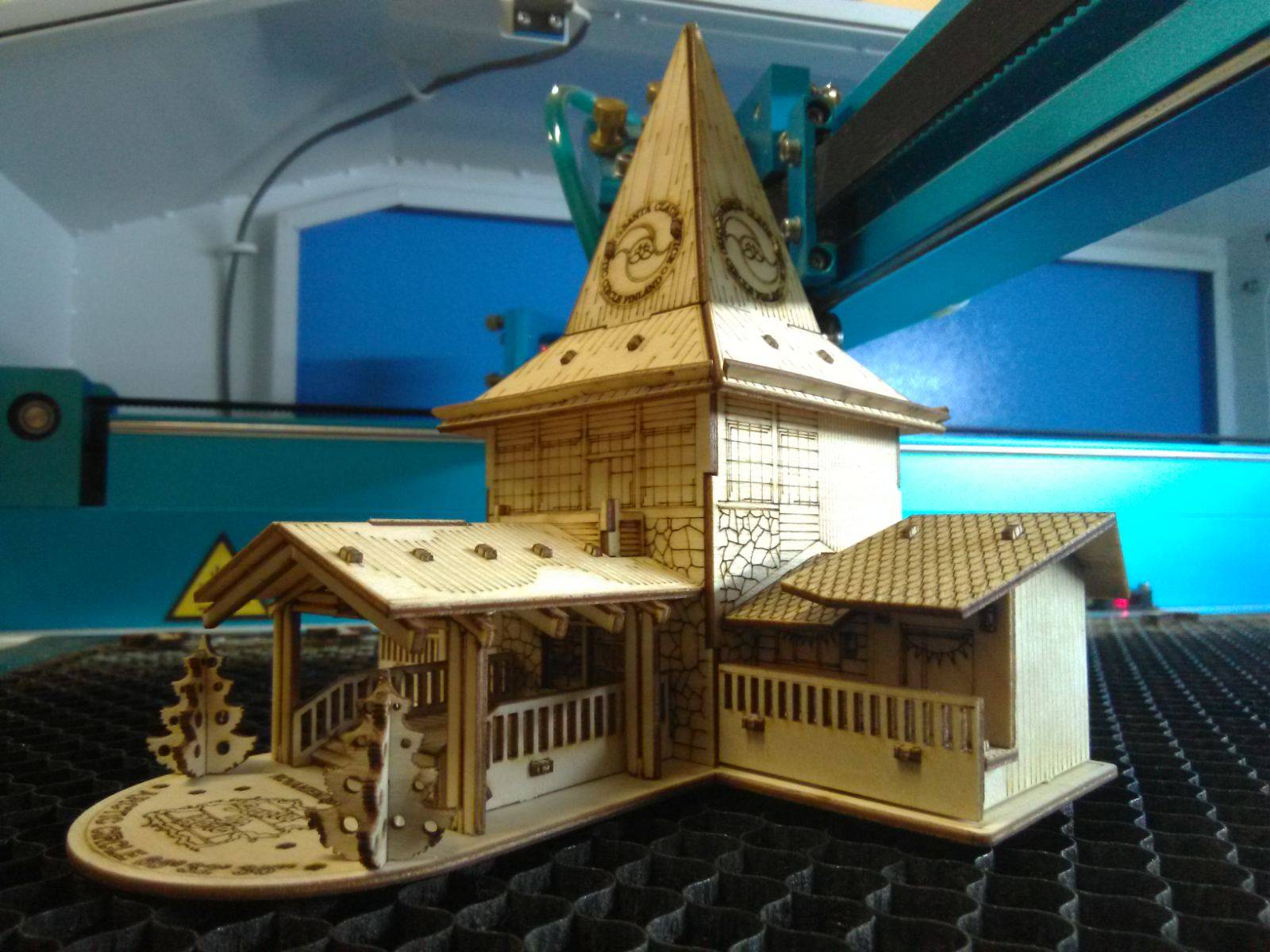
CO2 lasers can cut and engrave many types of wood and suitable MDF products. Common applications include signs, ornaments, model components, decorative panels, personalized gifts, and craft products. Results vary with wood species, resin content, moisture, thickness, and the required edge finish. Use materials intended for laser processing and follow the supplier's safety guidance.
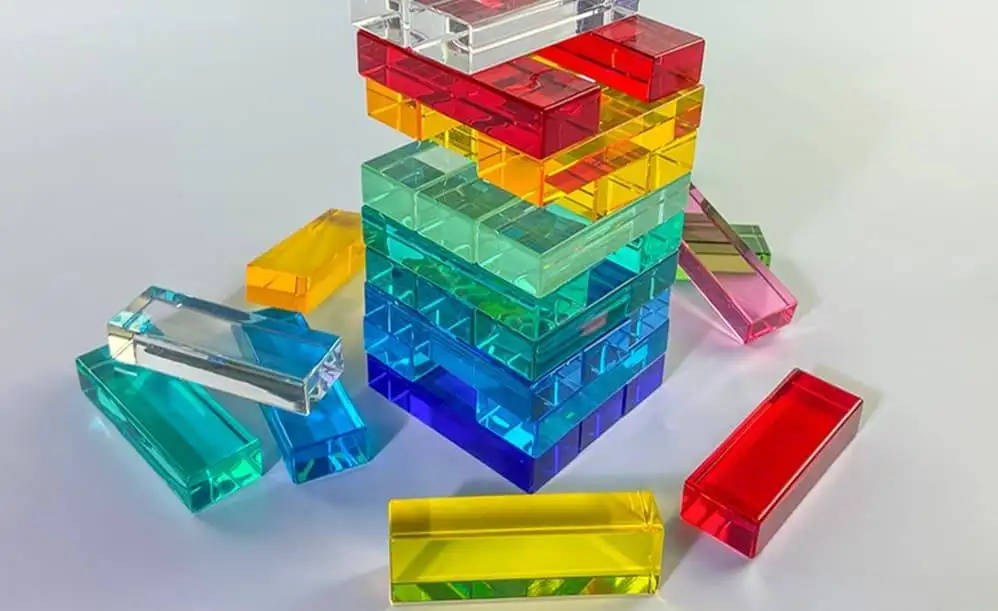
Acrylic is a common material for CO2 laser cutting and engraving. Applications include display stands, signs, awards, lettering, light-diffusing panels, and custom products. Material type and thickness affect edge quality, cutting speed, and the required number of passes. Always confirm that the sheet is laser-compatible; never process PVC or other chlorine-containing plastics with a laser.
Suitable leather, paper, cardboard, and selected craft materials can be cut or engraved for tags, packaging, accessories, patterns, and personalized products. Natural and synthetic materials can behave differently under a laser, so test a small sample first and verify the material composition. Avoid unknown plastics, PVC, and materials that may release hazardous fumes.
A CO2 laser can mark or engrave certain glass and stone surfaces, including suitable glassware, slate, and decorative stone products. The finish depends on the surface, coating, material composition, and processing method. These applications should not be confused with cutting glass or stone into arbitrary shapes; confirm the intended result with sample testing.
A standard CO2 laser is not designed to directly cut bare metal. It may mark selected coated or painted metal surfaces, depending on the coating and process. If metal cutting or direct bare-metal marking is a core requirement, evaluate a suitable fiber laser or another process instead.
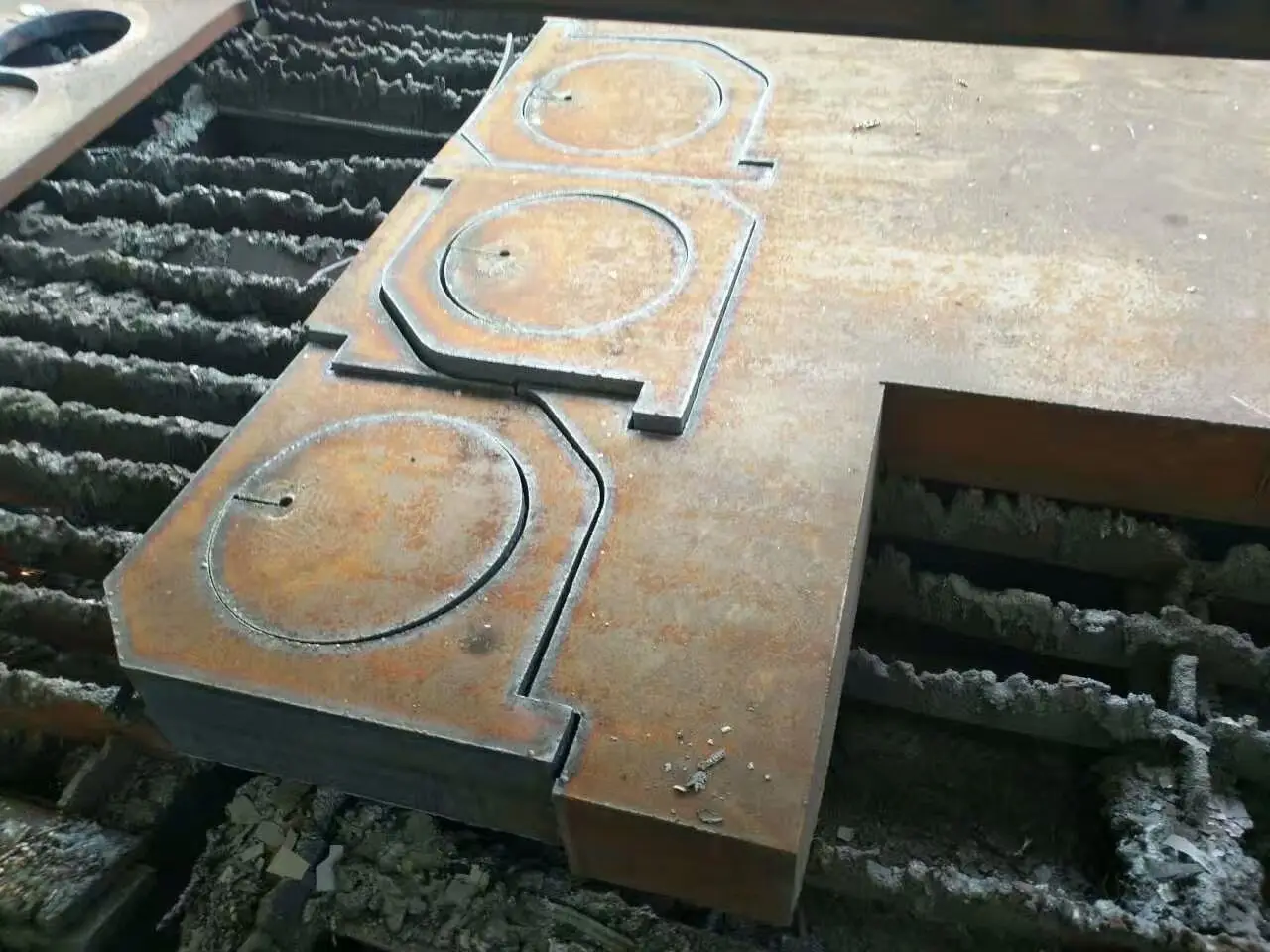
The metal image above should not be treated as evidence that the Nova 51 can cut bare metal. Before publishing, confirm what machine and process produced the sample. If its origin or process cannot be verified, replace it with a documented Nova 51 application sample.
A useful laser machine review should distinguish published specifications from results achieved on specific materials. The Nova 51's maximum engraving speed is up to 1000 mm/s, but this figure is not the cutting speed for every material. Cutting and engraving performance depend on laser power, material type and thickness, lens choice, air assist, focus, and processing parameters.
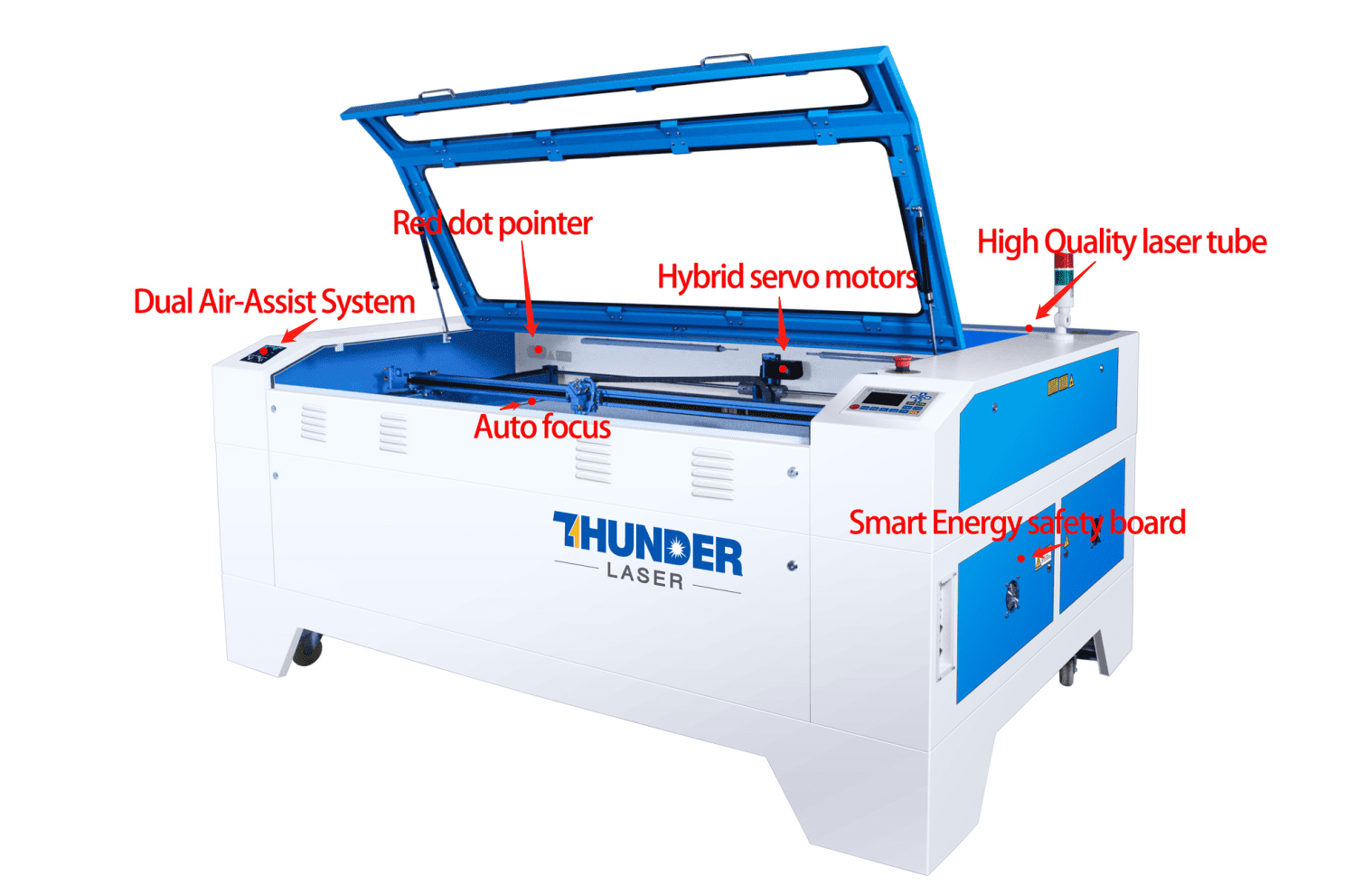
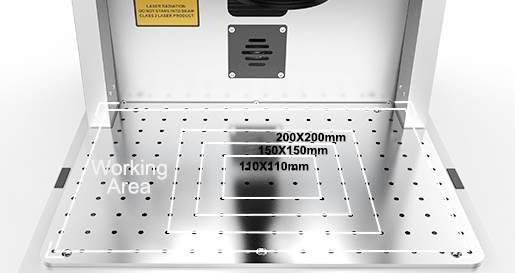
The published maximum engraving speed of up to 1000 mm/s provides a useful reference when comparing machines, but it does not predict the time required for a finished job. Raster engraving, vector cutting, fine-detail work, and large filled designs use different processing strategies. For production planning, test representative files and compare the complete cycle time, including setup, material handling, and finishing.
The 1300 × 900 mm working area can accommodate larger designs and multiple smaller pieces in one setup. Whether this improves throughput depends on how efficiently the work is arranged on the bed and how much time each job requires.
Cutting quality depends on more than laser power. Material thickness, focus, lens selection, air assist, speed, and power settings all affect edge finish, charring, and the risk of incomplete cuts. For repeat production, evaluate sample parts for dimensional consistency, edge quality, small-feature detail, and fit between components.
No single accuracy or repeatability result should be assumed without a documented test. If precision is critical to your application, ask for a sample cut using your own material and design before making a purchase decision.
Software compatibility, file preparation, job positioning, focus, and parameter selection all affect the daily workflow. Current Nova Series listings include LightBurn compatibility, but the software package and supported operating systems should be confirmed for the specific machine and region. Buyers should also check the available training, documentation, and setup support.
A large-format CO2 laser needs more than the machine itself. Plan for suitable water cooling, air assist, exhaust extraction, electrical supply, cleaning, and routine inspection. The external chiller and extraction system require additional floor space and may affect the total installation cost.
Before installation, confirm the required circuit, exhaust duct size, chiller model, ventilation route, and clearance needed for loading materials and servicing the machine. Follow the manufacturer's operating and maintenance instructions.
The main difference between Nova Series models is their working area and the capacity they provide for different job sizes. Choose the model based on the materials and dimensions you process most often, rather than assuming the largest machine is always the best option.
| Model | Working Area | Best Fit |
|---|---|---|
| Nova 35 | 900 × 600 mm | Users whose typical parts fit a medium-sized bed and who want a smaller machine footprint |
| Nova 51 | 1300 × 900 mm | Users processing larger sheets, oversized designs, signage, or multiple parts per job |
| Nova 63 | 1600 × 1000 mm | Users who regularly need a larger processing area for oversized projects or higher-volume work |
Working area is only one part of the comparison. Check the laser power available for each model, maximum workpiece dimensions, pass-through capacity, installation space, cooling requirements, and total system cost. For the most accurate comparison, use the current specifications for the models available in your market.
The Nova 51 is worth considering if your work regularly requires a 1300 × 900 mm processing area and you primarily cut or engrave compatible non-metal materials. Its large bed can be useful for signage, acrylic fabrication, woodworking, model making, and batch production where larger layouts reduce the need to reposition materials.
It may be more machine than you need if most of your projects are small, your workspace is limited, or a smaller working area already accommodates your typical jobs. If direct bare-metal cutting is essential, a CO2 laser is not the appropriate solution for that requirement.
To evaluate the overall value, compare the machine price and installation costs with your expected workload. Include the chiller, exhaust extraction, electrical requirements, materials, maintenance, operator time, and anticipated production volume. A larger bed can improve workflow for some jobs, but the financial benefit depends on actual use rather than specifications alone.
If possible, provide your own design file and material sample for a cutting or engraving test. A representative test is more useful than relying on maximum speed or wattage alone when evaluating whether a machine will meet your production requirements.
The Thunder Nova 51 is a large-format CO2 laser cutting and engraving machine for users who need room for larger designs and production layouts. Its suitability depends on the materials you process, the size of your typical jobs, the required finish, and the space and infrastructure available for installation.
Before deciding, confirm the current machine configuration, test representative materials, and compare the Nova 51 with other models based on actual job requirements. These checks will help you determine whether its working area and capabilities fit your workflow.
Need Help Choosing the Right Laser Machine?
Contact Thunder Laser to compare Nova 51 with other laser cutting and engraving machines based on your materials, working area, installation requirements, and production goals.
Contact UsTalk To Our Experts Now!
Please leave your contact information so that we can serve you better.
THUNDER NOVA 51 FAQS
FIND THE RIGHT LASER FOR YOUR NEXT PROJECT
Explore Thunder Laser solutions designed for different materials, workflows, and production needs.

 Stable & Consistent MachinesUnlimited ApplicationsRobust After-sales SupportFactory Direct Supply


