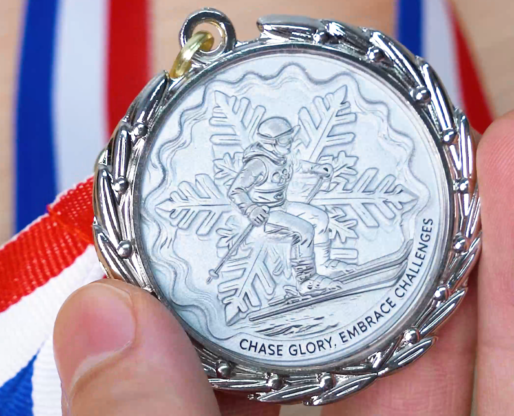
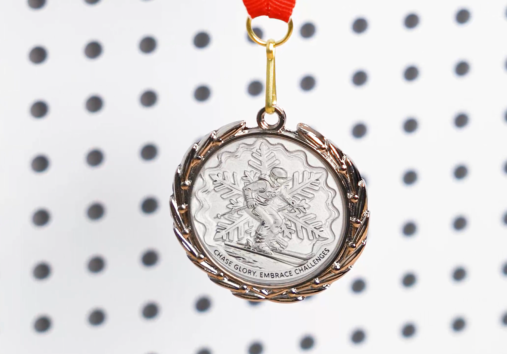
Bring the excitement of the Winter Olympics to life with your own custom-made zinc alloy medals! Whether it’s for a school event, a friendly competition, or just a keepsake, this tutorial guides you through every detail of laser cutting and engraving, so even beginners can create stunning medals that feel truly professional.
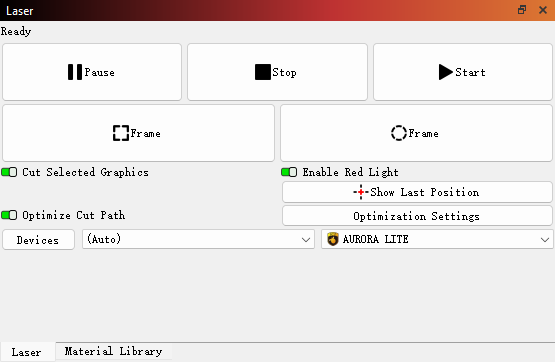
The machine is connected and operating normally, and the lens cover has been removed.
Step 1: Place the Zinc Alloy Medal on the Laser Bed
Lay your zinc alloy medal flat on the laser bed. Make sure it is clean, free of fingerprints, and secured so it won’t shift during the process.
Step 2: Import the Laser Mark File
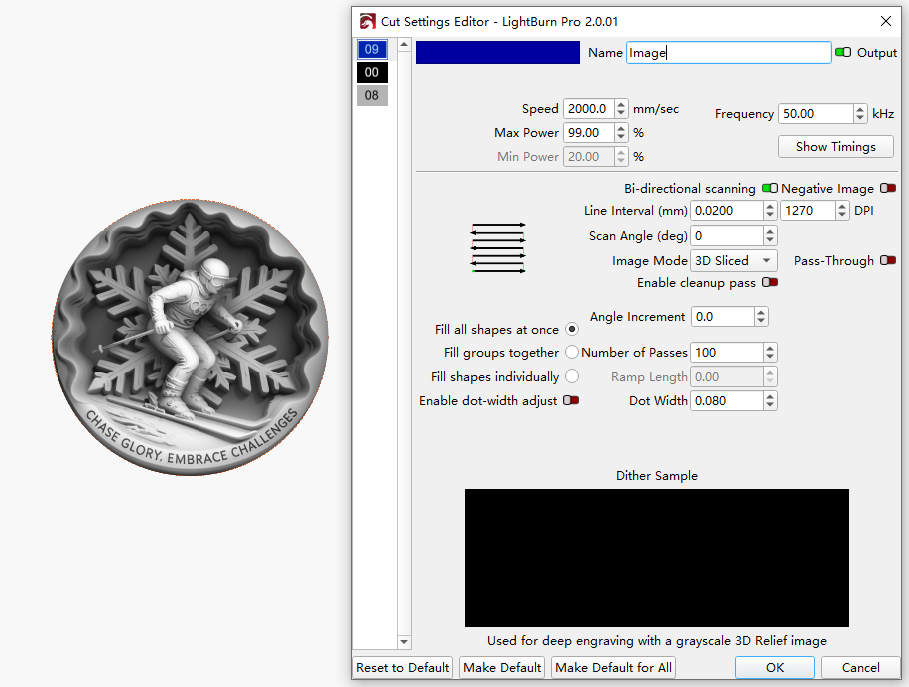
Open your laser software and import the prepared design. Adjust the size and position to match the medal. For 3D relief engraving, the image should be processed as a grayscale file so the laser can translate brightness into depth. If you still have questions about making a grayscale file for 3D relief engraving, check out more information from our expert.
Step 3: Focus the Laser
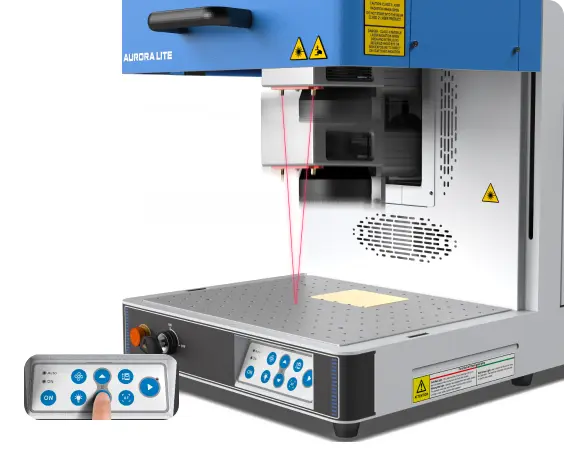
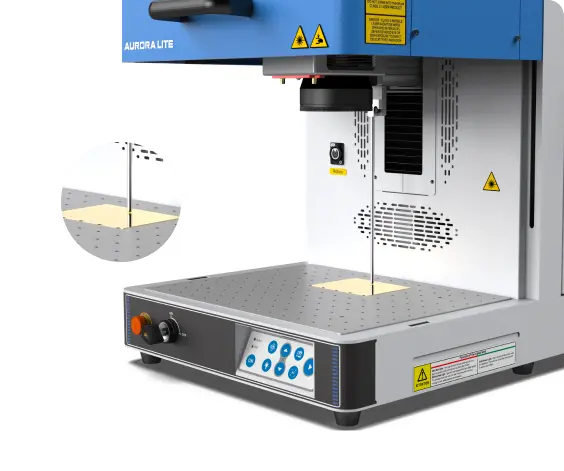
Set the focus precisely on the top surface of the medal. Accurate focus is essential for achieving smooth transitions and well-defined layers in 3D marking.
Auto focus
Manual focus
Step 4: Run a Frame Test
Use the frame or outline function to preview the laser marking area. This helps confirm alignment and prevents the design from marking outside the slate.
Step 5: Monitor the Marking Process
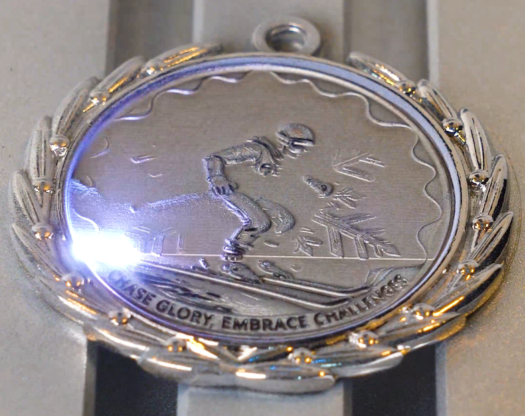
Start laser marking and monitor the process throughout. 3D relief marking on a zinc alloy medal typically takes longer than standard marking. Active monitoring is essential to maintain safe operation, protect the laser system, and address any irregular conditions immediately.
Step 6: Inspect and Remove the Medal
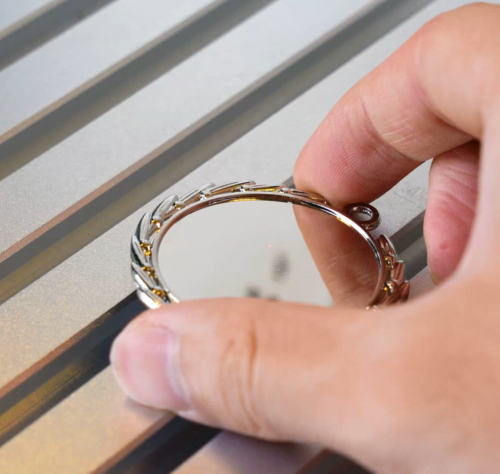
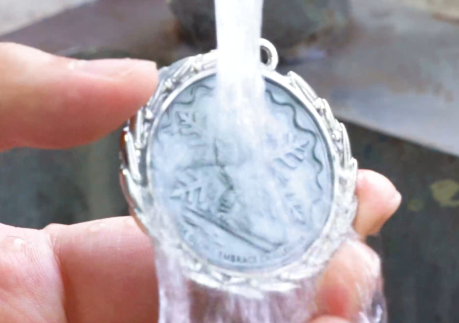
Once the laser marking is complete, let the laser-marked medal cool for a few minutes. Then, use water to clean it thoroughly.
Step 7: Complete the Laser Marking
If desired, polish the medal lightly with a metal-friendly cloth or apply a protective coating to enhance shine and prevent oxidation.
Come and Try!
Celebrate your own Winter Olympic moments by making medals that everyone will admire! Invite friends, classmates, or teammates to create their own together—an easy, fun project that combines creativity with a touch of Olympic spirit.

.png "laser cutter Globle") International
International
 United States
 Brasil
 Canada
 Costa Rica
 Mexico
 Česká
Česká
 Romania
 Polska
 Ireland
 Portugal
 Lietuva
 Россия
 Deutschland
 Britain
 Україна
 France
 Sverige
 Italia
 Norway
 Denmark
 Ελλάδα
 한국
한국
 中国
中国
 中国香港
中国香港
 Israel
 中國臺灣
中國臺灣
 ジャパン
ジャパン India
India
 پاکستان
 پශ්රී ලංකා
 ประเทศไทย
 Australia
 New Zealand
 South Africa