




Soccer Night Light
 2026-06-15
WHAT ARE YOU LOOKING FOR?
Search Across Products, Blog Posts, Support Content, And Resources.

Soccer Night Light
2026-06-15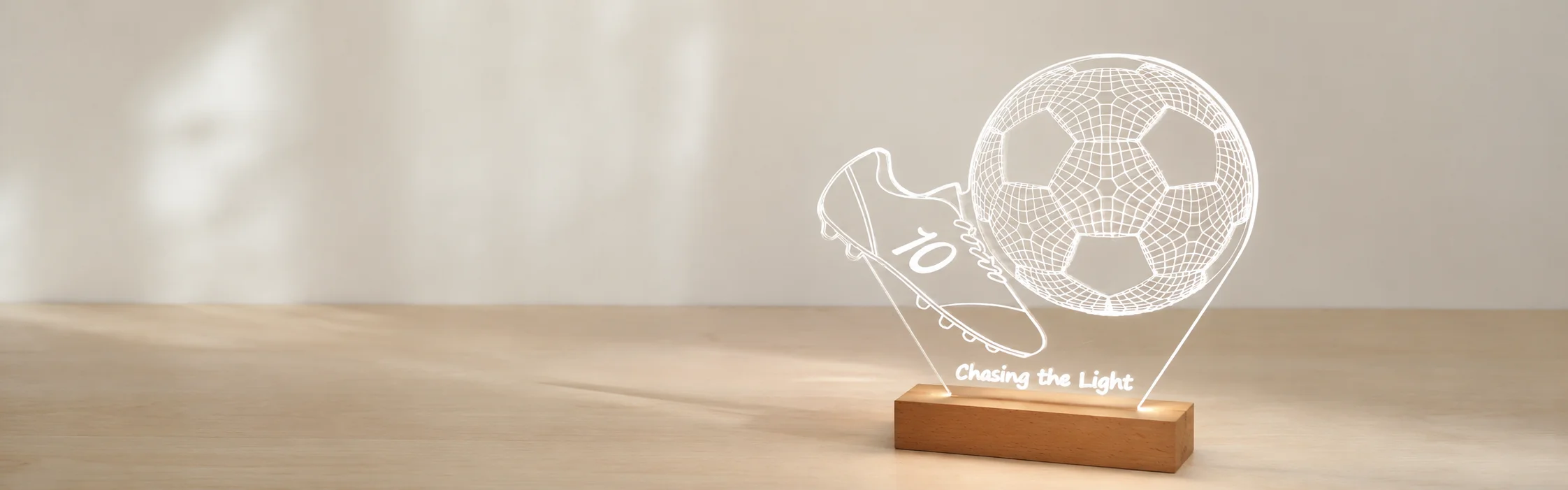
Key Information
Introduction
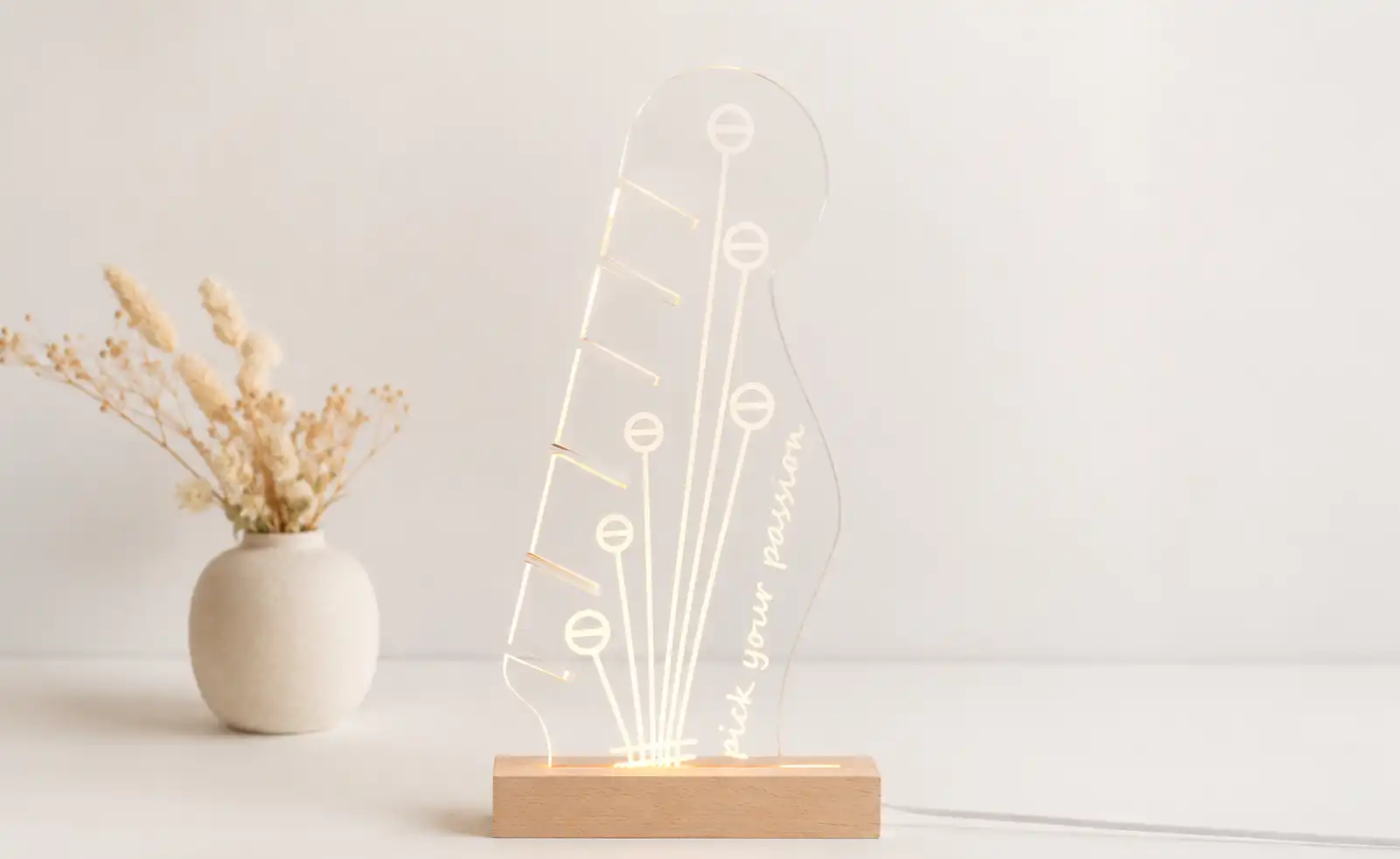
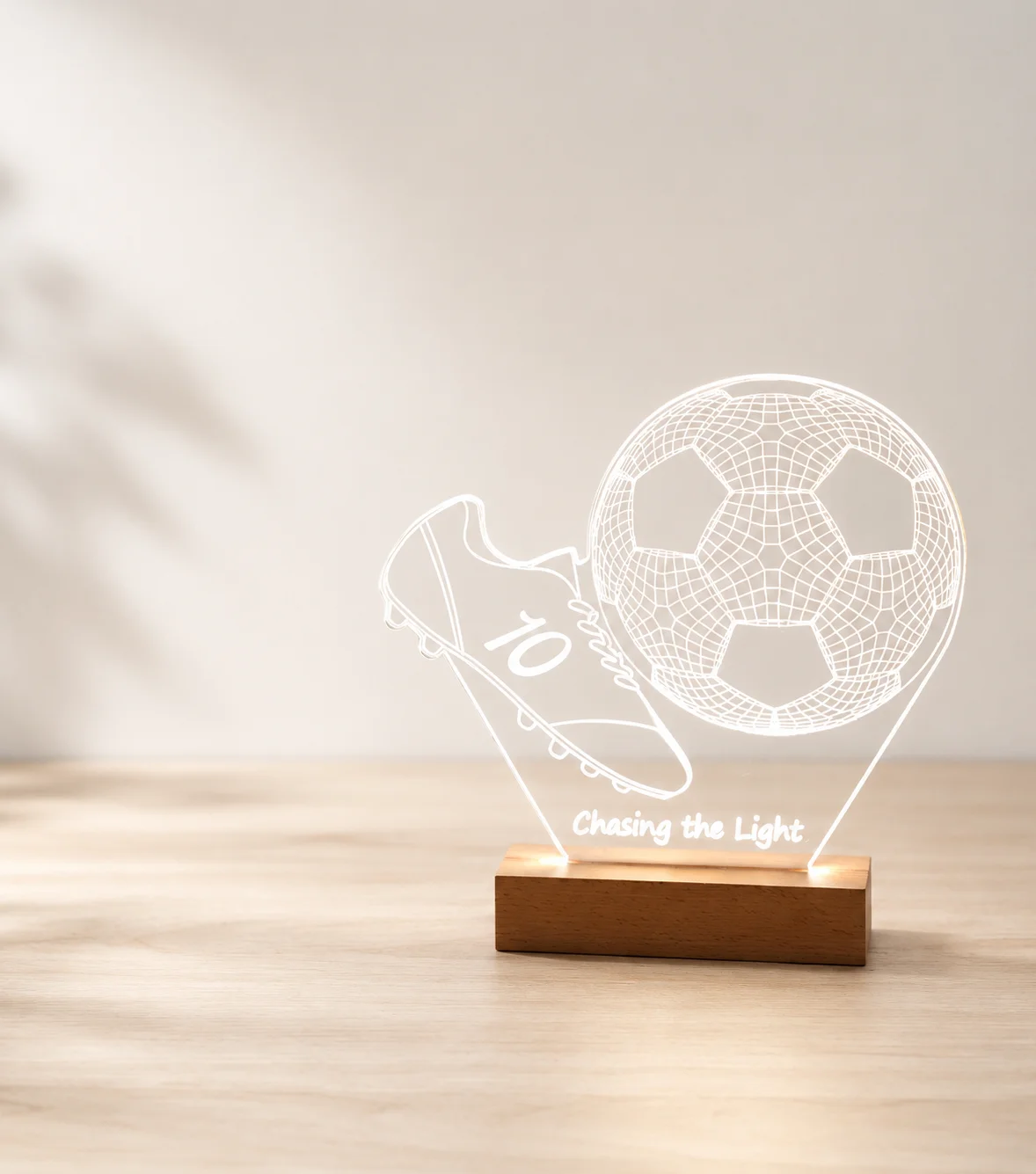
Whether it's displayed in a bedroom, game room, or sports corner, a soccer-themed night light adds a personal touch while creating a warm glow after dark.
The engraved acrylic lights up beautifully when paired with an LED base, making the design stand out.
In this tutorial, you'll learn how to laser engrave and cut a custom soccer night light from 5mm clear acrylic. It's a simple project with an impressive result that's perfect for soccer fans of all ages.
Before your work begins
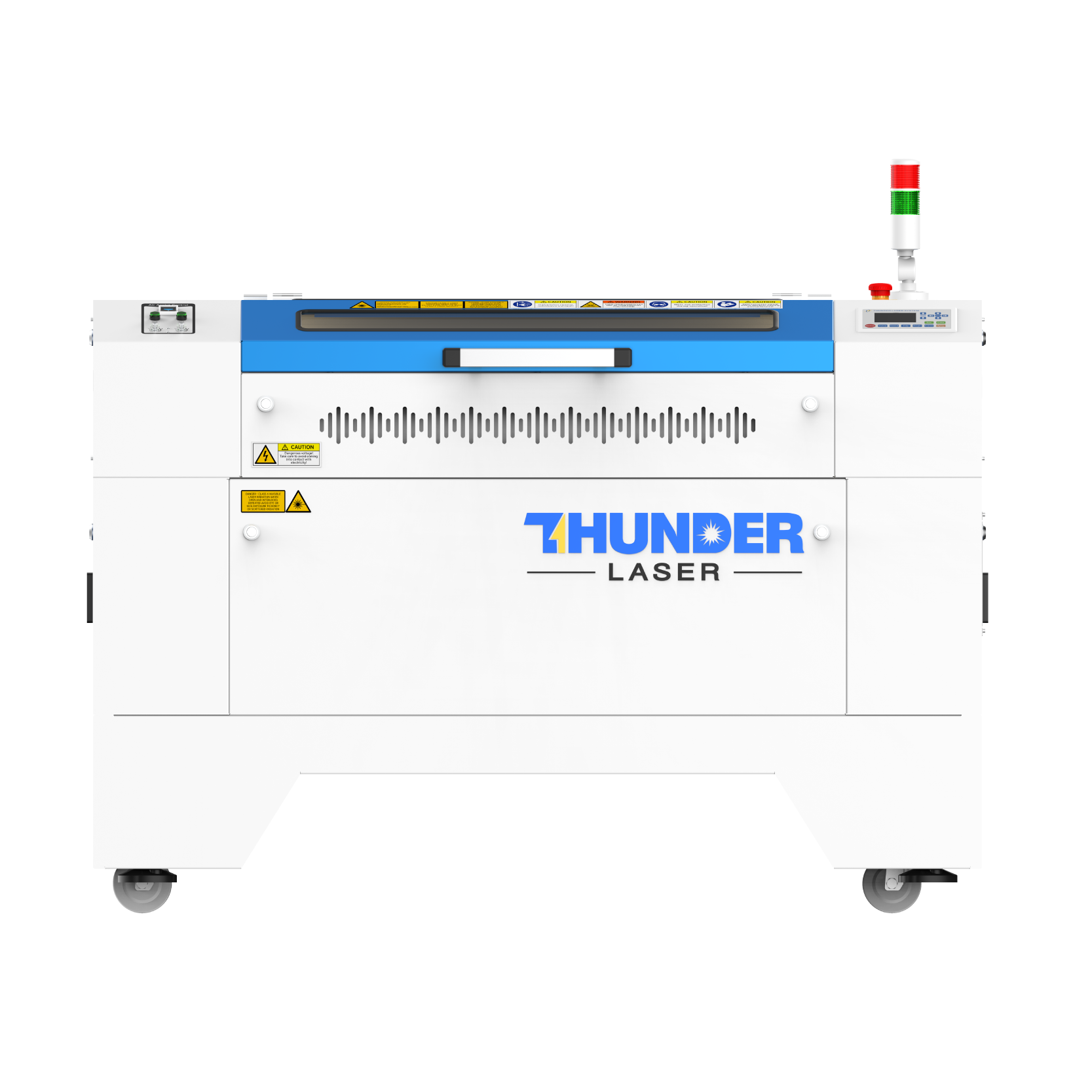
 Make sure the Thunder Bolt is connected and operating normally Prepare a clean and flat 5mm clear acrylic sheet Keep the protective film on the acrylic surface before processing Check ventilation before engraving and cutting acrylic
Operational Process
Prepare a 5mm clear acrylic sheet and keep the protective film attached if possible to help reduce scratches during processing.
Place the acrylic flat on the laser bed and ensure it stays within the machine's working area. Before processing, wipe the surface clean to remove dust, fingerprints, or debris that could affect the engraving quality. If needed, use pins to keep the acrylic securely in place.


Open your laser software, such as LaserMaker, and import the soccer night light design file.
Adjust the scoring, engraving, and cutting parameters according to your acrylic settings. Check that the design is correctly positioned and that the slot section matches the size of your LED light base before sending the file to the machine.

Set the laser focus to the surface of the acrylic before starting the job.
Proper focus helps create sharp engraving details and smooth cutting edges, allowing the illuminated design to appear cleaner and brighter when the light is turned on.


Before processing, use the frame function to preview the engraving and cutting area and confirm that the design is positioned correctly on the acrylic sheet.
Once everything is aligned, start the engraving and cutting process. The machine will engrave the soccer design and then cut the outer profile. Monitor the machine during operation and ensure ventilation is working properly throughout the process.


After processing is complete, remove the acrylic from the laser bed and gently clean away any dust or residue.
Peel off the protective film and inspect the engraved surface. Insert the finished acrylic panel into the LED light base and make sure it fits securely. Once powered on, the engraved design will illuminate and reveal the final effect.
Your soccer night light is now ready to display.


Come and Try!
A great night light doesn't just brighten a room. It showcases something you love.
Create your own soccer-themed acrylic lamp and bring the excitement of the game into your space, day and night.


Precision Starts with the Right Parameters
Find recommended material settings for your laser machine.
Projects You May Also Like
Share. Connect. Get Inspired.
Your Creativity Fuels Our Community—let's Build Something Amazing Together!

Share on Social Media
Post your laser project and tag @thunderlaser.official to get featured.

Join Thunder Family
Learn, share, and get real support from the community.

Follow for More Ideas
Stay tuned for tutorials, material tips, and latest news.
Ready for Your Next Creation?
Ready to take the next step? Explore more tutorials or find the right machine for your work.

 Stable & Consistent MachinesUnlimited ApplicationsRobust After-sales SupportFactory Direct Supply