


Monsters Parade on Stainless Steel
 2025-02-26
WHAT ARE YOU LOOKING FOR?
Search Across Products, Blog Posts, Support Content, And Resources.

Monsters Parade on Stainless Steel
2025-02-26

Key Information
Introduction
Are you ready to bring a Monsters Parade design to life with laser color marking?
Laser color marking on titanium creates vivid, permanent color effects through controlled heat. The finished colors can shift under different lighting and viewing angles, making the titanium plate look dynamic and eye-catching.
In this project, you will learn how to place the titanium plate, import the design file, set up laser color marking parameters, focus the laser, frame the design, and complete a colorful titanium marking project.
Before your work begins
 Make sure the machine is connected and operating normally
Keep the titanium plate flat and stable on the laser bed
Test the laser color marking settings before processing the final design
Make sure the machine is connected and operating normally
Keep the titanium plate flat and stable on the laser bed
Test the laser color marking settings before processing the final design

Operational Process
Place the titanium plate on the laser bed. Since the center area is flat, it is suitable for laser color marking.
Make sure the plate is stable and positioned correctly before importing the design file. A flat and steady surface helps keep the marked color effect consistent.

Load the Monsters Parade design into LightBurn software, then adjust the size and position to fit your titanium plate.
Check that the laser color marking parameters are set correctly. The parameters in the project file are for reference only, because the final color effect can vary depending on the batch and manufacturer of the titanium plate.

Accurate focusing is essential for successful laser color marking on titanium. Missing the focus is one of the most common reasons for poor results.
You can click the AF button for auto focus. For manual focus, place the focal stick in the correct position under the lens and adjust the Z-axis height carefully until the end of the focal stick just touches the titanium surface.


Press the frame button and check whether the visual red light indicates the correct marking area. The frame should be located in the middle of the titanium plate.
If the frame is not aligned, adjust the design position until it fits correctly. After checking, close the laser door and begin the Aurora Lite laser color marking process.


Once the marking process is complete, carefully open the door and remove the titanium plate. The colors are created through controlled heat application, so the pattern can reveal different shades when viewed from different angles or under different lighting.
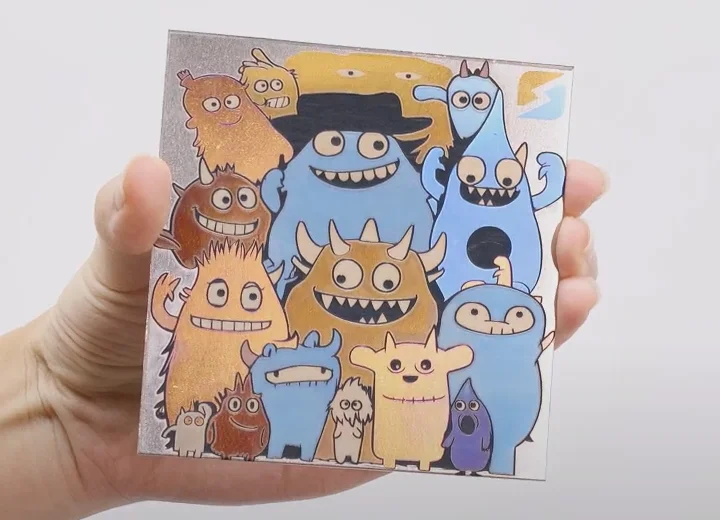
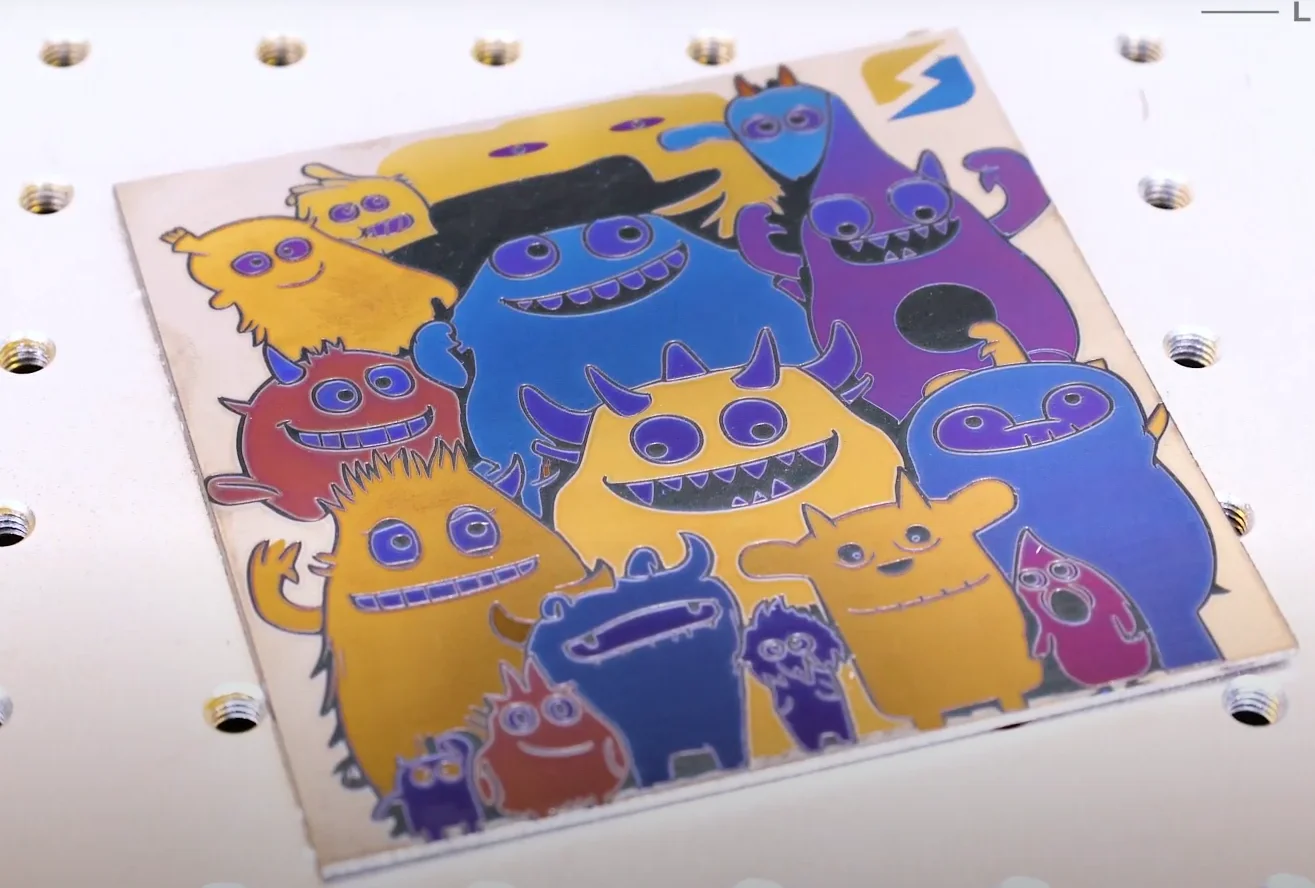
Come and Try!
Laser color marking on titanium plate combines style, durability, and personal expression. The shifting colors make the finished design lively and memorable.
With careful focusing, correct settings, and patient testing, you can turn a plain titanium plate into a colorful Monsters Parade artwork that feels bold, playful, and unique.


Projects You May Also Like
Share. Connect. Get Inspired.
Your Creativity Fuels Our Community—let's Build Something Amazing Together!

Share on Social Media
Post your laser project and tag @thunderlaser.official to get featured.

Join Thunder Family
Learn, share, and get real support from the community.

Follow for More Ideas
Stay tuned for tutorials, material tips, and latest news.
Ready for Your Next Creation?
Ready to take the next step? Explore more tutorials or find the right machine for your work.

 Stable & Consistent MachinesUnlimited ApplicationsRobust After-sales SupportFactory Direct Supply


