


Laser Engraving: All You Need To Know
 2024-11-07
WHAT ARE YOU LOOKING FOR?
Search Across Products, Blog Posts, Support Content, And Resources.

Laser Engraving: All You Need To Know
2024-11-07

Laser engraving has become an increasingly popular method for customizing products, personalizing gifts, and creating intricate designs across many industries. From wood and acrylic to glass and metal, this versatile technique uses a focused laser beam to produce permanent, detailed marks.
In this guide, we'll break down what laser engraving is, how it works, the main types of lasers used, and practical tips to help beginners and professionals achieve better results safely and efficiently.
Laser engraving is a process that uses focused laser beams to etch or carve designs, text, or images onto various materials, including metal, wood, glass, plastic, and more. During this process, the laser vaporizes the material's surface, creating a permanent mark that can range from fine, detailed artwork to deep, bold engravings.
Laser engraving is fast, requires minimal setup, and works with many materials, making it highly versatile for both creative and functional applications.
Laser engraving is easier to get started with than many people think, thanks to user-friendly software, presets, and straightforward machine interfaces. However, mastering it takes practice, especially when learning the best settings for different materials, such as power, speed, and focus.
For beginners, most entry-level machines offer guided tutorials, and many include presets for common materials, making the initial learning curve manageable. As you gain experience, you'll develop a better understanding of how to optimize settings, prepare design files, and work with different materials, making it easier to create complex designs and professional results.
In short, laser engraving is accessible for newcomers while still offering plenty of room for advanced users to refine their skills.
You may have seen videos where laser engraving looks quick and effortless. But what is really happening behind the process, and how does the design take shape?
A laser engraver works by directing a focused beam of light onto a material's surface to engrave, cut, or mark it. The process usually includes the following steps:
Depending on the power and speed settings, a laser engraver can produce different effects, from shallow etching to deep cuts. Different materials require different laser settings to achieve the best results without damage or unwanted burns.
The main types of lasers used for engraving are CO2 lasers, fiber lasers, UV lasers, and diode lasers. Each type is suited for different materials and applications.
CO2 lasers are often used for engraving versatile non-metallic materials like wood, glass, acrylic, leather, and some plastics. Their wavelength, typically around 10.6 micrometers, makes them ideal for organic materials and allows them to produce deep, clear engravings. CO2 lasers are popular among both hobbyists and businesses because of their versatility.
Fiber lasers are best for metals and some hard plastics. With a shorter wavelength, around 1.06 micrometers, fiber lasers are excellent for engraving metals such as stainless steel, aluminum, and gold. They produce detailed engravings and are widely used in industrial applications for parts marking, tools, and jewelry.
UV lasers are especially suited for engraving delicate or heat-sensitive materials such as plastics, glass, and some coated metals. Their shorter wavelength enables a process often called cold marking, where the engraving effect occurs without significant heat generation, helping prevent melting or distortion on sensitive surfaces.
Diode lasers are typically lower-powered and are used for softer materials such as wood and plastic. They are common in hobbyist laser engravers because of their affordability, though they may be less effective on tougher materials or demanding production projects.
Here's an explanation from the Thunder Laser team on different types of lasers and their applications. You can also gain a more visual understanding by watching the video or visiting our YouTube channel.
Laser engraving can be applied to a wide range of materials. Here are some common laserable materials for laser engraved products.
Wood is highly receptive to laser engraving and cutting, allowing for detailed and creative designs. Different wood types, such as maple, cherry, and plywood, produce varying shades and effects when engraved, making wood ideal for signs, plaques, artwork, and decorative items.
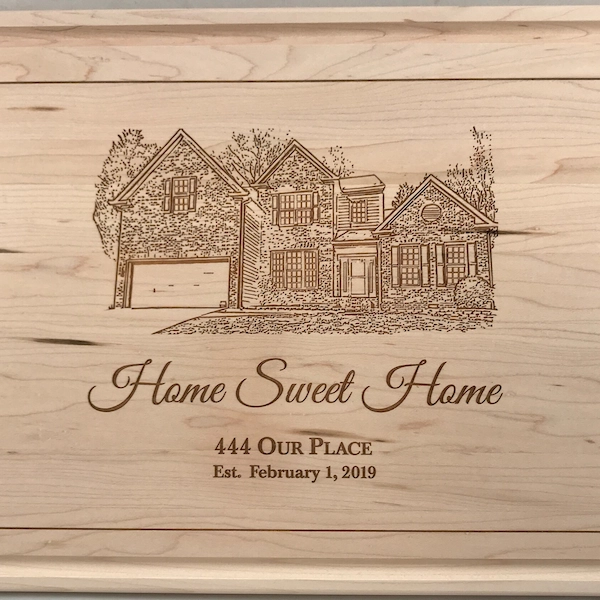
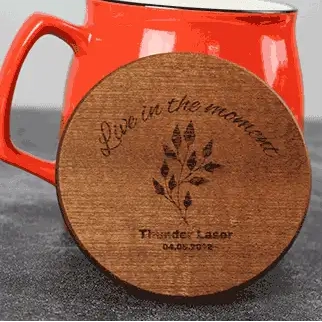
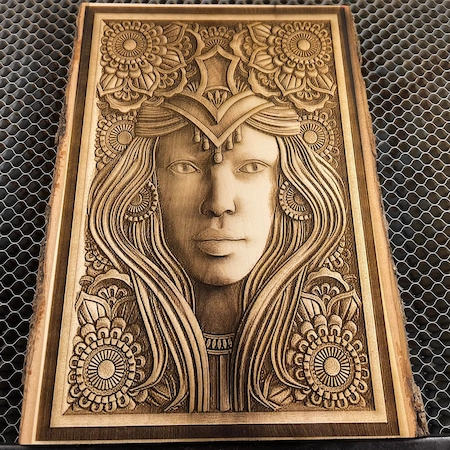
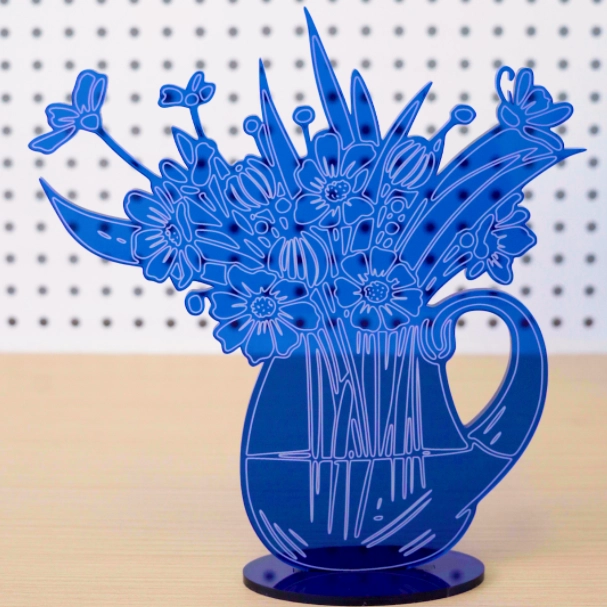
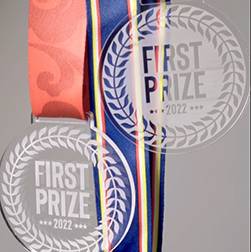
Acrylic and plastics are widely used in signage, awards, and artistic projects because of their clarity and variety. Acrylic in particular produces smooth, polished edges and vibrant designs. Colored, clear, frosted, and mirrored acrylics each create distinct visual results.
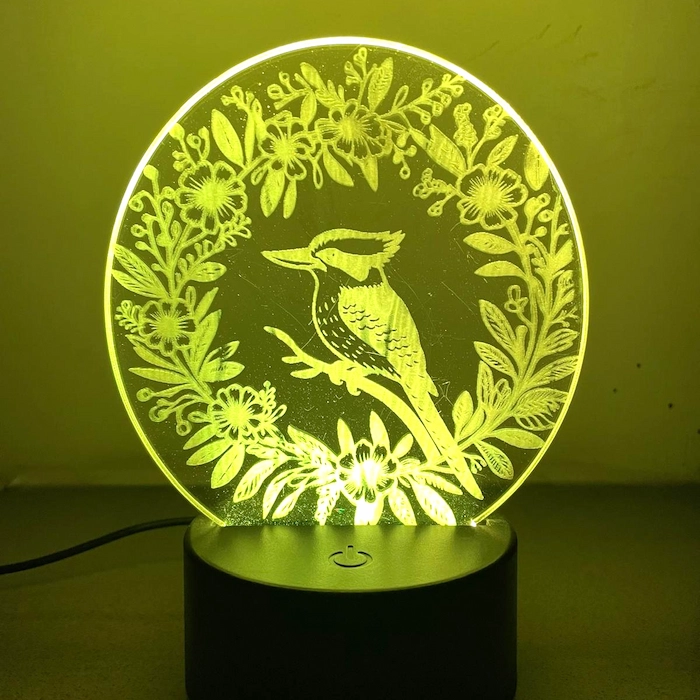
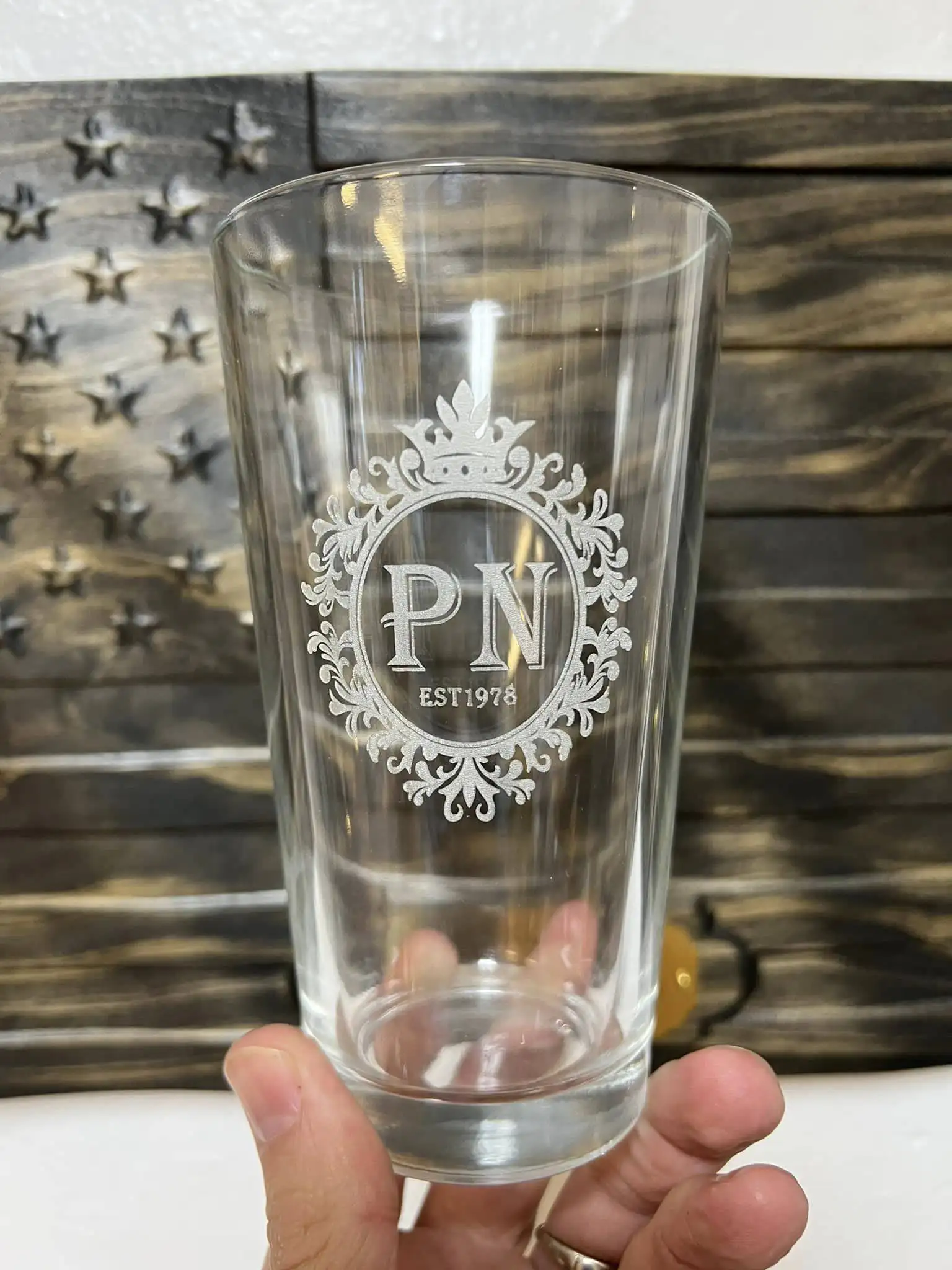
Using a CO2 laser to engrave glass creates a frosted effect on the surface, which is highly visible and smooth to the touch. Glass engraving is widely used for custom bottles, awards, and décor pieces. A rotary attachment is often used to engrave curved glass surfaces evenly.
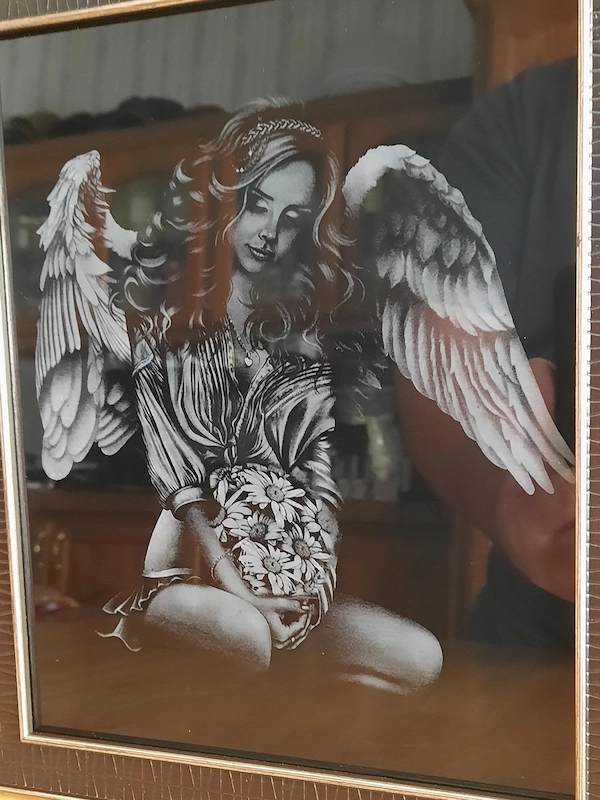
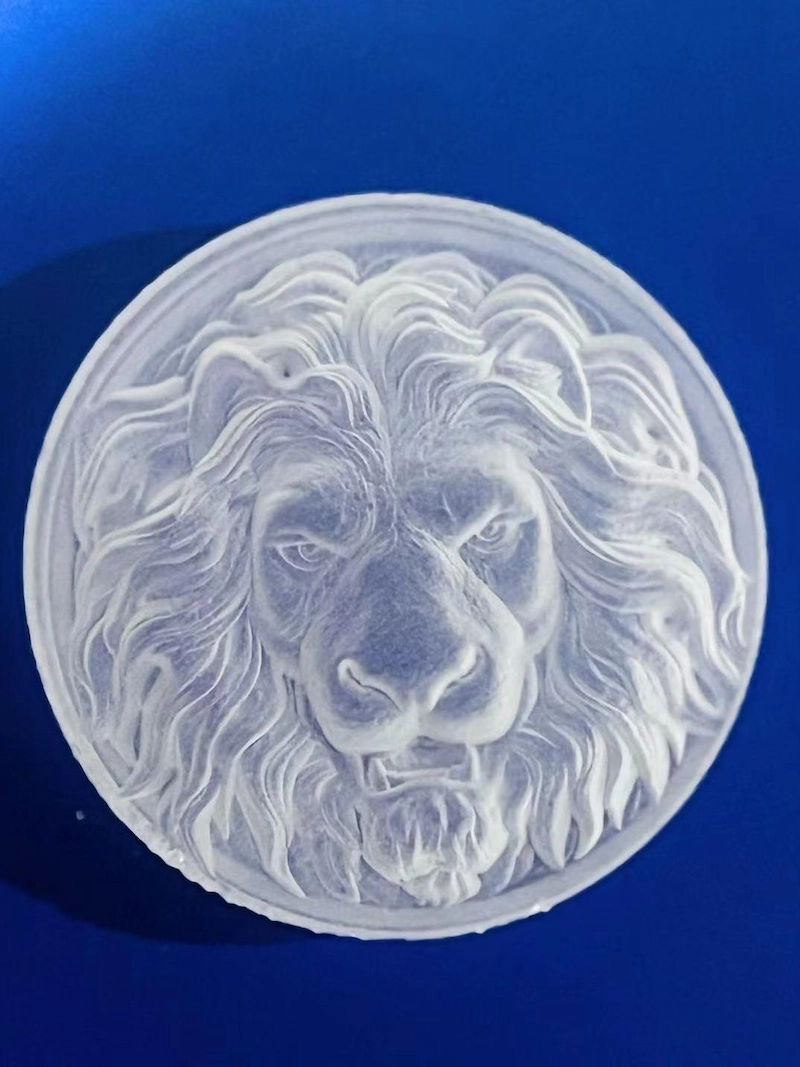
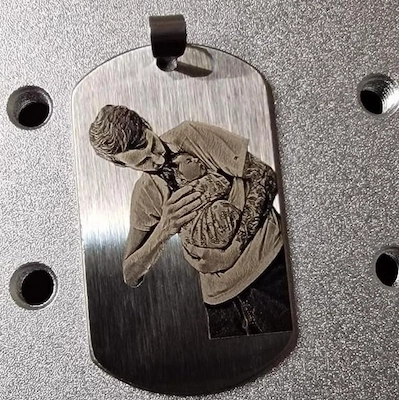
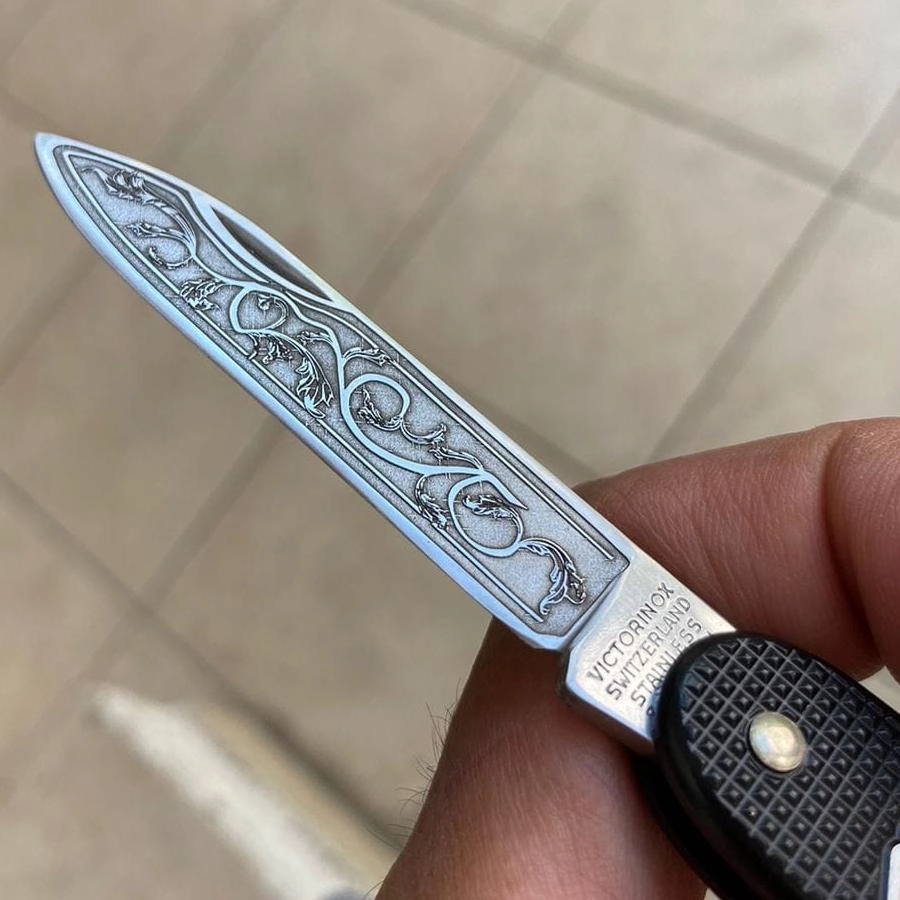
Engraving metal requires fiber lasers or CO2 lasers with marking agents. Metals like stainless steel, anodized aluminum, and coated metals are popular for branding, product marking, and personalization, especially in industries like automotive and manufacturing.
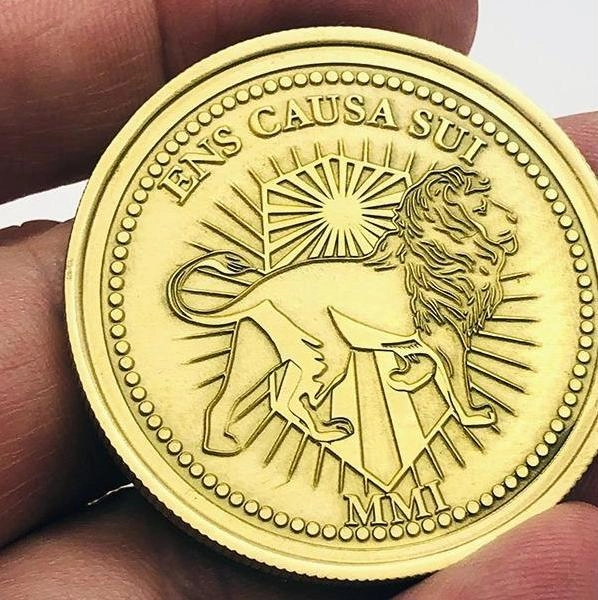
Leather's natural texture provides a unique backdrop for laser engraving, resulting in clear and crisp patterns or logos on wallets, bags, and belts. It is often used for personalization and branding in fashion and accessories, and CO2 lasers typically work best.
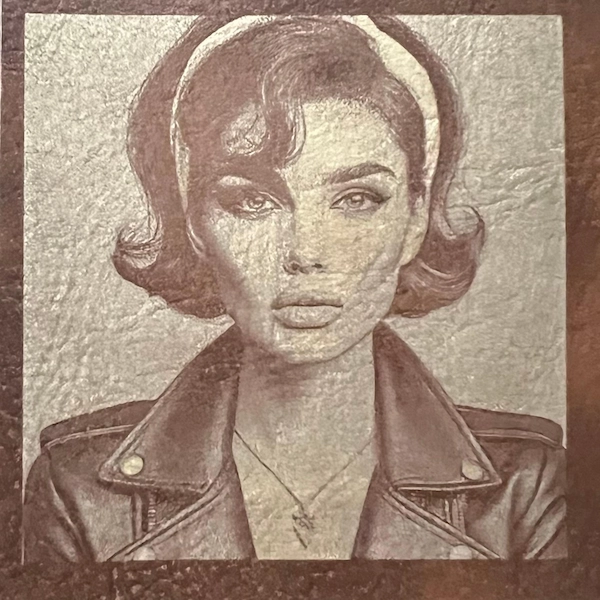
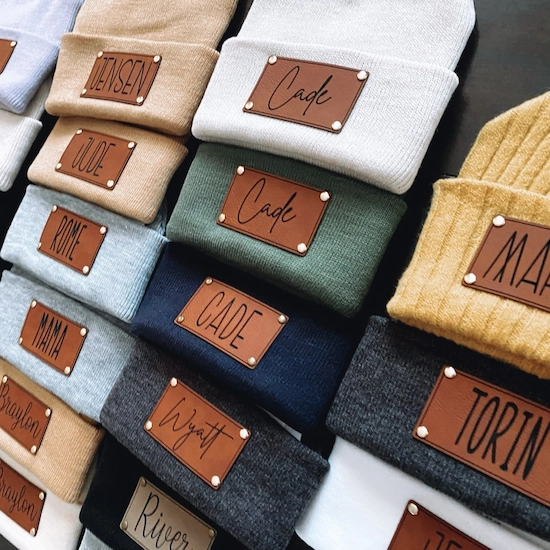
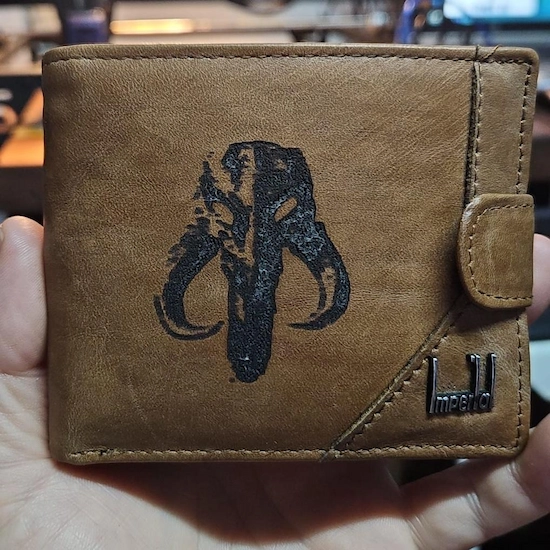
Stone materials like granite, marble, slate, and basalt respond well to laser engraving, producing deep, high-contrast designs. Stone engraving is popular for memorials, custom home décor, and art pieces, as the laser creates a lasting effect without requiring much maintenance.
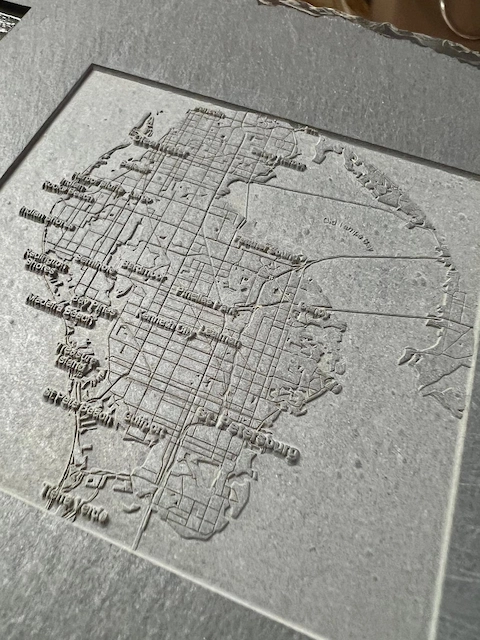
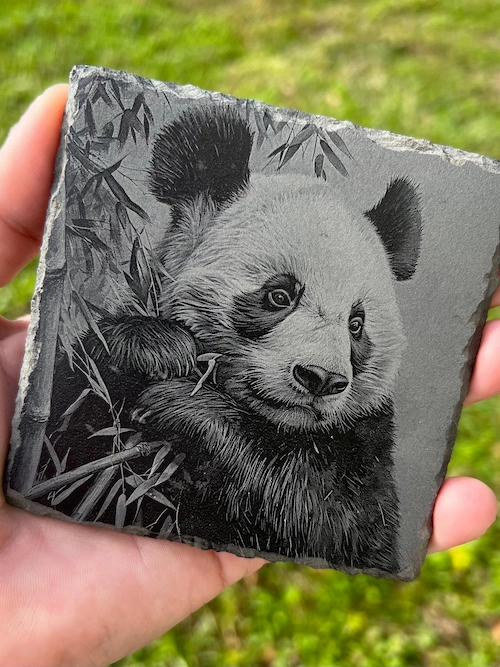
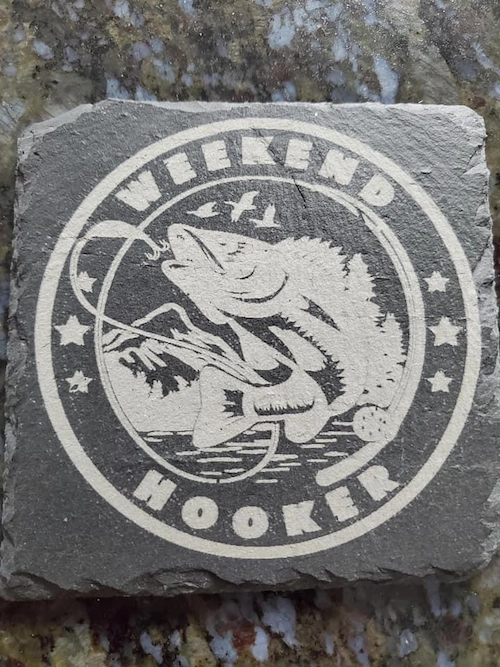
While laser engraving is compatible with a wide range of materials, certain substances are dangerous, damaging to your equipment, or unsuitable for clean results. Below are common materials you should avoid:
Laser engraving PVC releases toxic chlorine gas, which is harmful to health and can damage the laser machine over time.
Polystyrene tends to melt and emit unpleasant fumes when lasered, leaving a poor-quality finish and creating health hazards.
Fiberglass can produce toxic fumes and damage the laser lens with its glass fibers, leading to poor engraving results and equipment issues.
Epoxy resin can burn, produce toxic fumes, and leave behind sticky, poor-quality engravings. It also tends to clog the laser bed with residue.
HDPE melts rather than engraves, often leading to an uneven, messy result. It can also emit fumes that may be irritating.
Synthetic leathers often contain PVC or similar compounds, making them unsafe for laser engraving because they can emit toxic fumes and damage laser optics.
Carbon fiber can emit toxic particles when engraved, and its material structure may fray or become damaged, making it difficult to achieve clean results.
To start laser engraving, you'll need a laser engraving machine, design software, and a compatible material for your project. With these essentials, you can bring designs to life by engraving patterns, text, or images onto various surfaces.
Start with a digital design file in formats like .jpg, .svg, or .pdf, using software compatible with your laser engraver, such as Adobe Illustrator, CorelDRAW, or LightBurn. Adjust the size and layout for your material.
Choose a material suitable for engraving, such as wood, glass, acrylic, or metal. Place the material securely on the machine bed, and if working with round objects like bottles, use a rotary attachment for even engraving around curves.
Configure the laser power, speed, and focus for your material. Higher power suits harder materials, while softer materials usually need lower power to prevent burning or warping.
Do a test run on a scrap piece to ensure the settings are correct. This helps confirm that the design and settings produce the desired depth, contrast, and clarity.
Once everything is set, initiate the engraving process. Monitor the machine in case adjustments are needed, and ensure proper ventilation, as some materials release fumes when engraved.
After engraving, remove residue or dust from the engraved area with a soft cloth or brush. This step gives your engraved design a clean, professional finish.
Here's a basic instructional video on CO2 machine operation, showing how to select files for engraving. You can also visit our YouTube channel for more information.
Whether you're a beginner or a seasoned user, mastering a few key techniques can greatly improve your laser engraving quality. From fine-tuning your settings to improving alignment and post-engraving cleanup, these tips will help you get cleaner, sharper, and more professional results across different materials.
To enhance engraving precision, start by using a high-resolution design and making sure the laser engraver's lens is clean and properly focused. You should also adjust the power and speed settings according to the material type. Regularly checking settings during long engraving sessions helps keep details sharp and ensures consistent quality across the entire design.
To reduce material burning, especially with materials like wood or acrylic, optimize the power and speed settings to avoid excessive heat buildup. Higher speed and lower power settings can help prevent scorching, while air assist directs airflow around the engraving area and helps dissipate excess heat.
Achieving perfect alignment can be challenging, especially for irregularly shaped objects. Before engraving, use the frame or trace function on your laser engraver, if available, to outline the engraving area without starting the actual job. You can also use a jig or template for repeated items to streamline setup and keep designs centered.
Masking with transfer tape before engraving helps keep the material clean, while a soft brush or microfiber cloth works well for removing dust. For materials that produce more residue, light sanding or an alcohol-based cleaner for smooth surfaces can help improve the final finish.
Laser engraving can be safe with the right precautions, but there are risks to consider. Exposure to laser radiation can be dangerous for the eyes and skin, so protective goggles or shields are essential. Engraving certain materials may release toxic fumes, so good ventilation or an air filter is important. Laser heat can also create fire risks, especially with flammable materials, so monitoring the machine is recommended.
In short, with proper safety measures and equipment, laser engraving is manageable and safe.
Laser engraving opens up a world of creative and practical possibilities, whether you're customizing a leather wallet or marking parts with precision. While it is generally safe and beginner-friendly, understanding the equipment, suitable materials, and proper safety precautions is key to getting the most out of your machine. With the right setup and some practice, you can turn almost any surface into a canvas for your ideas.
Talk To Our Experts Now!
Please leave your contact information so that we can serve you better.
WOOD LASER ENGRAVING
& CUTTING FAQS
The new Bolt Series has been upgraded with faster engraving speeds (up to 2000 mm/s), higher RF power options (up to 80W), larger working areas, improved Z-axis height, and Standard dual-air assist. We also added a recessed tray design for larger rotary objects and included new accessories such as a conical nozzle.
The new Bolt Series has been upgraded with faster engraving speeds (up to 2000 mm/s), higher RF power options (up to 80W), larger working areas, improved Z-axis height, and Standard dual-air assist. We also added a recessed tray design for larger rotary objects and included new accessories such as a conical nozzle.
The new Bolt Series has been upgraded with faster engraving speeds (up to 2000 mm/s), higher RF power options (up to 80W), larger working areas, improved Z-axis height, and Standard dual-air assist. We also added a recessed tray design for larger rotary objects and included new accessories such as a conical nozzle.
The new Bolt Series has been upgraded with faster engraving speeds (up to 2000 mm/s), higher RF power options (up to 80W), larger working areas, improved Z-axis height, and Standard dual-air assist. We also added a recessed tray design for larger rotary objects and included new accessories such as a conical nozzle.
The new Bolt Series has been upgraded with faster engraving speeds (up to 2000 mm/s), higher RF power options (up to 80W), larger working areas, improved Z-axis height, and Standard dual-air assist. We also added a recessed tray design for larger rotary objects and included new accessories such as a conical nozzle.
FIND THE RIGHT LASER FOR YOUR NEXT PROJECT
Explore Thunder Laser solutions designed for different materials, workflows, and production needs.


 Stable & Consistent MachinesUnlimited ApplicationsRobust After-sales SupportFactory Direct Supply


