







Tips for Optimizing RF Laser Tube Frequency
 2025-03-20
WHAT ARE YOU LOOKING FOR?
Search Across Products, Blog Posts, Support Content, And Resources.

Tips for Optimizing RF Laser Tube Frequency
2025-03-20
The RF laser tube (Radio Frequency laser source) enables precise frequency modulation, allowing users to directly adjust the laser's pulse frequency within LightBurn software. This functionality provides granular control over pulse characteristics, optimizing energy distribution, thermal effects, and material interaction during engraving. By modulating the frequency, operators can fine-tune engraving outcomes, minimizing heat-affected zones and achieving greater precision across various substrates.
This article outlines the process for modifying RF laser tube frequency to enhance engraving accuracy and material adaptability. Let's dive in now!
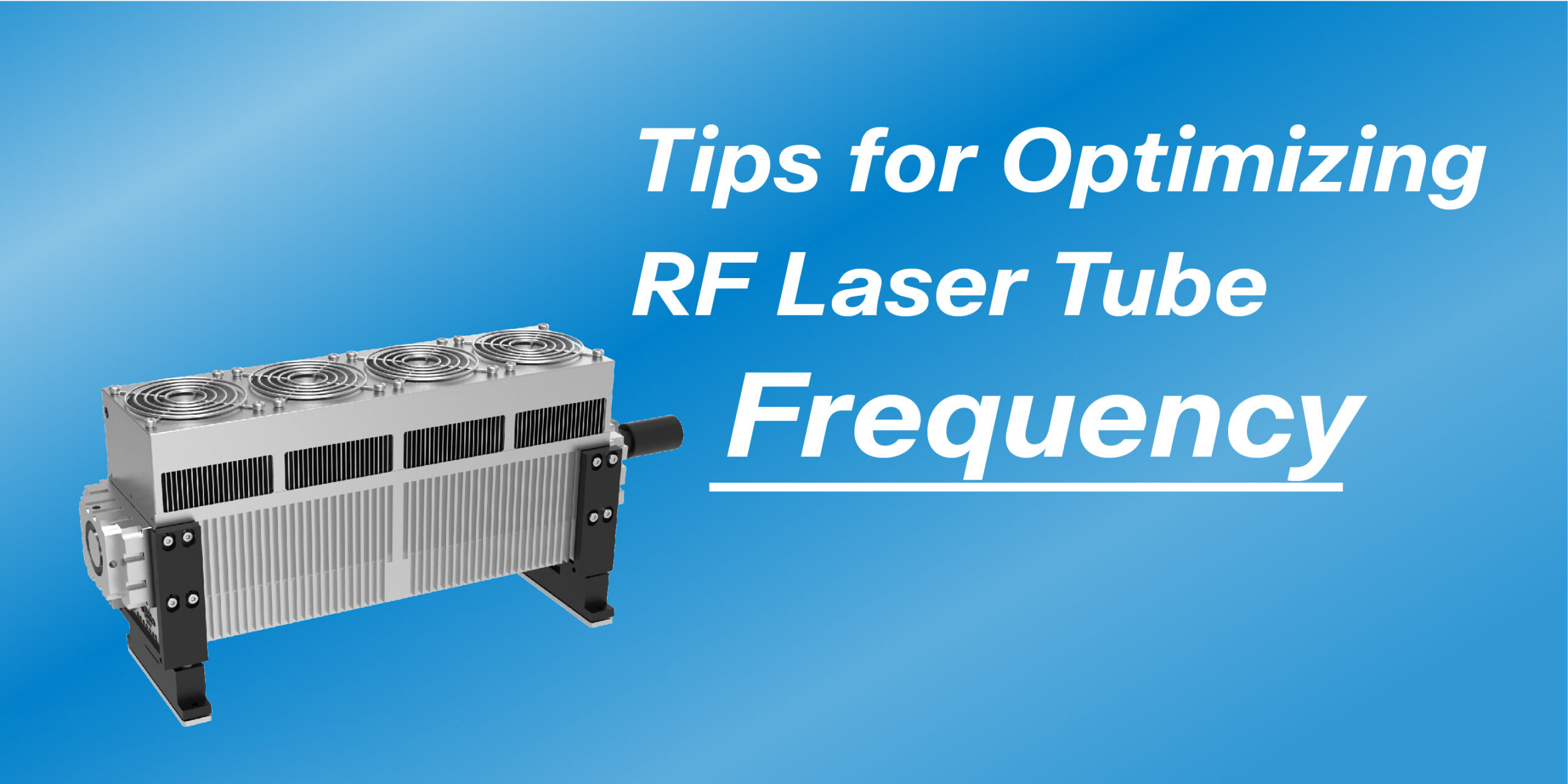
RF laser tube frequency refers to the rate at which laser pulses are emitted per second, measured in Hertz (Hz). Unlike continuous-wave lasers, RF lasers function by rapidly turning on and off, with the frequency determining the speed and intensity of these pulses.
Lower frequencies result in fewer but more powerful pulses, making them ideal for deep cutting or material processing that requires high energy concentration.
Conversely, higher frequencies generate a greater number of pulses with lower energy per pulse, which is better suited for fine engraving and reducing heat-affected zones on delicate materials.
Selecting the appropriate frequency ensures optimal precision and efficiency in both engraving and cutting applications.
Properly optimizing RF laser tube frequency enhances engraving and cutting precision, extends machine longevity, and improves efficiency. Fine-tuning frequency settings ensures that each material is processed with the best balance of speed, power, and energy distribution. Below are key reasons why frequency optimization is crucial:
Selecting the correct frequency can minimize defects such as excessive charring, rough edges, or incomplete cutting. Low-frequency settings provide deep cuts with stronger penetration. However, high-frequency settings enable fine and intricate engraving with reduced surface damage. With fine-tuned parameters, you can achieve precise, high-contrast engraving and clean cutting.
Every material responds differently to laser energy, requiring customized frequency settings to optimize results. For example, wood benefits from lower frequencies to ensure deeper cuts without excessive burning, while acrylic requires higher frequencies for smooth, polished edges. Proper frequency selection prevents material damage and enhances overall engraving or cutting quality.
Frequency adjustments directly impact heat generation and dissipation during laser processing. Lower frequencies concentrate more heat per pulse, which is useful for cutting but can cause overheating or scorching if not properly controlled. Higher frequencies spread the heat more evenly, reducing the risk of warping, discoloration, or material distortion. Balancing frequency with power and speed settings helps maintain temperature control for optimal performance.
Operating the RF laser at an optimal frequency range reduces wear and extends the working life of the tube. Running the laser at improper frequency settings—whether too low or too high—can lead to inefficient energy use and premature degradation of components. Proper frequency optimization ensures the system operates smoothly with minimal mechanical and thermal stress.
Efficient frequency settings allow for faster engraving and cutting speeds without compromising quality. High-frequency settings improve workflow efficiency by enabling smooth, rapid engraving for intricate designs, while lower frequencies enhance cutting performance for thicker materials. By fine-tuning frequency settings in conjunction with power and speed adjustments, operators can achieve superior results while reducing processing time and material waste.
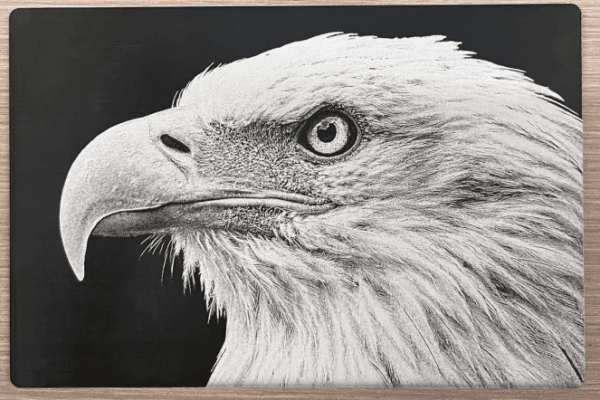

Several factors play a role in determining the optimal RF laser tube frequency for a given application. Understanding these influences can help operators fine-tune their laser settings for better results.
Different materials absorb and react to laser energy in distinct ways. Softer materials like fabric or rubber may require higher frequencies to minimize scorching, while denser materials like metals or wood may benefit from lower frequencies for deeper cuts.
Engraving, cutting, and marking all require different frequency settings. Engraving often benefits from higher frequencies to ensure smooth detailing, whereas cutting may require lower frequencies for stronger penetration.
The relationship between power and frequency must be balanced. Higher power with lower frequency enhances depth but can create burn marks, while lower power with high frequency produces detailed but shallow engravings.
Effective heat management is critical, as excessive heat buildup can lead to material distortion or damage. Adjusting the frequency alongside airflow or cooling mechanisms can prevent unwanted thermal effects.
The laser machine's hardware specifications, including the RF tube wattage and beam quality, influence how different frequencies interact with materials. Machines with advanced control systems allow finer adjustments for improved precision.
RF laser frequency affects energy delivery, influencing cutting depth and engraving precision. Lower frequencies enable deep cuts, while higher frequencies distribute heat evenly to prevent damage. Choosing the right setting ensures clean results when cutting thick materials or engraving delicate surfaces.
Understanding the practical differences between low and high RF laser frequencies helps in selecting the right settings for specific applications. The primary differences are evident in engraving and cutting results.
Produces deeper engravings with higher energy per pulse. However, this can lead to rougher surfaces and potential charring, especially on organic materials.
Generates shallower but cleaner engravings. The increased pulse rate distributes energy more evenly, resulting in smooth, detailed inscriptions with minimal thermal damage.
Cuts deeper and is more effective for thick, dense materials like hardwood and leather. The higher energy per pulse ensures strong penetration but may leave rough or slightly charred edges.
Produces cleaner, smoother edges with less material distortion. The reduced energy per pulse minimizes burning, making it ideal for precision cutting of thin or heat-sensitive materials like acrylic and textiles.
By considering these comparisons, users can adjust frequency settings to match their specific needs, whether for deep, high-impact engraving or smooth, detailed precision cutting.
RF laser frequency does not operate in isolation; it must be balanced with power and speed settings to achieve the desired output.
Produces finer details, making it ideal for intricate engravings. However, due to the lower power, the engraving may lack depth and contrast, particularly on harder materials. This setting works best for marking delicate surfaces where precision is a priority.
Generates deep, smooth engravings but can lead to excessive heat buildup. This may cause unwanted material distortion, particularly in heat-sensitive materials like acrylic or thin metals. Careful power adjustments are necessary to prevent warping or burns.
Results in a deeper, darker engraving due to prolonged exposure. This can be useful for achieving high-contrast engravings, but on some materials, it may produce a burned or carbonized effect, particularly on wood and organic materials.
Produces smooth, shallow engravings, making it a great setting for detailed, high-resolution work. The shorter exposure time reduces burn marks and ensures clean results, particularly on acrylic and coated metals.
Produces shallow, spaced-out markings that may appear dotted. Since the laser pulses are less frequent, the engraving may lack uniformity, particularly on hard materials. This setting is best suited for light etching on soft materials.
Increases engraving or cutting depth significantly but can lead to excessive burning or charring, especially on wood and other organic materials. While this setting is effective for deep engraving, it requires precise control to avoid overburning.
Creates deep, strong engravings with better heat control compared to high-frequency settings. This is ideal for cutting thick materials such as leather and wood, where deeper penetration is needed without excessive heat spread.
Produces faint or dotted engravings with visible gaps in the marking. This setting is useful when a subtle marking effect is required but may not be ideal for applications requiring high contrast or clarity.
| Frequency | Power | Speed | Effect |
|---|---|---|---|
| High | Low | - | Fine details but lacks depth |
| High | High | - | Deep, smooth engraving but risk of heat buildup |
| High | - | Slow | Deep, dark engraving with potential burning |
| High | - | Fast | Smooth, shallow engraving, ideal for intricate work |
| Low | Low | - | Shallow, spaced markings with visible dots |
| Low | High | - | Increased depth but risk of excessive burning |
| Low | - | Slow | Deep, strong engraving with less heat spread, ideal for thick materials |
| Low | - | Fast | Faint or dotted engraving with gaps in the mark |
Understanding this interplay among different parameters enables precise control over engraving and cutting quality.
Learn more: Parameters Settings to Engrave/Cut Perfect Projects!
RF (Radio Frequency) and DC (Direct Current) laser tubes have distinct differences, particularly in precision, durability, and energy efficiency. The following comparison highlights key aspects of both technologies:
| Feature | RF Laser Tube | DC Glass Laser Tube |
|---|---|---|
| Beam Quality | High precision, fine engraving | Lower precision, less refined engraving |
| Lifespan | 10,000–20,000 hours | 2,000–5,000 hours |
| Engraving Speed | Faster, higher pulse frequency | Slower, continuous wave operation |
| Maintenance | Low, sealed system | Higher, requires gas refilling |
| Initial Cost | More expensive | More affordable |
| Cutting Power | Suitable for thin materials | Better for deep cutting |
| Heat Management | Less thermal stress, reduced material damage | Higher heat buildup, risk of burns |
Learn more: RF Laser VS DC Glass Laser
In summary, RF lasers excel in precision applications, offering better engraving quality and longevity, while DC lasers are cost-effective and better suited for cutting applications. Selecting the right laser depends on the specific needs of the project.
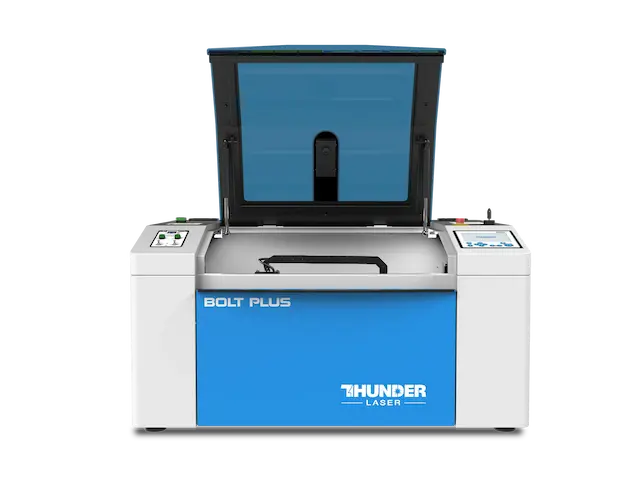
This versatility in frequency settings opens a wide range of creative possibilities, enabling precise personalization of texture, depth, and detail in laser engraving tasks. Also, the ability to fine-tune these specifications supports the exploration of advanced uses in industrial and creative contexts, highlighting the importance of frequency modulation as a key factor in laser material processing.
Achieve the perfect engraving or cutting result by adjusting RF laser frequency. Discover how RF laser frequency can optimize your work!
Talk To Our Experts Now!
Please leave your contact information so that we can serve you better.
FIND THE RIGHT LASER FOR YOUR NEXT PROJECT
Explore Thunder Laser solutions designed for different materials, workflows, and production needs.


 Stable & Consistent MachinesUnlimited ApplicationsRobust After-sales SupportFactory Direct Supply


