


How to Make Stunning Laser Engraved Maps
 2025-05-16
WHAT ARE YOU LOOKING FOR?
Search Across Products, Blog Posts, Support Content, And Resources.

How to Make Stunning Laser Engraved Maps
2025-05-16

Laser engraved maps have become a popular way to turn meaningful locations into personalized art. Whether it's a hometown, a favorite travel destination, or a historical site, laser engraving allows for precision and creativity in capturing these special places.
In this guide, we’ll explore the best materials, techniques, and machines to create stunning laser engraved maps that are both visually striking and deeply personal.
Let's dive in!
Laser engraved maps have become a standout trend as people look for new ways to blend personal stories with craftsmanship. Unlike generic prints, laser engraved maps capture the exact streets, landmarks, and coastlines that hold sentimental value. Advances in digital mapping and laser precision now allow for intricate layouts to be engraved onto wood, acrylic, and metal with stunning clarity.
This combination of high-resolution data and fine engraving opens creative opportunities for everything from commemorating hometowns to celebrating travel memories. As demand for customized, meaningful art grows, laser engraved maps have emerged as a perfect bridge between technology, design, and emotion.
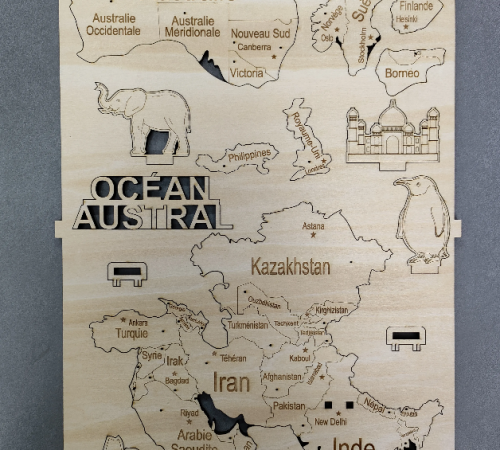
Selecting the right material is essential for achieving the desired look and feel for laser engraved maps. Each material brings out unique characteristics in the final product, influencing both the texture and durability of the map. Understanding these properties can guide you in making the best choice for your laser engraved maps or laser cut maps projects.
Wood is a classic and popular choice for laser engraved maps due to its natural texture and the warmth it adds to the final product. Materials like birch, maple, and cherry are particularly popular, as they showcase beautiful grain patterns that enhance the fine details of the engraving.
When working with laser engraving and cut intricate details, the grain of the wood enhances depth and character, making it perfect for rustic, vintage, or nature-inspired designs. Wood adds a tactile element to the map, creating an engaging visual and physical experience, ideal for custom gifts or home decor.
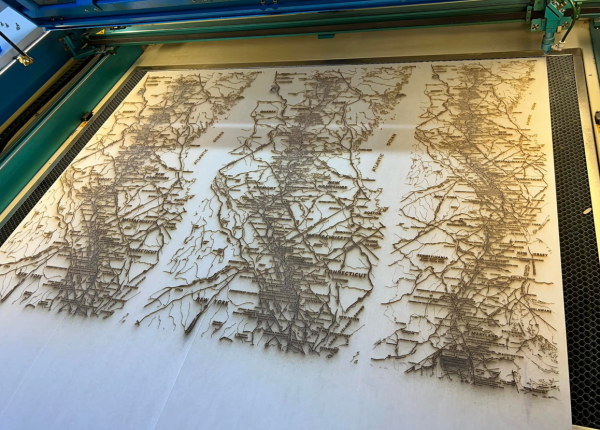
©Facebook@Glennallen Trotti
If you're aiming for a sleek, modern finish, acrylic is an excellent choice for laser engraved maps. Its smooth, clean surface allows for vibrant contrast, making the details of the map stand out clearly. Acrylic is perfect for contemporary designs where precision and clear lines are essential.
The ability to engrave and cut intricate details makes acrylic ideal for laser cutting maps as well. Acrylic also offers versatility in color, allowing you to choose shades that complement your design. Lightweight and versatile, acrylic maps are perfect for modern interior displays or as creative gifts.
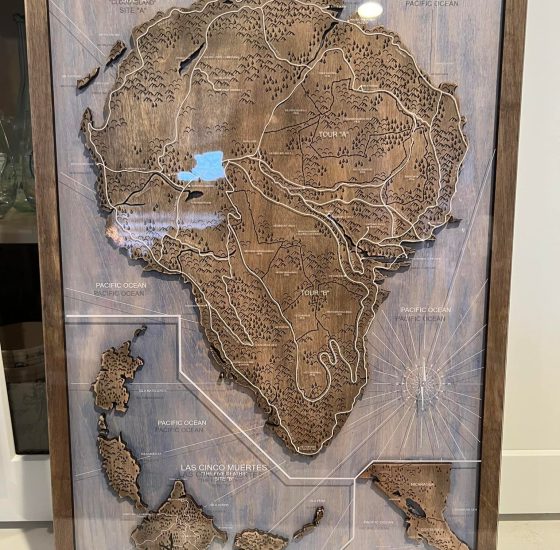
©Facebook@Christina Lopez
For a more refined, durable finish, metal materials like stainless steel and anodized aluminum are excellent choices for laser engraved maps. Metal offers a modern and industrial look while maintaining exceptional durability.
Stainless steel is particularly favored for its sleek, shiny surface, which works well for polished, high-end designs. Anodized aluminum provides additional color options, making it a great choice for laser cutting maps with intricate and colorful details. The durability of metal ensures that laser engraved maps remain timeless, capable of withstanding both indoor and outdoor display environments.
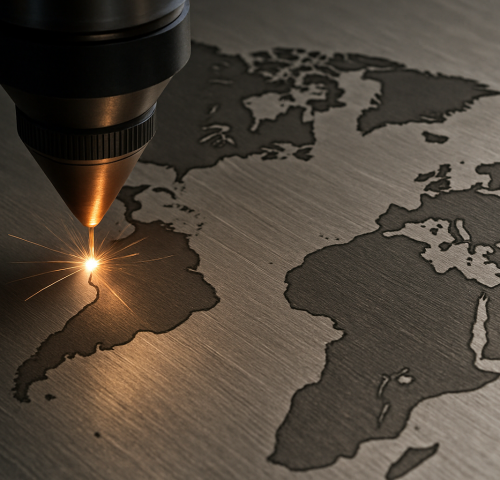
Choosing the right laser machine for engraving maps is crucial to achieving the fine details and precision required for high-quality results. Both the Thunder Laser Bolt series and the Thunder Laser Nova 35 are excellent choices, offering different features to suit various engraving and cutting needs.

The Thunder Laser Bolt series is ideal for laser engraved maps that require precision and fine detail. With power options ranging from 30W to 55W, the Bolt series offers excellent engraving quality on a variety of materials, such as wood, acrylic, and leather. Its compact design makes it perfect for smaller workspaces, and it is especially suitable for engraving detailed maps, where fine lines and intricate designs need to be captured with high accuracy.
For those who need more power and a larger working area, the Thunder Laser Nova 35 is an excellent choice. Offering wattage options from 80W to 100W, it can handle large-scale map engravings with ease. This machine excels at producing intricate, detailed maps with clear, sharp lines across the entire surface. Its spacious workspace is perfect for expansive or layered designs, making it a versatile and powerful option for professionals creating custom, large-format maps.
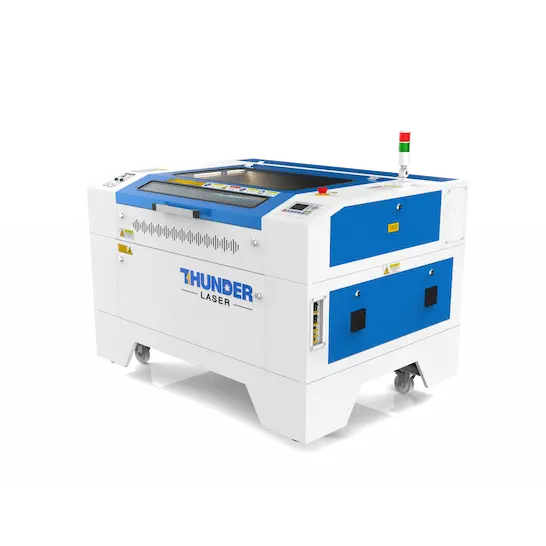
To make laser engraved maps stand out with visual impact and artistic appeal, design techniques are crucial. Below are several creative methods that can enhance the engraving effect and add unique charm to your maps:
Layered engraving is a technique that adds depth and texture to maps by engraving elements at varying depths to create a 3D effect. This method brings geographical features like mountains, valleys, and roads to life, making them appear more vivid and three-dimensional. Especially effective for topographic maps, it uses shadows and varying depths to create a tactile, sculptural quality, turning the map into an art piece rather than just a flat design.
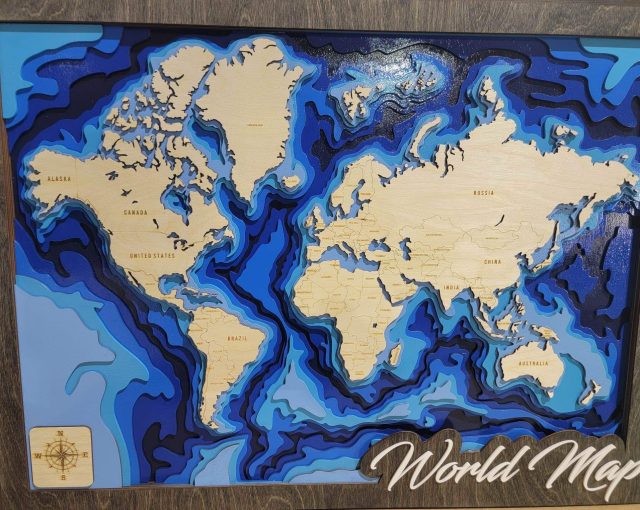
©Facebook@Kevin Ibatuan Rojas
Utilizing contrast is another powerful technique in laser engraving that highlights key features of the map. By adjusting the engraving depth or contrasting different materials, you can emphasize significant landmarks or paths.
For example, deepening the engraving of rivers or roads makes them stand out from the background, becoming focal points. This method is particularly useful for custom maps where certain locations or routes need to be visually emphasized.
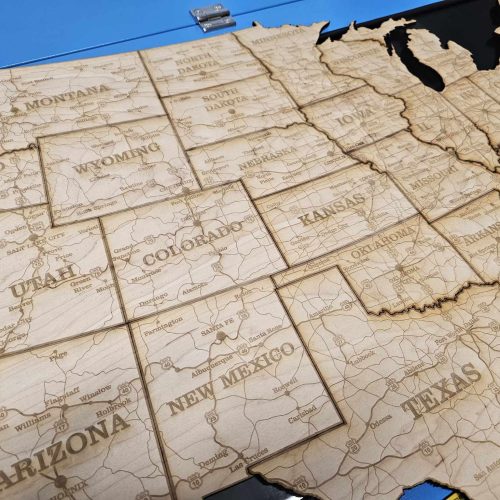
©Facebook@Miranda Legendre
Choosing different materials to enhance the texture of your laser engraved maps is a unique design approach. By using wood, acrylic, metal, or other materials, you can introduce various textures and layers to the same map.
For example, using wood with natural grain patterns to engrave mountains or rivers adds a sense of nature to the map, while metallic or glossy acrylic finishes are ideal for city maps, offering a modern and refined look. The choice of material not only impacts the visual effect but also adds a tactile dimension, providing a richer artistic experience for viewers.
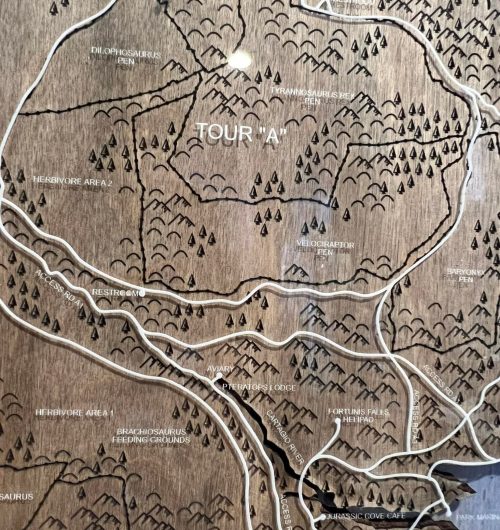
©Facebook@Christina Lopez
Laser engraved maps are more than just decorative pieces—they serve a wide range of practical and creative purposes. From personal gifts to home decors and even educational projects, these versatile creations can capture memories, mark milestones, and add character to various settings. Here are some of the most popular applications where maps truly shine.
Laser engraving maps can be an excellent choice for creating personalized gifts such as custom maps that showcase special locations or memorable places. These personalized pieces make meaningful and unique gifts for family, friends, or significant occasions.
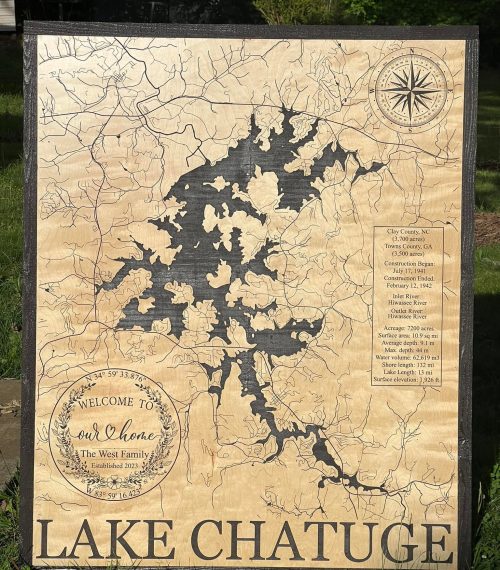
©Facebook@Glennallen Trotti
Laser engraved maps make stunning wall art that adds a personalized touch to interiors. Whether displayed in living rooms, entryways, or offices, these maps can reflect your roots, travels, or favorite destinations in a refined, artistic way.
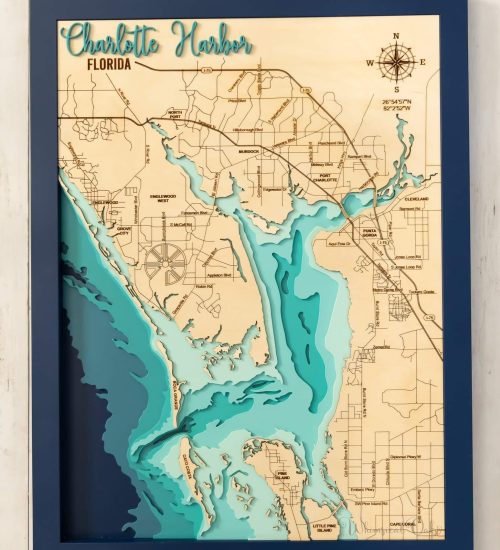
©Facebook@Kevin Ibatuan Rojas
Laser engraving maps are also a creative tool for educational purposes. Teachers and students can use them for hands-on learning projects, creating detailed, visually engaging maps of historical events, geographical features, or local communities, enriching the classroom experience.
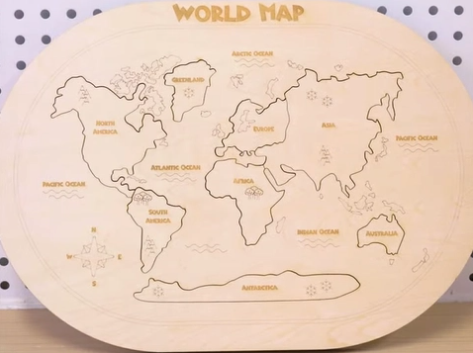
Laser engraved maps offer a unique way to celebrate special places and memories. By choosing the right materials and techniques, you can create stunning, personalized pieces that stand out. Whether for gifts, home decor, or educational projects, these engraved maps bring both beauty and meaning to any space.
Talk To Our Experts Now!
Please leave your contact information so that we can serve you better.
FAQS
FIND THE RIGHT LASER FOR YOUR NEXT PROJECT
Explore Thunder Laser solutions designed for different materials, workflows, and production needs.


 Stable & Consistent MachinesUnlimited ApplicationsRobust After-sales SupportFactory Direct Supply


