


Winter Olympic Trophy
 2026-03-17
WHAT ARE YOU LOOKING FOR?
Search Across Products, Blog Posts, Support Content, And Resources.

Winter Olympic Trophy
2026-03-17

Key Information
Introduction
The Winter Olympics represent dedication, teamwork, and unforgettable victories. Creating your own Winter Olympic–style trophy is a fun way to celebrate achievements—whether it’s for a school event, a friendly sports competition, or simply as a decorative keepsake.
In this tutorial, you’ll learn how to laser cut and assemble a Winter Olympic trophy step by step. Even if you’ve never used a laser cutting machine before, the detailed instructions below will guide you through the entire process, from preparing the material to assembling the finished trophy.
Before your work begins
 Clean the lens and mirrors
Check the laser head and nozzle for dust or buildup
Ensure ventilation and air assist are working properly
Confirm the machine is running smoothly and normally
Clean the lens and mirrors
Check the laser head and nozzle for dust or buildup
Ensure ventilation and air assist are working properly
Confirm the machine is running smoothly and normally

Operational Process
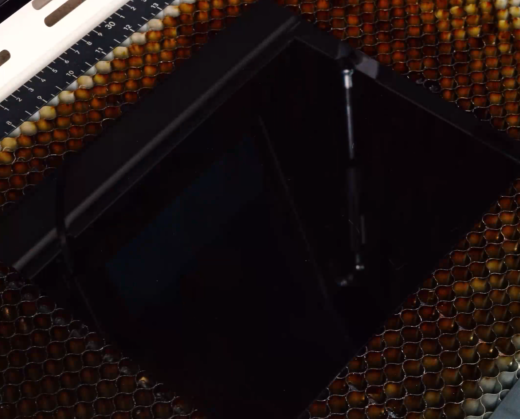
Place the acrylic sheet flat on the laser machine bed. Keep the bottom protective film attached and place that side directly against the laser bed. The film helps prevent scratches and keeps smoke marks from appearing on the surface during cutting.
Make sure the sheet is lying completely flat and is not warped or tilted. Use pins to prevent shifting during cutting, and be mindful of the height of magnets or pins so the sensor will not hit them during processing.

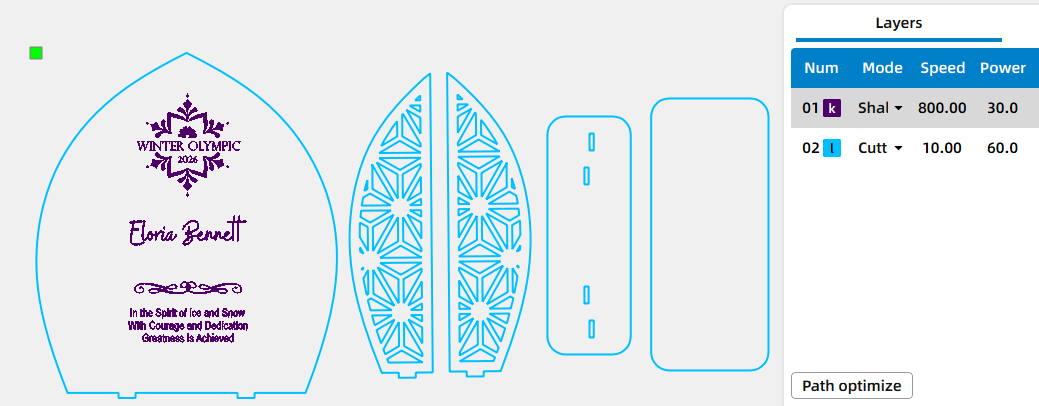
Open your laser software, such as LaserMaker, and import your file. Adjust the size and positioning so the design fits your material dimensions. Before starting, double-check your parameters to ensure clean and readable results.
Focus the laser to the surface of the acrylic sheet. Accurate focus is important for achieving sharp details, consistent engraving depth, and clean cutting edges.


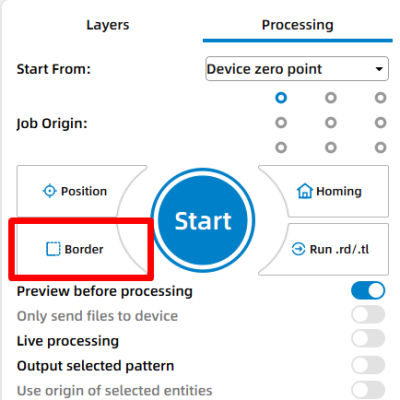
Use the border or frame function to preview the working area. This helps confirm that the design is correctly aligned before starting the job.
Once everything is ready, start the laser cutting job. During the process, the laser will first engrave any decorative elements and then cut the individual pieces of the trophy from the acrylic sheet. Monitor the machine while it is running, make sure ventilation is working properly, and avoid leaving the machine unattended.
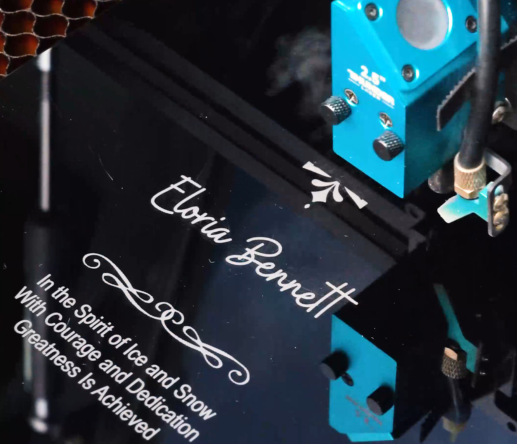
After the cutting process is complete, allow the acrylic pieces to cool briefly before removing them from the machine bed. Carefully separate the pieces from the surrounding material.
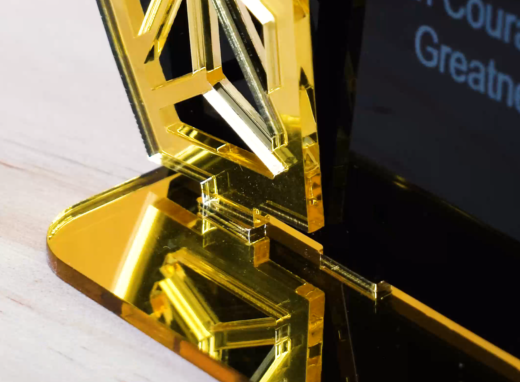
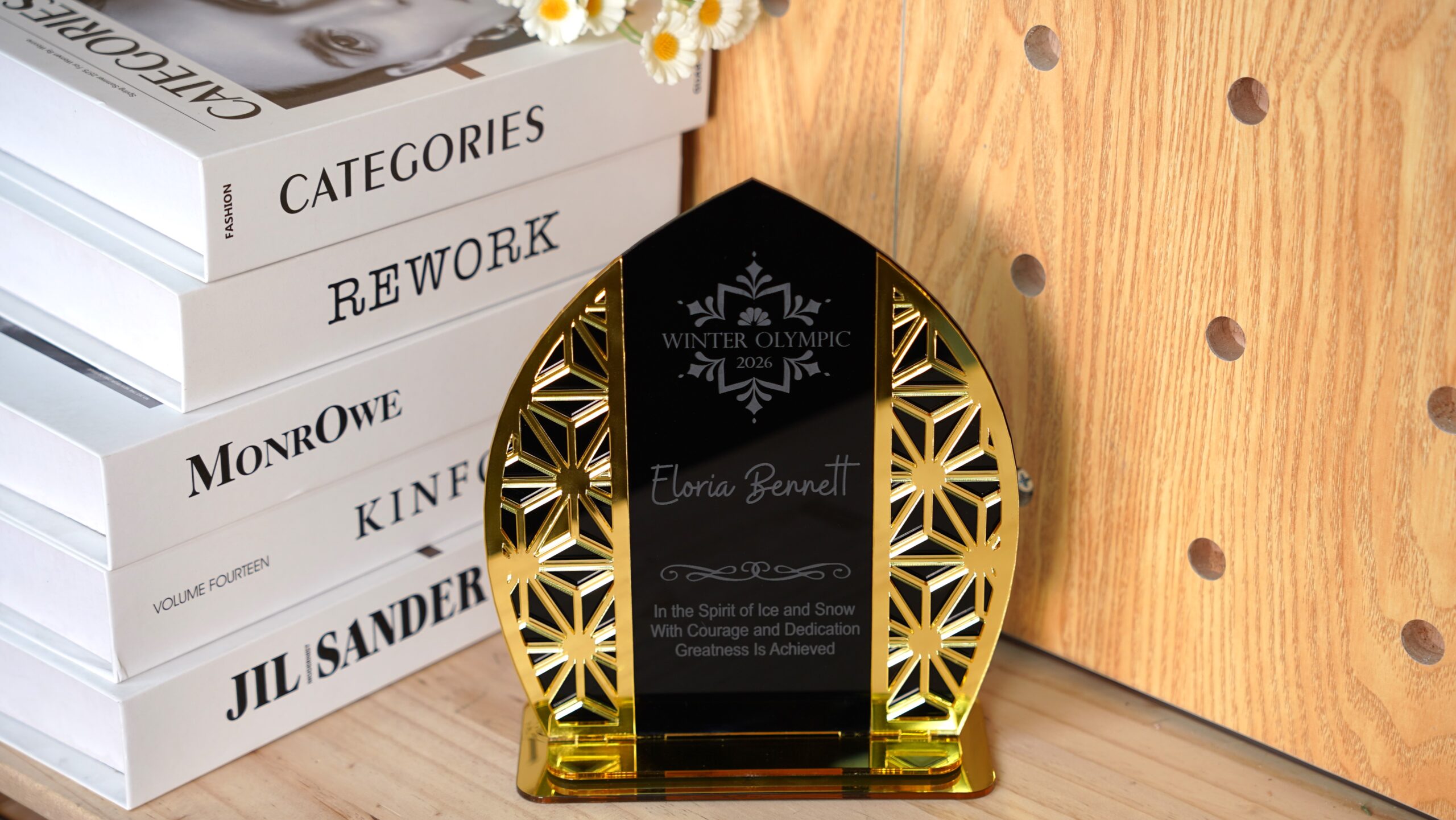
Insert the main decorative panel into the base pieces according to the design. The slots should fit snugly, allowing the trophy to stand upright without additional support. If desired, gently wipe the acrylic surface with a soft cloth to remove fingerprints and enhance its shine.
Come and Try!
Your Winter Olympic trophy is now complete. A custom trophy makes every achievement feel more meaningful. Try creating your own Winter Olympic–style award with a laser cutter and celebrate the winners in your next competition, school event, or winter-themed gathering. With just a sheet of acrylic and a simple design, you can turn a small project into a memorable symbol of victory.


Precision Starts with the Right Parameters
Find recommended material settings for your laser machine.
Projects You May Also Like
Share. Connect. Get Inspired.
Your Creativity Fuels Our Community—let's Build Something Amazing Together!

Share on Social Media
Post your laser project and tag @thunderlaser.official to get featured.

Join Thunder Family
Learn, share, and get real support from the community.

Follow for More Ideas
Stay tuned for tutorials, material tips, and latest news.
Ready for Your Next Creation?
Ready to take the next step? Explore more tutorials or find the right machine for your work.

 Stable & Consistent MachinesUnlimited ApplicationsRobust After-sales SupportFactory Direct Supply


