How to Use Manual Focus with the Nova Series
 2024-09-05
WHAT ARE YOU LOOKING FOR?
Search Across Products, Blog Posts, Support Content, And Resources.

How to Use Manual Focus with the Nova Series
2024-09-05

Compared with auto focus, manual focus can be faster and more flexible in many Nova Series laser workflows. It is especially useful when the material shape, laser head, rotary setup, or sensor condition makes auto focus less suitable.
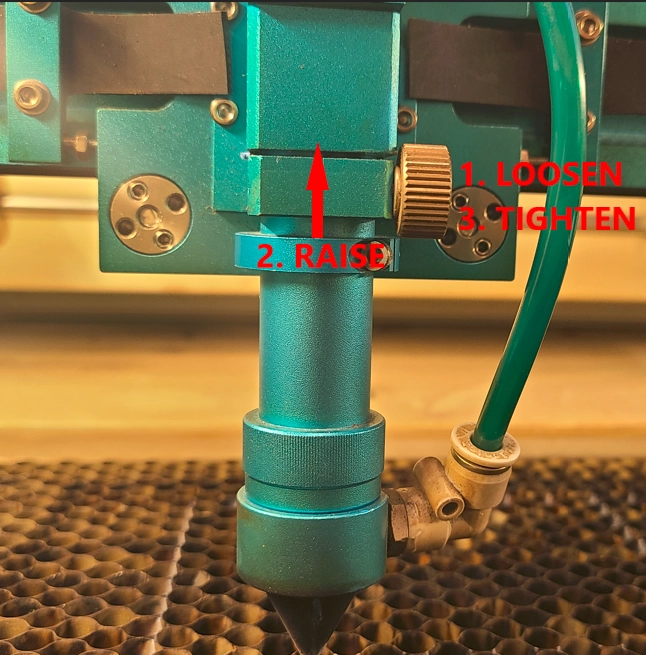
Manual focus does not require a dedicated manual focus button. Instead, it uses a focal stick to set the correct distance between the nozzle and the material surface.
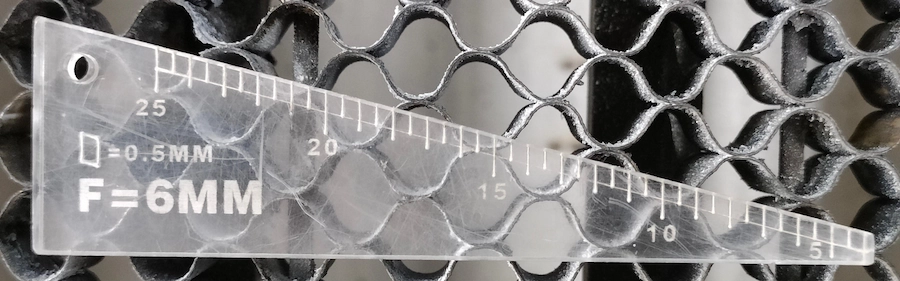
A focal stick is a triangular measuring tool, usually made from durable 5 mm acrylic. It helps you position the laser head at the correct focus distance before cutting or engraving.
The correct manual focus method depends on the laser head being used. The Nova Series supports different focusing distances for different laser head setups, so always choose the method that matches your current laser head.
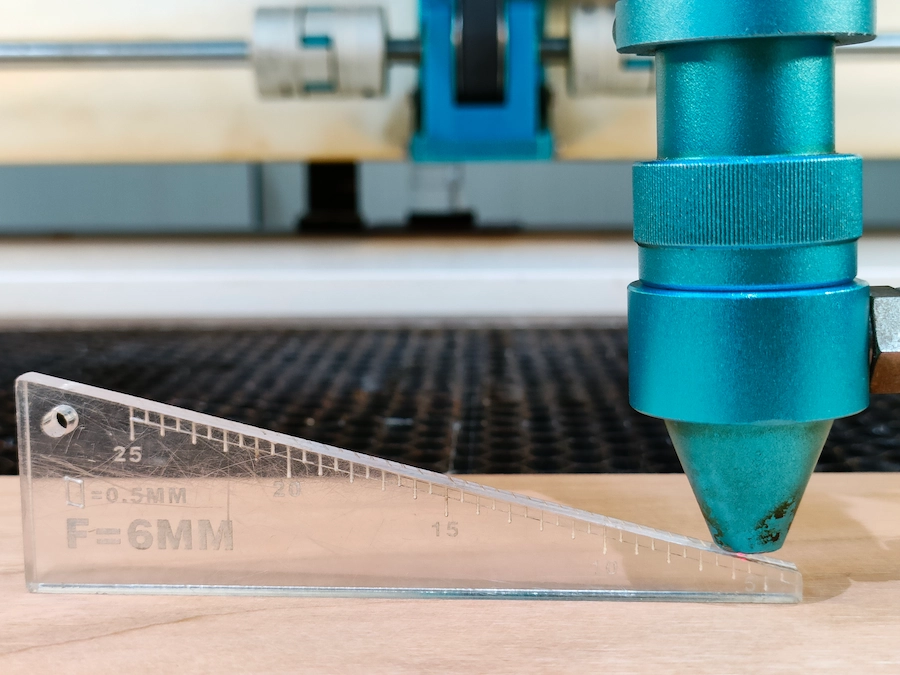
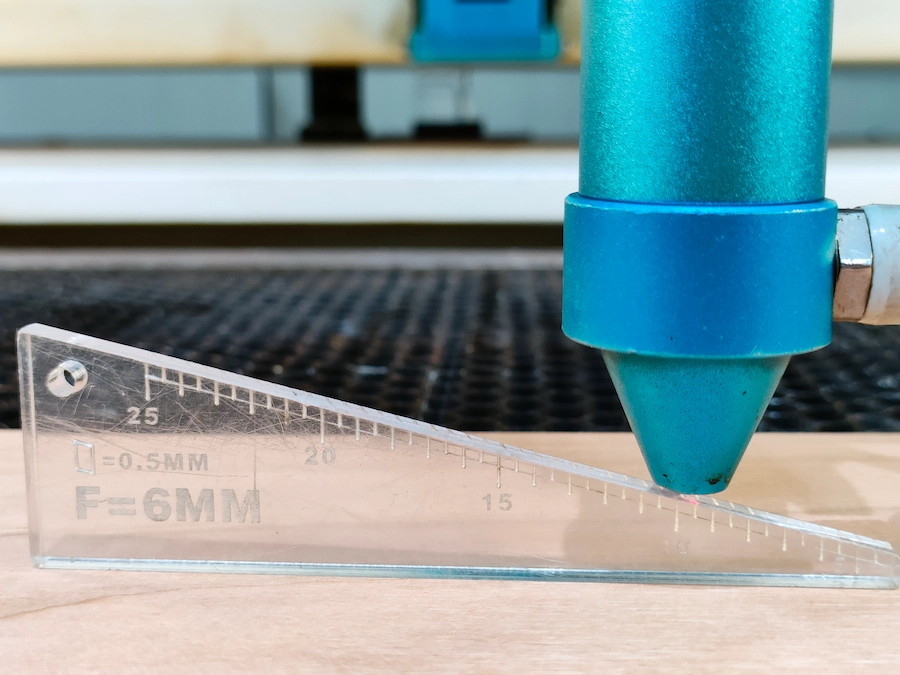
For a 2-inch laser head, place the longer right-angled edge of the focal stick on the material. Then adjust the nozzle until it touches the 5 mm scale on the focal stick.
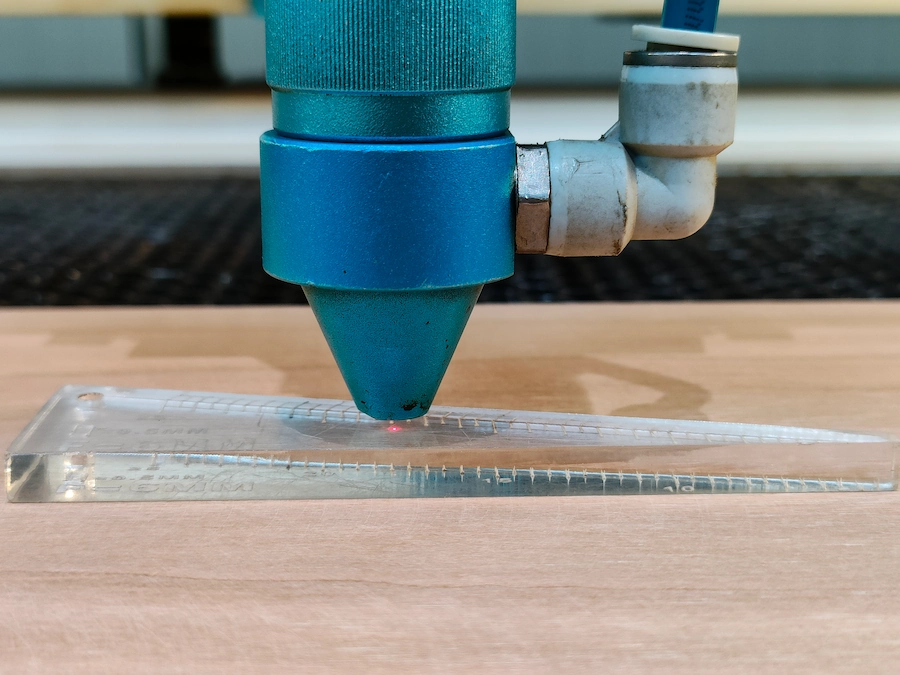
There is also a quicker method: lay the focal stick flat on the material, then adjust the nozzle until it touches the 5 mm stick surface.
For a 4-inch laser head, place the longer right-angled edge of the focal stick on the material. Then adjust the nozzle until it touches the 10 mm scale.
For objects processed with a rotary attachment, first check that the object is level. Then select the focus method based on the laser head model you are using.
Manual focus is often the better choice for rotary work because the shape of tumblers and other cylindrical objects may not work well with the auto focus sensors.
If you add or remove a rotary attachment, replace the laser head, or change the working setup, adjust the laser head position before processing the material.
Manual focus is useful when auto focus is not the best option or when you need more control over the focus distance. Common use cases include rotary work, non-standard laser heads, uneven objects, transparent materials, defocus control, and sensor-related issues.
Watch the reference video below to see the manual focus process in action.
Nova Series manual focus reference video.
Manual focus is a simple but useful skill for Nova Series users. Once you understand how to use the focal stick with different laser heads, you can handle more materials, rotary jobs, and special focusing situations with confidence.
Need Help with Nova Series Setup?
Contact Thunder Laser for support with manual focus, laser head setup, rotary use, and daily machine operation.
Contact UsTalk To Our Experts Now!
Please leave your contact information so that we can serve you better.
NOVA SERIES MANUAL FOCUS FAQS
FIND THE RIGHT LASER FOR YOUR NEXT PROJECT
Explore Thunder Laser solutions designed for different materials, workflows, and production needs.


 Stable & Consistent MachinesUnlimited ApplicationsRobust After-sales SupportFactory Direct Supply