Laser Engraved Photos on Wood: Case Study
 2024-08-29
WHAT ARE YOU LOOKING FOR?
Search Across Products, Blog Posts, Support Content, And Resources.

Laser Engraved Photos on Wood: Case Study
2024-08-29

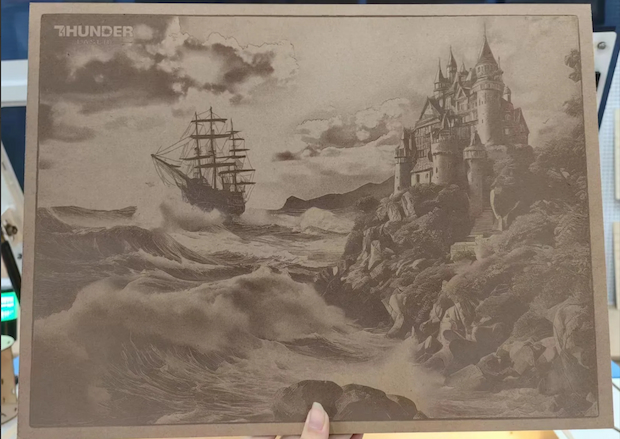
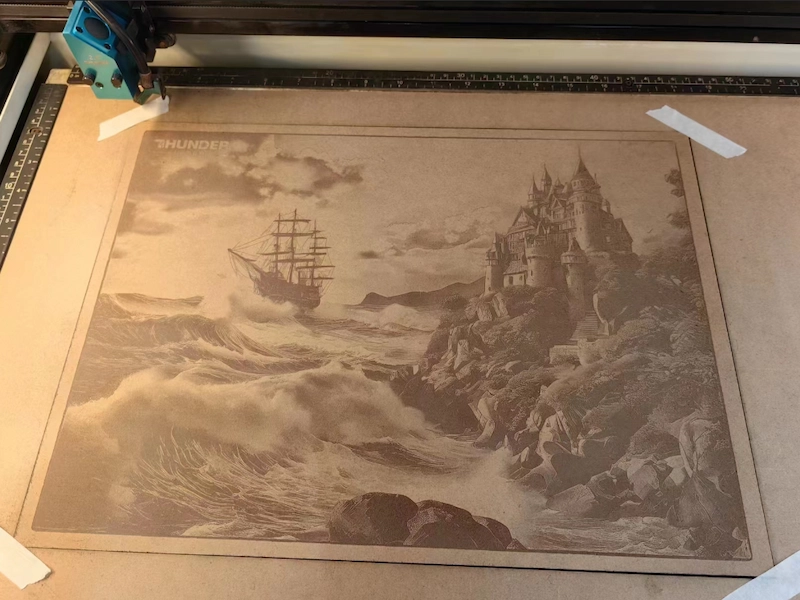
In a world filled with digital snapshots, there is something timeless about holding a memory carved into natural wood. Laser engraved photos on wood combine warmth, texture, and permanence in a way that traditional prints cannot fully match.
This case study shows how Thunder Laser technology can bring photographs to life on wood, turning everyday images into lasting personalized artwork.
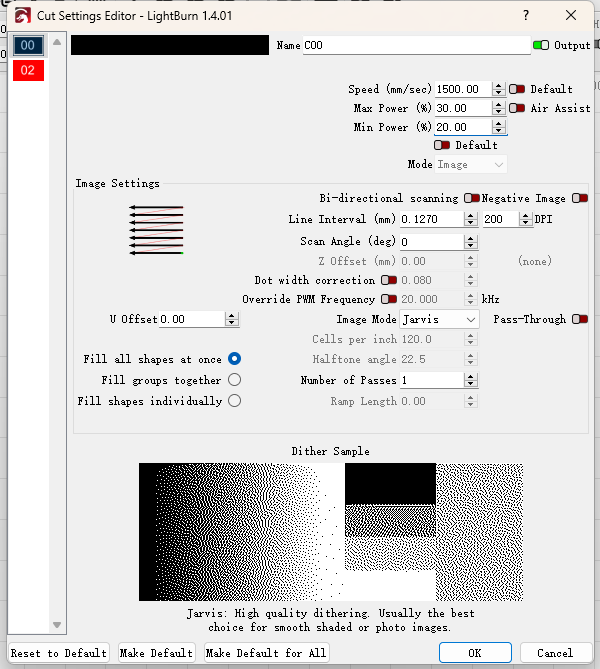
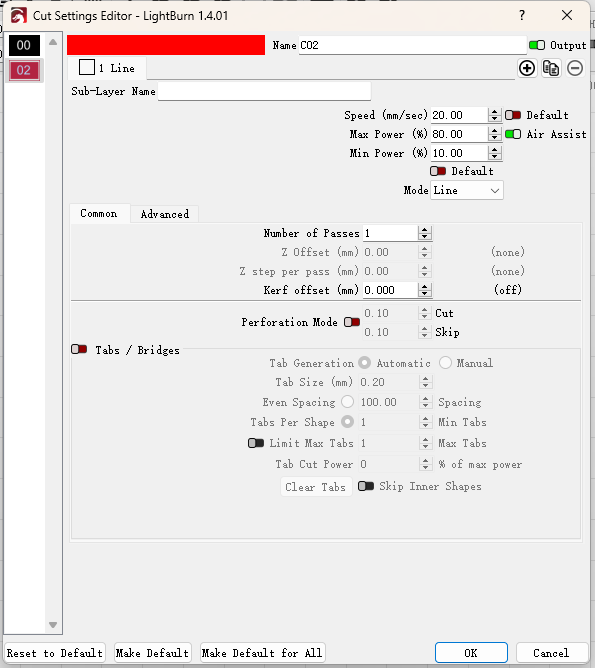
The following parameters were used as a reference for this wood photo engraving case. Actual settings may vary depending on wood type, thickness, surface finish, image quality, and the desired contrast.
| Processing | Speed (mm/s) | Max Power (%) | Min Power (%) | DPI | Hatch Type | Blow Type |
|---|---|---|---|---|---|---|
| Engraving | 1500 | 30 | 20 | 300 | One-way fill | Weak |
| Cutting | 20 | 80 | 10 | 300 | One-way fill | Strong |
Laser machine: Thunder Bolt Pro 32
Before starting the engraving process, it is important to complete several preparation and setup steps. From choosing the correct file settings to positioning the laser accurately and monitoring the job, each step affects the final engraving quality.
Confirm the correct speed and power settings based on the specific material and thickness. Then decide whether to use unidirectional or bidirectional fill. Unidirectional fill often produces better results, although it usually takes longer. In this case, unidirectional fill was selected.
For this wood photo engraving, the DPI was set to 300. Higher DPI creates more engraving lines and can make the engraving deeper. Since the job is image engraving, choose the appropriate image mode. In this case, Jarvis mode was selected.
In the advanced options, make sure the slope value is set to “0.”
To improve positioning accuracy, set the starting position to the center. This makes it easier to align the photo engraving area with the wood surface.
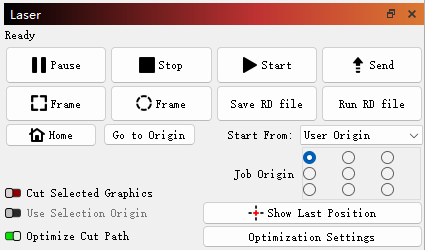
Name the file clearly so it is easy to locate on the machine. Click the send button to transfer the file, then confirm that the file has been sent successfully.
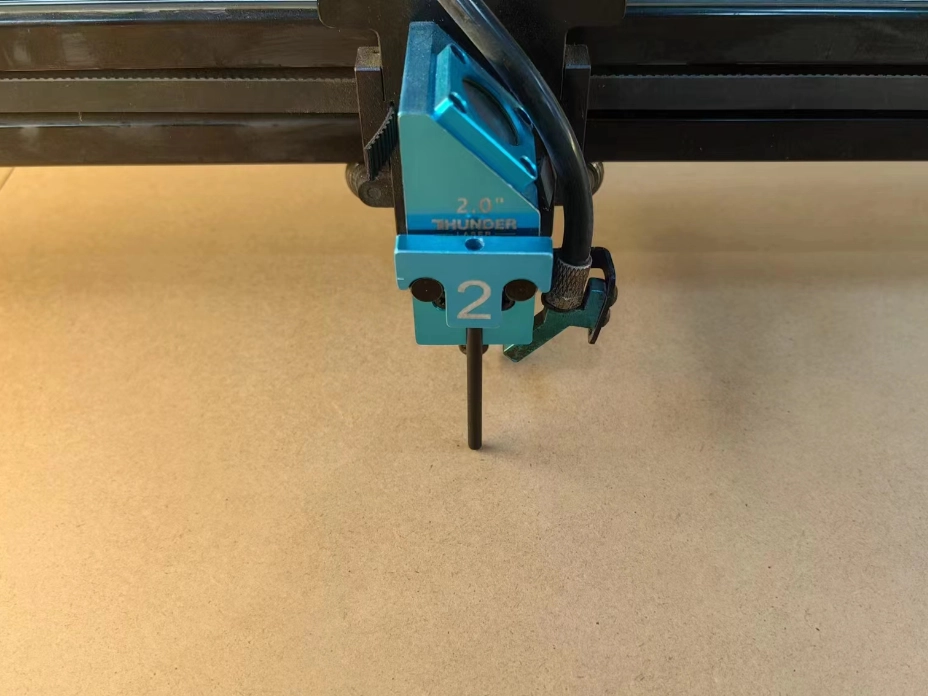
Focus the laser head, preferably at the center of the workpiece. Automatic focusing is available, but manual focusing is recommended for this process.
Enter the file selection page, choose the named file, and carefully check whether any part of the pattern is missing. This helps prevent lost details during engraving. After confirming the file, the preview will enlarge on the left side of the display.
Move the laser head to the center position and check the distance from the top, bottom, left, and right sides of the pattern. Try to keep the design centered on the sample surface.
After confirming the correct position, click the positioning button to set the starting point. Then run the frame to make sure the full engraving range fits on the sample surface. Once the position, focus, and other settings are correct, click the start button.
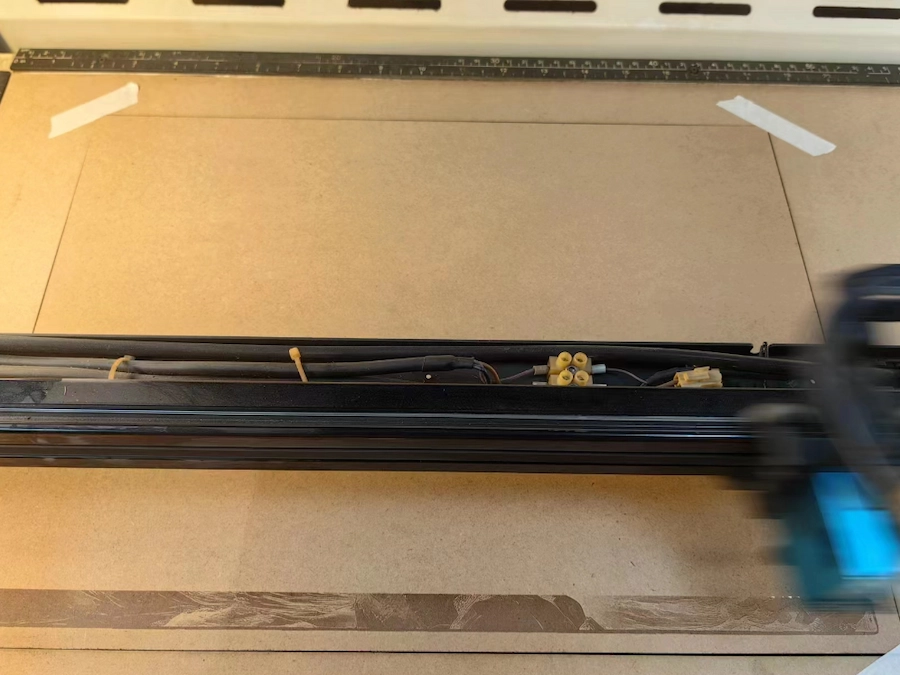
You can cut the board beforehand and tape around it to help prevent the wood from warping. During the engraving process, monitor the machine to prevent unexpected issues. Do not leave the machine unattended while it is running.
After the engraving is finished, remove the tape and clean the surface. Proper finishing helps the final engraved photo look cleaner and more polished.
Whether it is a cherished family portrait or a meaningful moment captured in time, laser engraved wood photos offer a beautiful and durable way to display memories. With Thunder Laser’s precision and reliability, turning photos into wooden artwork becomes a practical and inspiring creative process.
Create Custom Wood Photo Engravings with Thunder Laser
Contact Thunder Laser to choose the right machine, settings, and workflow for your wood photo engraving projects.
Contact UsTalk To Our Experts Now!
Please leave your contact information so that we can serve you better.
LASER ENGRAVED PHOTOS ON WOOD FAQS
FIND THE RIGHT LASER FOR YOUR NEXT PROJECT
Explore Thunder Laser solutions designed for different materials, workflows, and production needs.


 Stable & Consistent MachinesUnlimited ApplicationsRobust After-sales SupportFactory Direct Supply