Acrylic Laser Cutting and Engraving Guide: Ideas, Machines, and Settings
 2022-10-12
WHAT ARE YOU LOOKING FOR?
Search Across Products, Blog Posts, Support Content, And Resources.

Acrylic Laser Cutting and Engraving Guide: Ideas, Machines, and Settings
2022-10-12

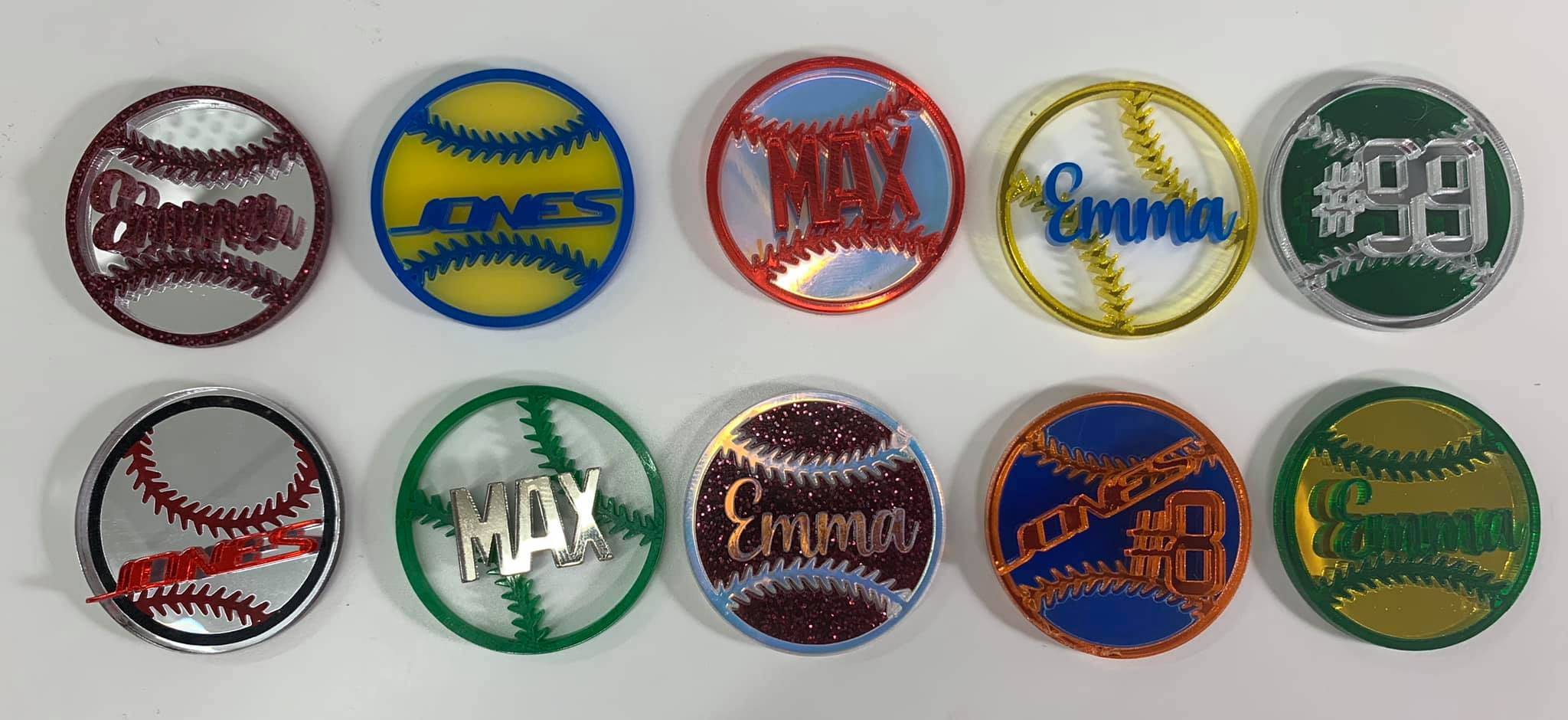
Acrylic sheet is a familiar material in daily life and is widely used as an alternative to plexiglass. From signs and display products to decorative crafts and custom logos, acrylic products appear everywhere because the material is clear, durable, and easy to shape.
Acrylic panels offer several advantages for laser processing. They have strong corrosion resistance, can withstand outdoor exposure to wind, sun, and rain, and provide excellent light transmission of up to 92%. Acrylic sheets can also be processed into many different shapes, making them suitable for creative and commercial projects.
Watch the acrylic laser processing video: Acrylic laser cutting and engraving guide
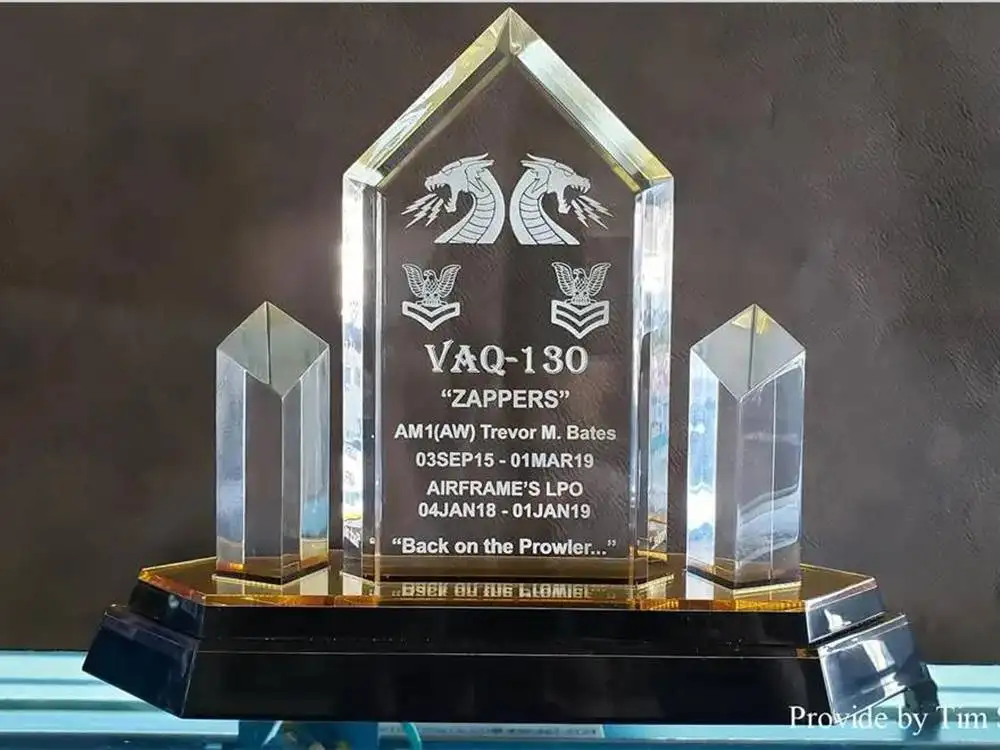
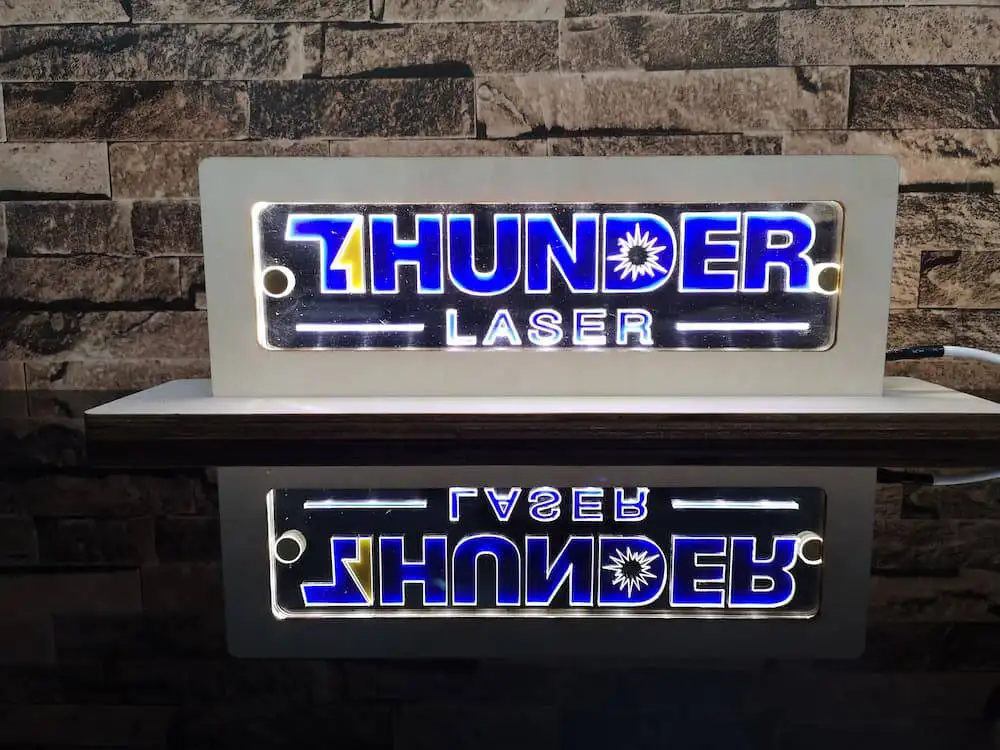
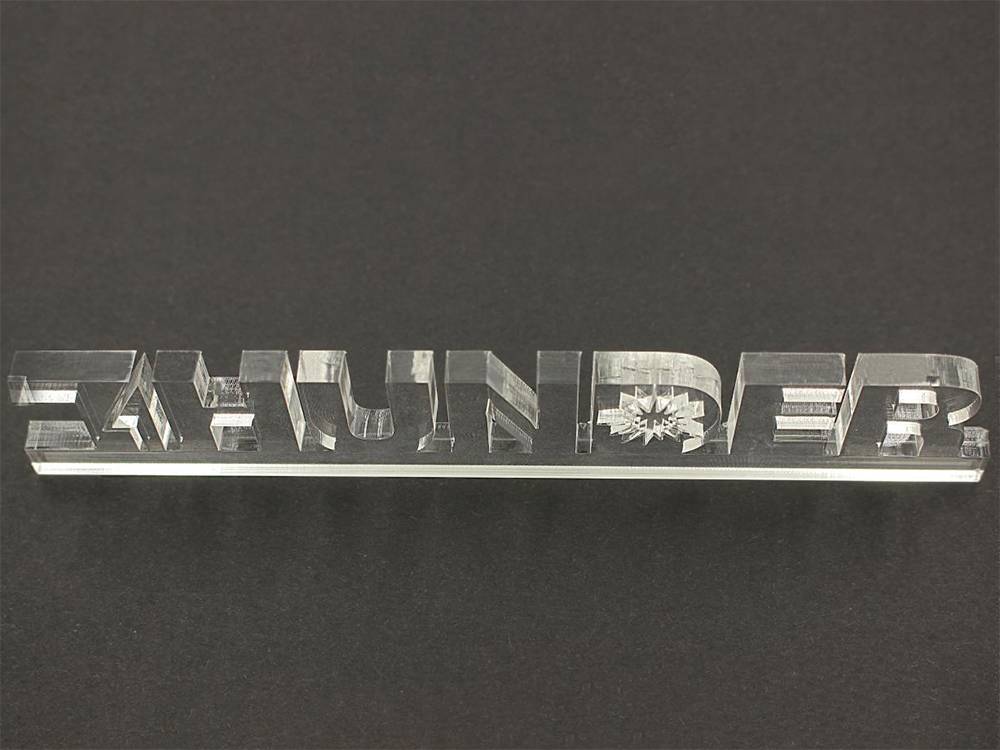
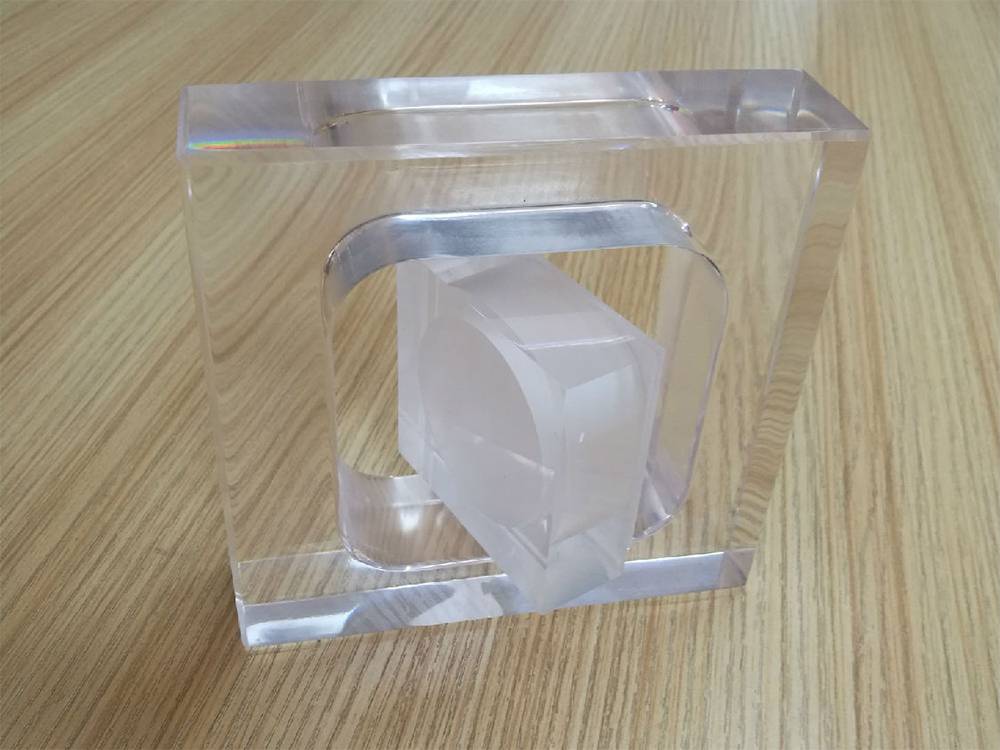
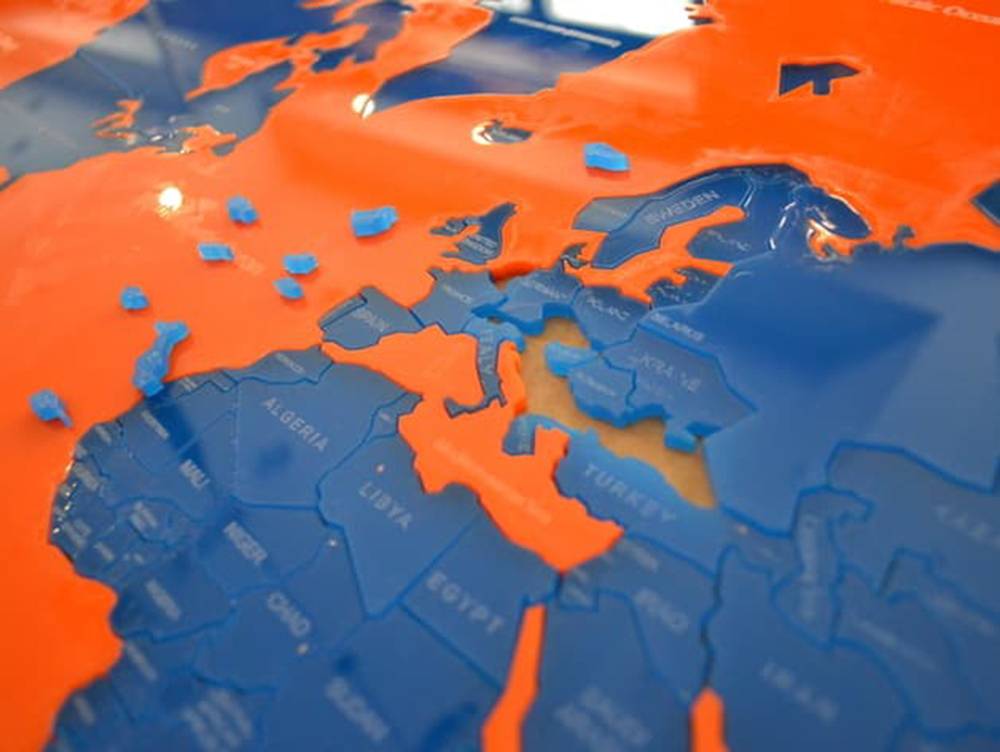
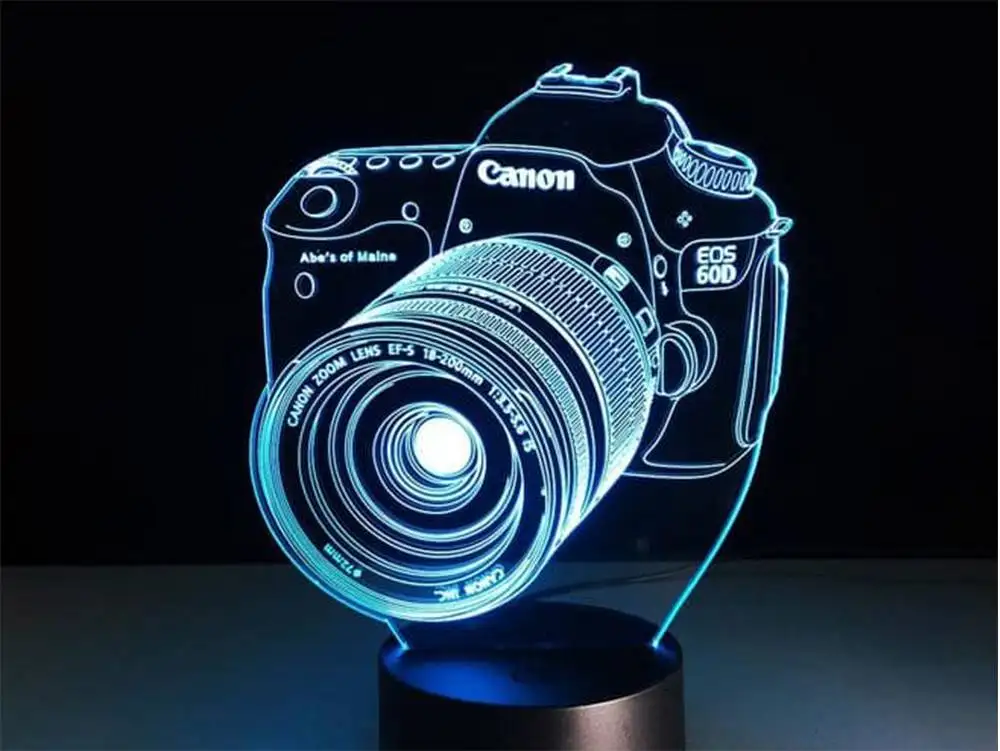
Acrylic panels are waterproof, moisture-proof, UV-resistant, corrosion-resistant, and highly transparent. Their crystal-like appearance makes them popular for road signs, advertising light boxes, logos, display panels, maps, models, and many other laser-cut or laser-engraved projects.
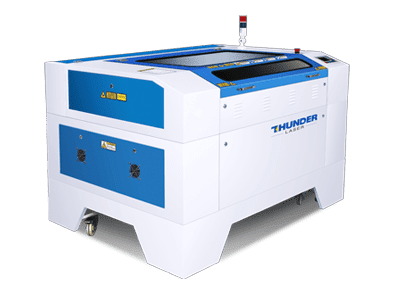
The right acrylic laser machine depends on your working size, cutting thickness, engraving needs, and production workflow. For smaller acrylic panels, a compact CO2 laser cutter can be a practical choice. For fast acrylic engraving, an RF CO2 laser engraver can help improve efficiency.
If you do not need to process large acrylic panels, a smaller acrylic laser cutting machine can be a suitable choice. The Nova laser cutting machine is designed for acrylic panel cutting and offers multiple work area and power options.
| Laser Type: DC CO2 | Work Area | Laser Power |
|---|---|---|
| Thunder Laser Nova 24 | 600 mm × 400 mm | 40 W |
| Thunder Laser Nova 35 | 600 mm × 900 mm | 60 W |
| Thunder Laser Nova 51 | 900 mm × 1300 mm | 80 W |
| Thunder Laser Nova 63 | 1000 mm × 1600 mm | 100 W, 130 W |
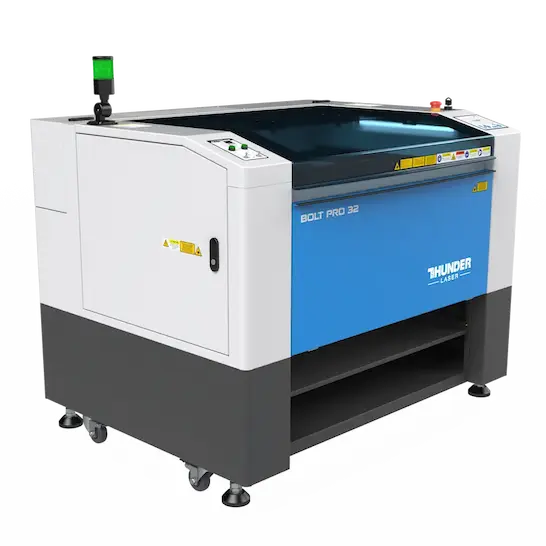
An acrylic laser engraving machine can create clean and detailed acrylic crafts. The Bolt Pro can reach an engraving speed of 2000 mm/s, helping improve work efficiency for acrylic engraving projects.
| Specification | Bolt Pro 22 | Bolt Pro 32 |
|---|---|---|
| Laser Source | Coherent 30W RF laser tube | Coherent 30W RF laser tube |
| Working Area | 559 × 381 mm (22″ × 15″) | 813 × 508 mm (32″ × 20″) |
| Table Size | 625 × 440 mm (24.6″ × 17.3″) | 899 × 567 mm (35.4″ × 22.3″) |
| Acceleration Speed | 5G (50000 mm/s²) | 5G (50000 mm/s²) |
| Cooling | Air Cooled | Air Cooled |
| Z-Axis Height | 182 mm | 182 mm |
| Air Assist | Dual-Air Assist | Dual-Air Assist |
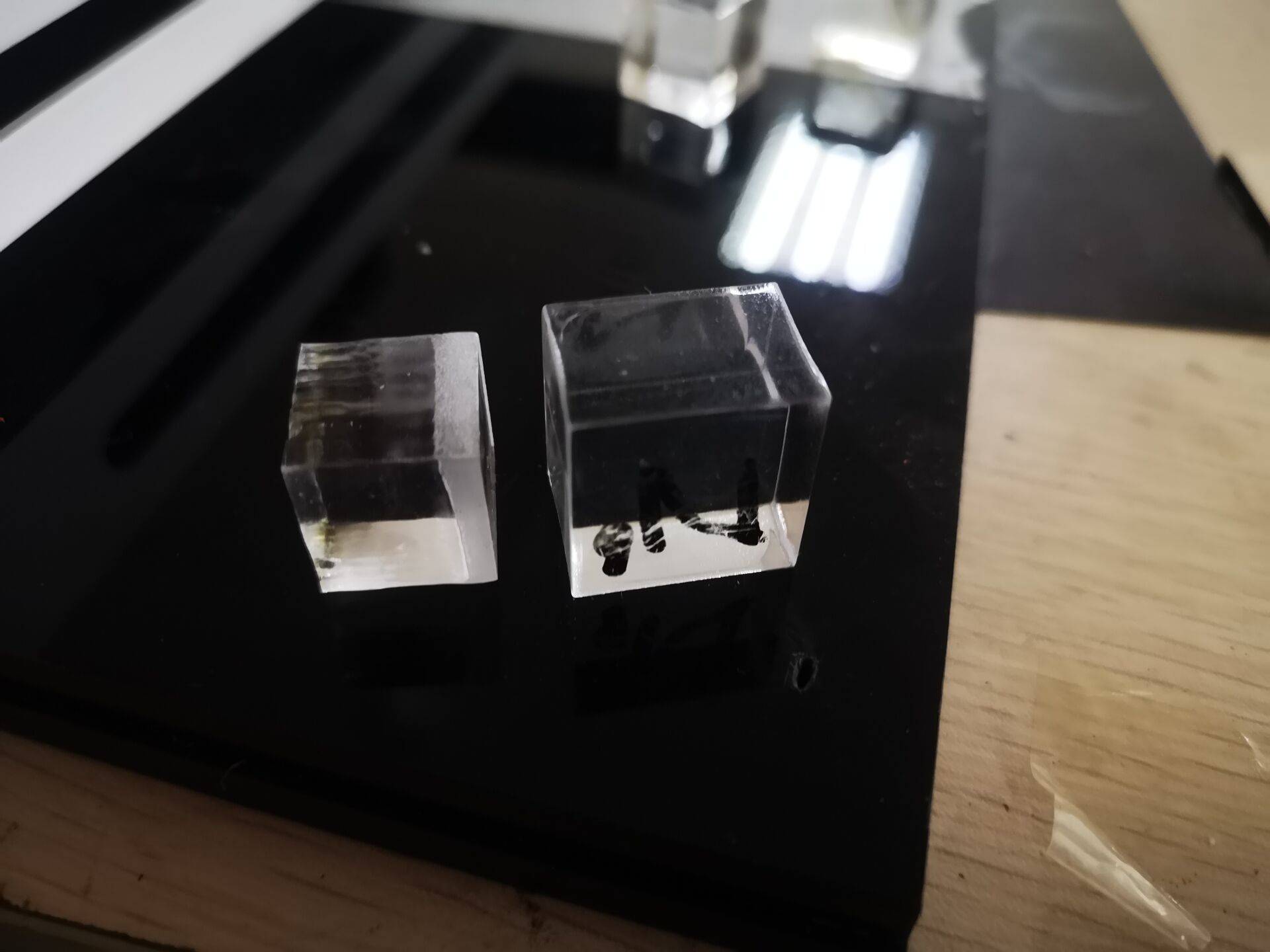
During acrylic laser cutting, several common problems may appear if the settings or workholding are not suitable:
These problems can often be improved by adjusting power, speed, air assist, and the way the acrylic sheet is supported during cutting.
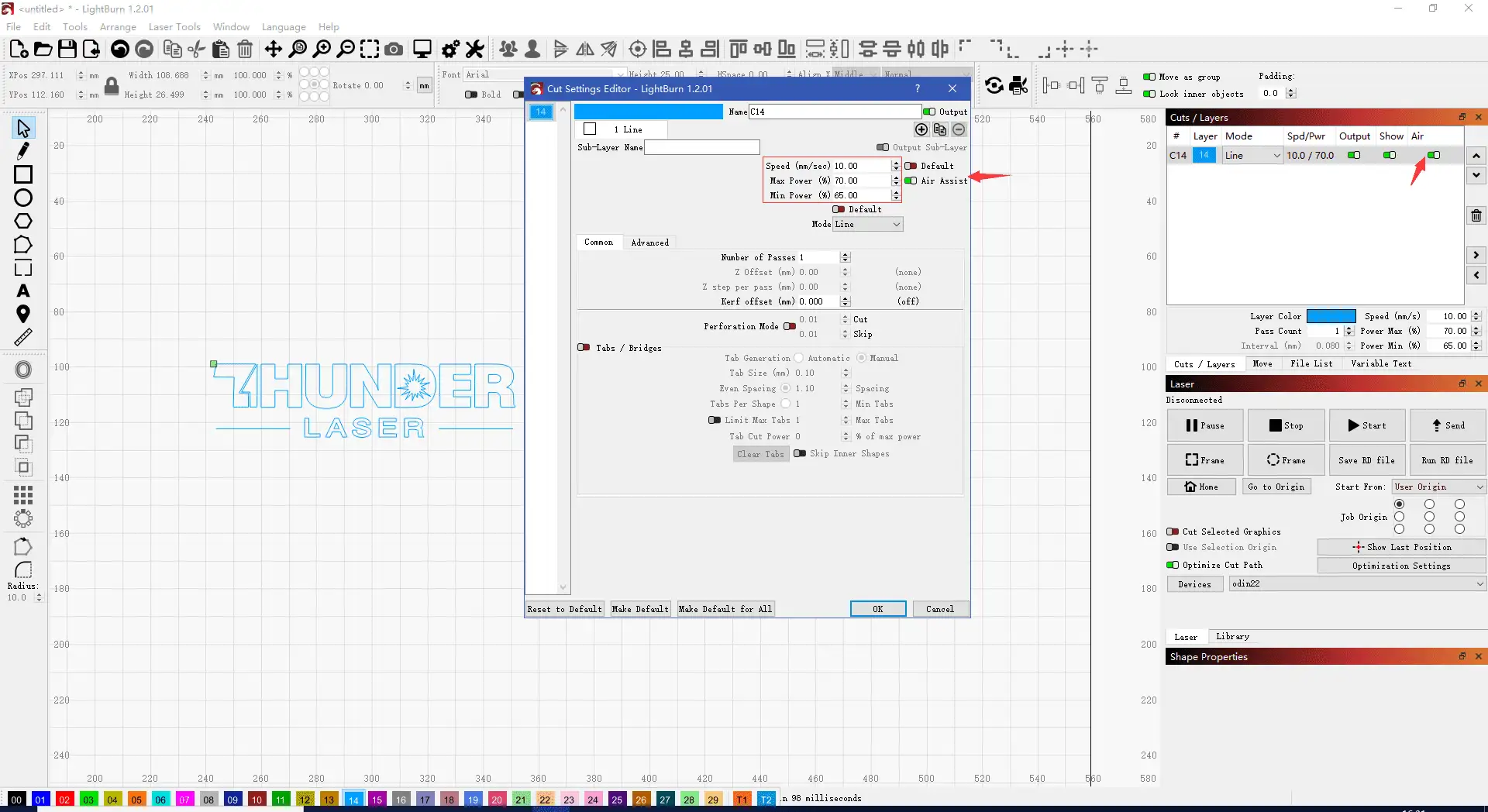
Basic cutting parameters: no air blowing, speed of 1 mm/s–10 mm/s, and power of 65%–70%.
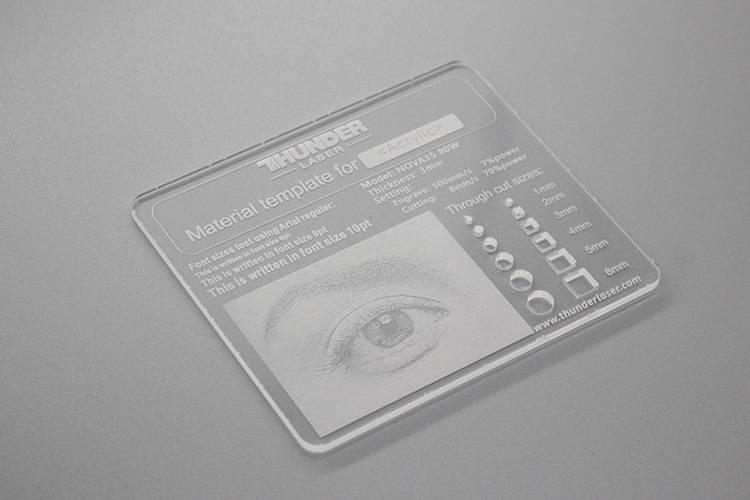
The most important step in cutting or engraving acrylic sheet is setting the machine parameters correctly. Suitable parameters help create clean, clear, and precise acrylic crafts.
| Material | Thickness (mm) | Speed (mm/s) | Max Power |
|---|---|---|---|
| Acrylic | 2.5 | 40 | 90 |
| Acrylic | 5.0 | 18 | 90 |
| Acrylic | 10.0 | 5 | 90 |
| Acrylic | 20 | 1 | 90 |
| Material | Speed (mm/s) | Max Power | Interval (mm) |
|---|---|---|---|
| Acrylic | 500 | 20 | 0.08 |
Learn more: Parameters of Laser Cutting and Engraving on Various Materials
Laser cutting and engraving acrylic becomes easier once you understand the machine options and correct settings. With the right laser tool and suitable parameters, acrylic can be processed into crystal-clear designs with high precision.
Need Help Choosing an Acrylic Laser Machine?
Contact Thunder Laser to find a laser machine that matches your acrylic cutting, engraving, and production needs.
Contact UsTalk To Our Experts Now!
Please leave your contact information so that we can serve you better.
ACRYLIC LASER CUTTING AND ENGRAVING FAQS
FIND THE RIGHT LASER FOR YOUR NEXT PROJECT
Explore Thunder Laser solutions designed for different materials, workflows, and production needs.


 Stable & Consistent MachinesUnlimited ApplicationsRobust After-sales SupportFactory Direct Supply