


World Cup Beer Holder
 2026-06-15
WHAT ARE YOU LOOKING FOR?
Search Across Products, Blog Posts, Support Content, And Resources.

World Cup Beer Holder
2026-06-15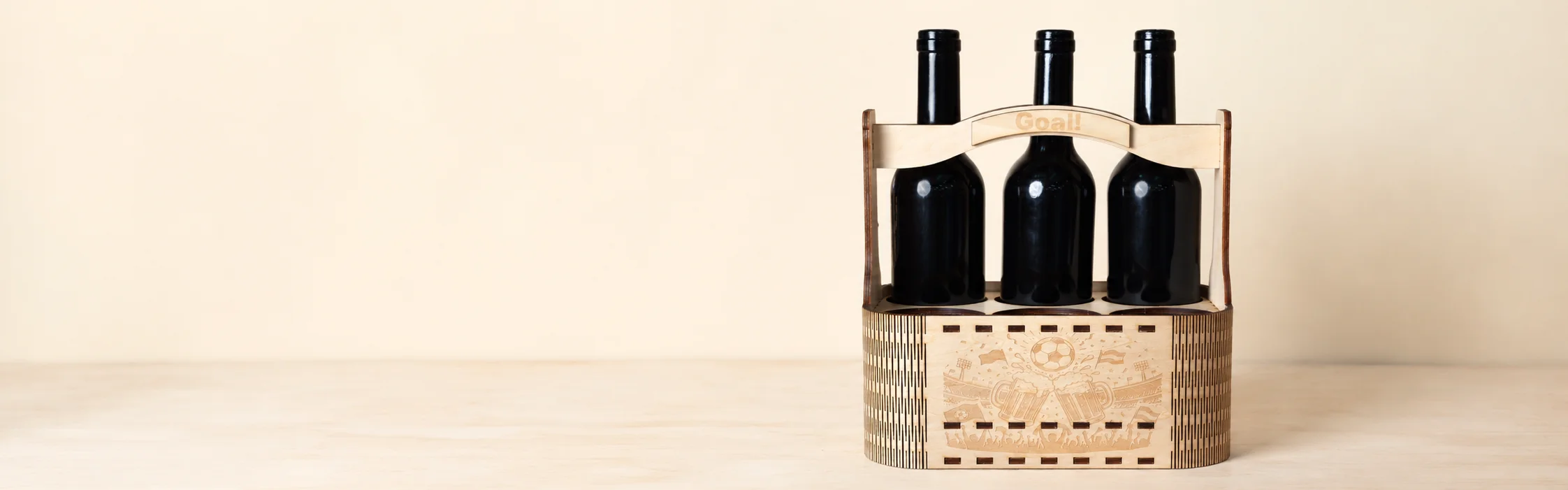
Key Information
Introduction
The World Cup is all about gathering with friends, cheering for your team, and enjoying every exciting moment of the match.
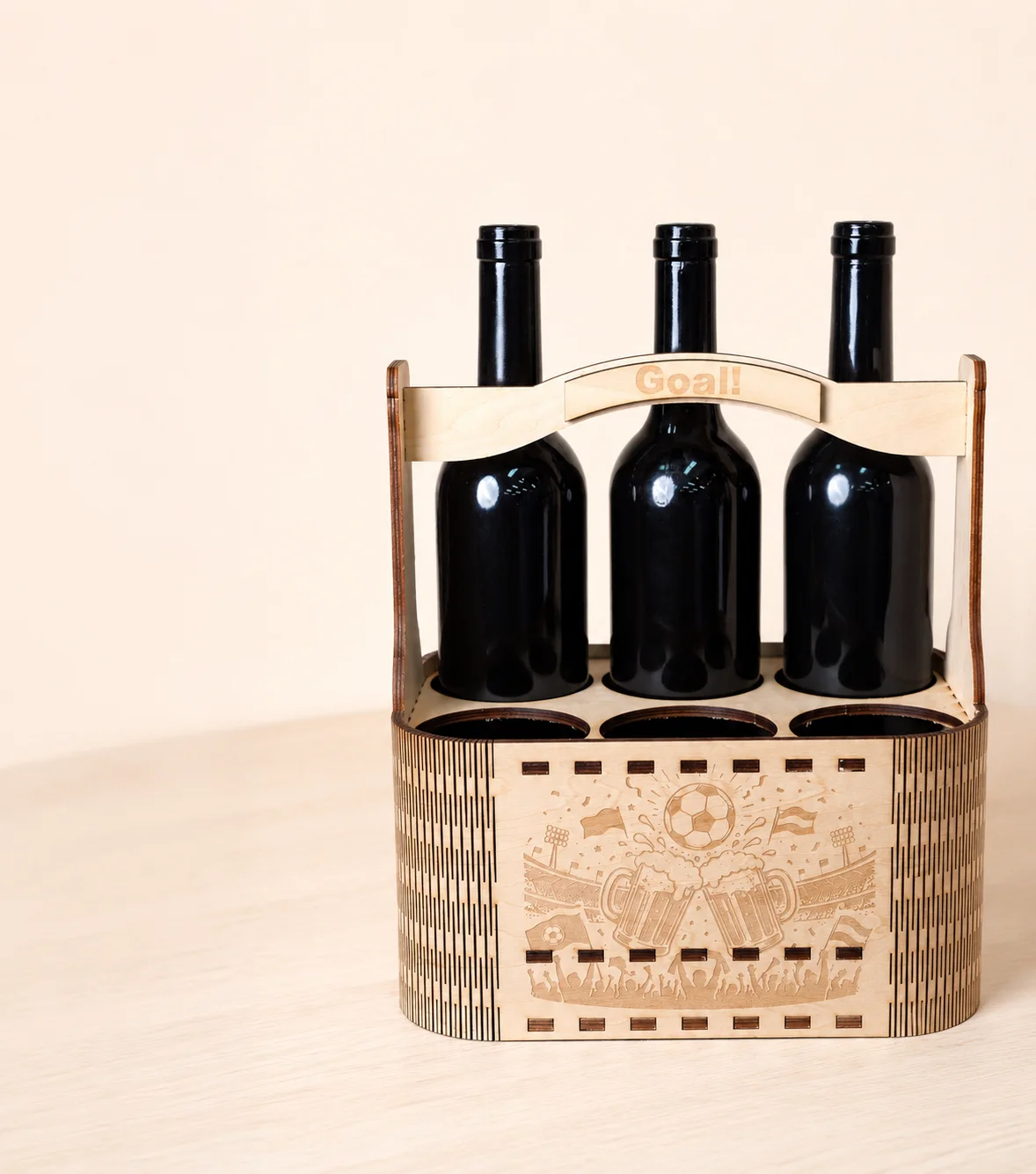
A custom wooden beer holder adds a fun football-themed touch to game day while making it easy to carry and organize your favorite drinks.
In this tutorial, you'll learn how to laser engrave and cut a World Cup beer holder from 5mm basswood plywood. The project is simple to make and perfect for match nights, watch parties, or football-themed gifts.
Before your work begins
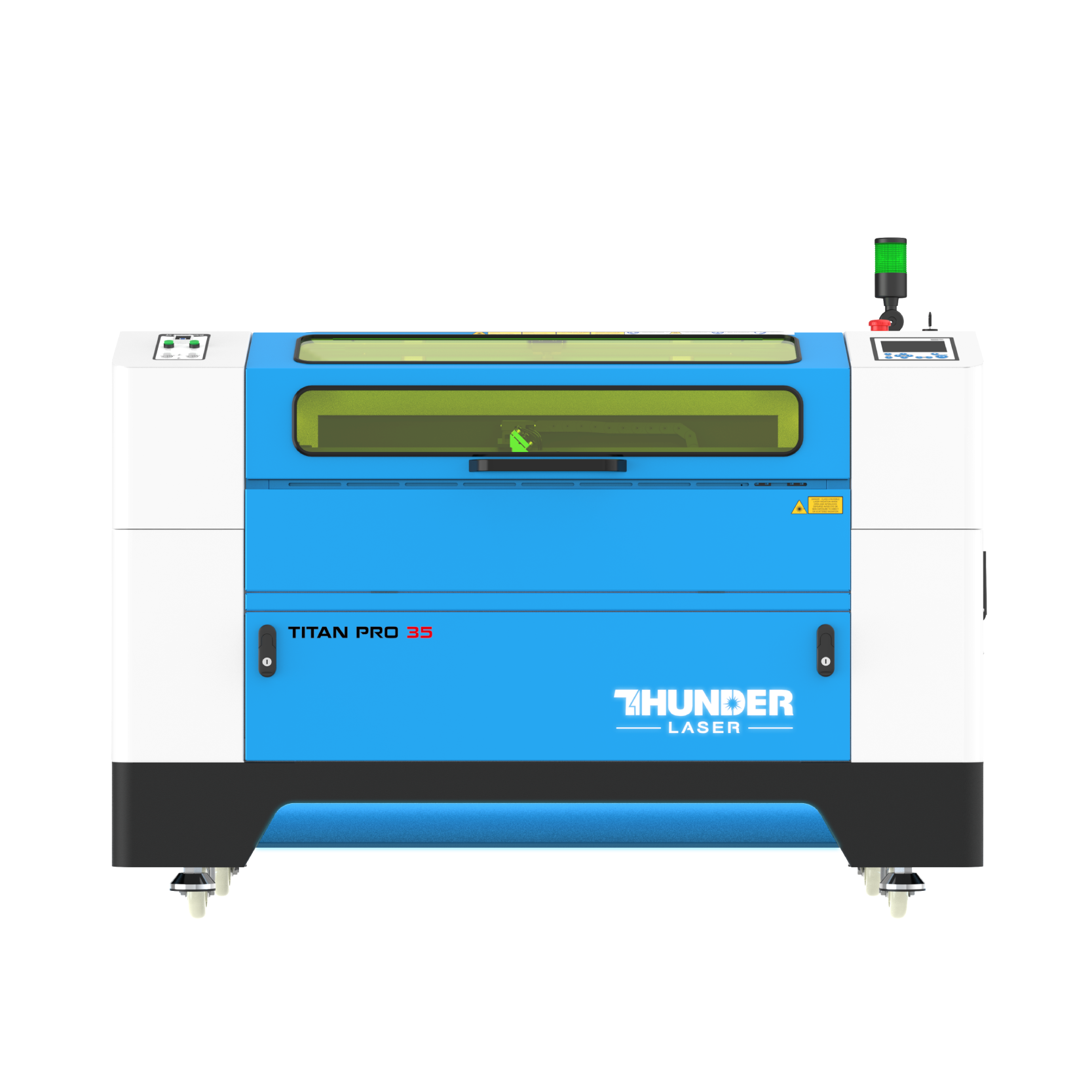
 Make sure the Titan Pro 35 is connected and operating normally
Prepare a clean and flat 5mm basswood plywood sheet
Check the exhaust system and air assist before engraving and cutting wood
Use hold-down pins if the plywood is slightly warped or uneven
Make sure the Titan Pro 35 is connected and operating normally
Prepare a clean and flat 5mm basswood plywood sheet
Check the exhaust system and air assist before engraving and cutting wood
Use hold-down pins if the plywood is slightly warped or uneven

Operational Process
Prepare a sheet of 5mm basswood plywood large enough for the beer holder design. Place it flat on the laser bed and make sure it is fully supported within the machine's working area.
Before processing, wipe the surface clean to remove dust, fingerprints, or debris. If the plywood is slightly warped, use hold-down pins to secure the corners and keep the material stable during engraving and cutting.


Open your laser software and import the World Cup beer holder design file.
Assign the engraving layers and cutting layers correctly. Set the engraving parameters to 800mm/s, 30% power, 1 pass, and the cutting parameters to 30mm/s, 55% power, 10 passes. Once all settings have been confirmed, send the file to the machine.

Set the laser focus to the surface of the plywood before starting the job.
Accurate focus helps produce sharper engraved football graphics and cleaner cutting edges, which is especially important for assembly slots and handle details.


Before processing, use the Frame function to preview the entire working area and confirm that the design is positioned correctly on the material.
Once everything is aligned, start the engraving and cutting process. The machine will engrave the World Cup-themed graphics first and then cut the structural components. Monitor the machine throughout the process and ensure proper ventilation is maintained.


After processing is complete, remove all parts from the laser bed and gently clean away any dust or residue.
Assemble the beer holder according to the design and secure the joints with glue if needed. Allow the glue to dry completely before use and check that all parts fit together securely.
Your World Cup beer holder is now ready for match day.


Come and Try!
A great match deserves more than just a cold drink.
Create your own World Cup beer holder and bring a little extra football spirit to every game night.


Projects You May Also Like
Share. Connect. Get Inspired.
Your Creativity Fuels Our Community—let's Build Something Amazing Together!

Share on Social Media
Post your laser project and tag @thunderlaser.official to get featured.

Join Thunder Family
Learn, share, and get real support from the community.

Follow for More Ideas
Stay tuned for tutorials, material tips, and latest news.
Ready for Your Next Creation?
Ready to take the next step? Explore more tutorials or find the right machine for your work.

 Stable & Consistent MachinesUnlimited ApplicationsRobust After-sales SupportFactory Direct Supply