






Laser Engraver for Wood All You Need to Know
 24-12-26
WHAT ARE YOU LOOKING FOR?
Search Across Products, Blog Posts, Support Content, And Resources.

Laser Engraver for Wood All You Need to Know
24-12-26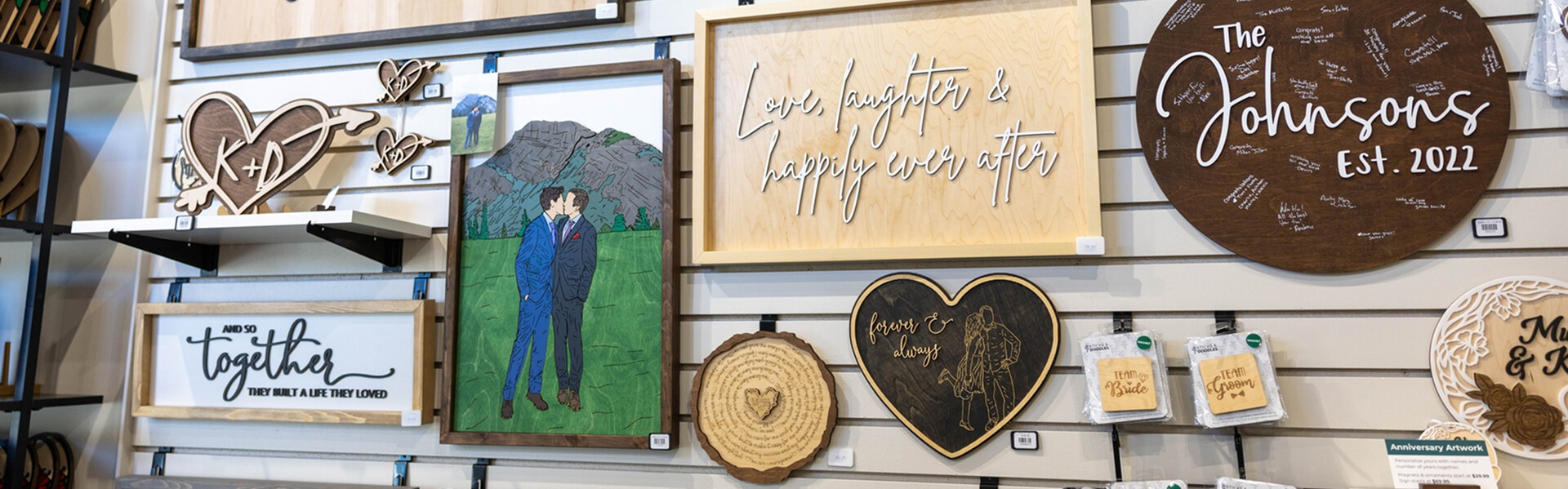
For most professional wood engraving and cutting applications, a CO₂ laser is the most versatile choice. It can engrave detailed graphics, text, photographs, and patterns while also cutting many compatible wood materials. Diode lasers can be practical for smaller hobby projects, while fiber lasers are generally not the standard choice for untreated wood.
The best laser engraver for wood depends on more than laser power alone. Working area, laser source, engraving detail, cutting requirements, production volume, Air Assist, exhaust, software, rotary compatibility, and technical support can all affect which machine is the better fit.
This guide explains how wood laser engraving works, compares the main laser technologies, and shows what to consider before choosing a machine. For a more detailed guide to wood types, engraving settings, photo engraving, and troubleshooting, see our wood laser engraving and cutting guide.
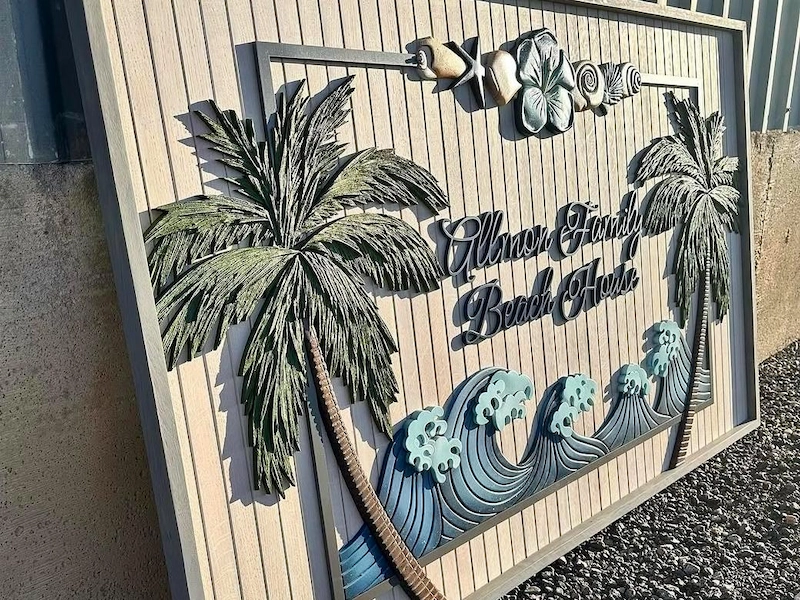
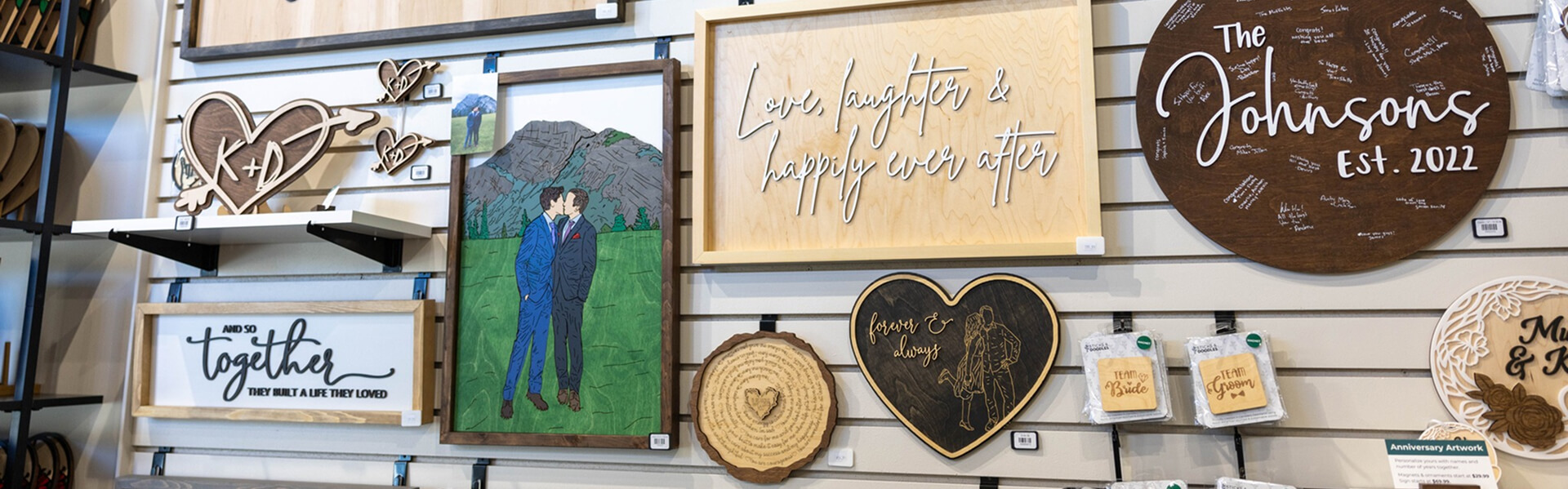
Laser-engraved wooden signage with detailed lettering and graphics.
A laser engraver uses a focused beam to heat the wood surface in a controlled pattern. Depending on the laser settings and material, the beam can darken, remove, or vaporize a thin layer of wood to create permanent text, graphics, photographs, textures, and other designs.
Unlike mechanical engraving, the laser does not need a cutting bit to physically contact the workpiece. This non-contact process makes it easier to reproduce fine details and repeat the same digital design across multiple pieces without tool wear changing the engraving path.
A typical workflow starts with a digital design. The file is prepared in suitable design or laser software, positioned on the work area, and processed using settings such as power, speed, line interval, focus, Air Assist, and number of passes. These settings should be adjusted for the exact wood species, thickness, surface condition, and desired result.
Wood does not respond uniformly to laser energy. Grain, density, resin, glue, moisture, coatings, and natural color can all affect engraving contrast and cutting quality. Test the actual material before running the final job rather than relying on one universal setting.
CO₂, diode, and fiber lasers are commonly compared when buyers research laser engraving machines. For general wood engraving and cutting, CO₂ lasers are usually the most versatile professional option. Diode lasers can work well for selected smaller projects, while fiber lasers are mainly intended for metals and selected plastics rather than untreated wood.
| Laser Type | Wood Suitability | Best For | Main Limitations |
|---|---|---|---|
| CO₂ Laser | Excellent | Detailed engraving, cutting, signage, gifts, furniture components, and production | Requires suitable ventilation, Air Assist, cooling, and workspace |
| Diode Laser | Good for selected wood projects | Hobby projects, small products, and lighter engraving or cutting | Processing speed, cutting capacity, enclosure, and work area vary significantly by system |
| Fiber Laser | Limited for untreated wood | Primarily metals and selected plastics | Not a general-purpose wood engraving or cutting solution |
Comparison of the main laser technologies considered for wood engraving and cutting.
CO₂ lasers are widely used for wood because their wavelength is well suited to many organic and non-metallic materials. They can engrave natural wood, plywood, MDF, and many other compatible wood-based products while also providing useful cutting capability.
For professional woodworking, a CO₂ laser is particularly useful when one machine needs to handle both engraving and cutting. It can be used for personalized products, signs, decorative panels, models, packaging, furniture components, photographs, and repeated production jobs.
Thunder Laser offers multiple CO₂ laser machine series designed for different working areas, engraving requirements, and production scales.
Fiber lasers are primarily designed for metals and selected plastics. They are not normally recommended as a general-purpose solution for untreated wood because their wavelength and beam characteristics are optimized for very different materials.
Some specially treated, coated, or composite surfaces may react to specific laser sources, but they should be tested individually rather than treated as proof that fiber lasers are suitable for ordinary woodworking. If your main application is metal marking, serial numbers, logos, tools, jewelry, or industrial identification, explore the Thunder Laser Aurora Series instead.
Diode lasers are commonly used for entry-level engraving because many systems are compact and comparatively affordable. They can work well for coasters, keychains, ornaments, photo frames, signs, and other small wood projects.
Their main limitation is that performance varies significantly by machine. Optical output power, spot size, enclosure, motion system, Air Assist, work area, and material compatibility can all differ. Buyers who need larger working areas, faster batch production, or stronger cutting performance often move toward a professional CO₂ system.
A wood laser engraver can support personalization, prototyping, craft production, signage, furniture decoration, education, and commercial manufacturing. The same digital workflow can be used to create one customized item or repeat a design across a larger batch.
In furniture and home décor, laser processing can add patterns, names, logos, decorative details, and cut components to wooden panels and finished products. Personalized gift businesses commonly use laser engraving for cutting boards, boxes, plaques, coasters, photo frames, ornaments, and wedding products.
Sign makers can produce business signs, directional signs, layered lettering, nameplates, and decorative displays. Schools and makerspaces can use wood laser machines for models, classroom projects, awards, prototypes, puzzles, and STEAM activities.
The right machine depends on the product. Small personalized items may prioritize engraving detail and compact footprint, while furniture components, long signs, and batch production may require a larger work area, pass-through capability, or stronger cutting performance.
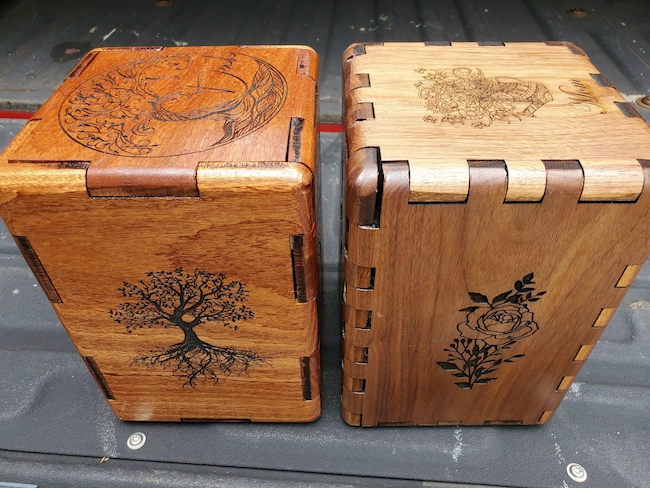
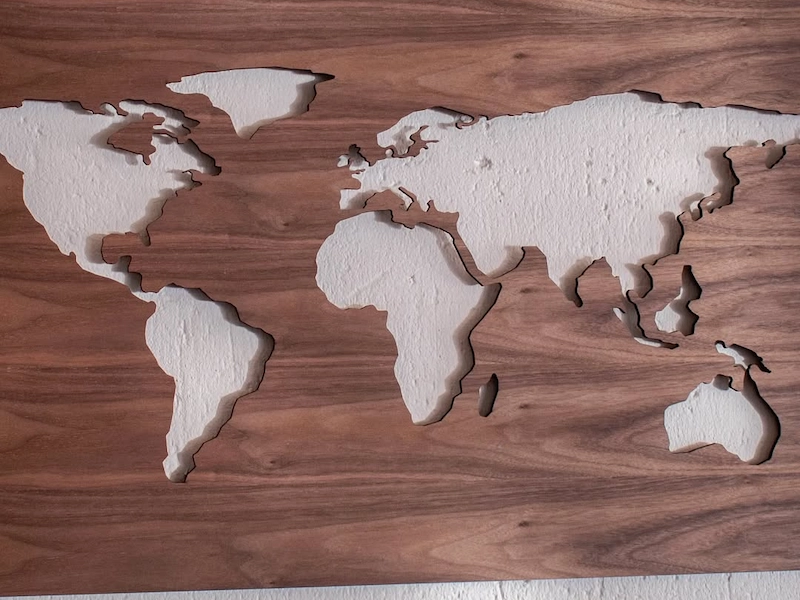
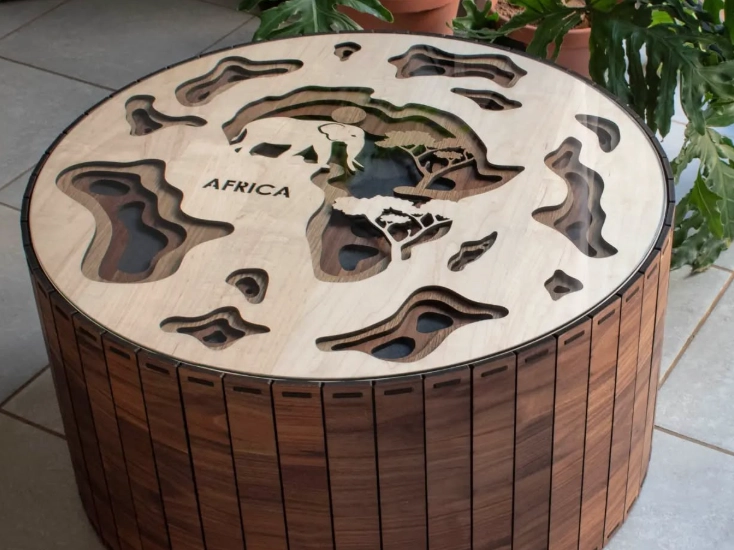
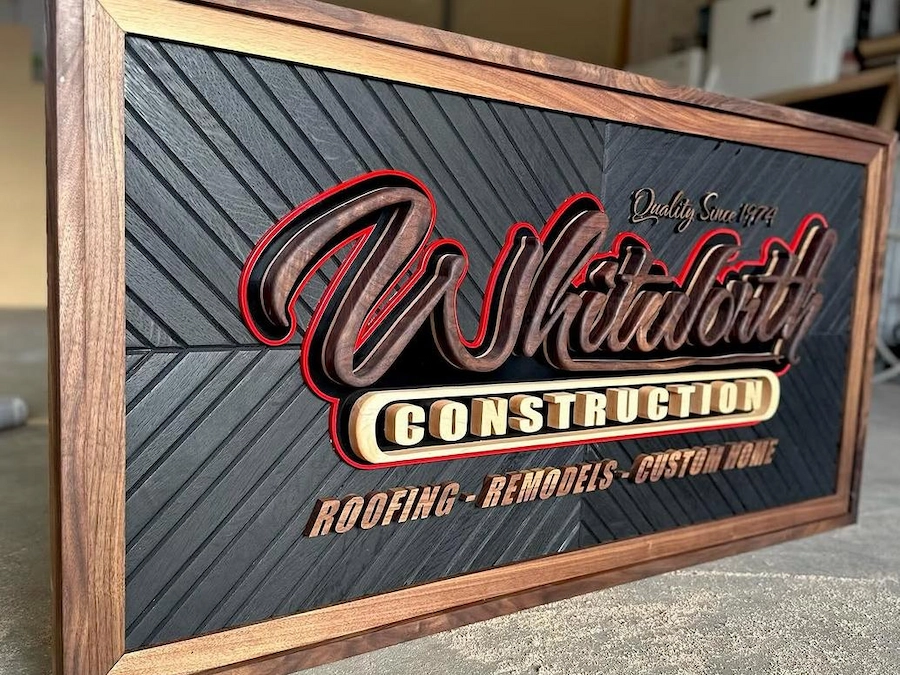
For more project ideas, tested starting settings, tutorials, and downloadable design files, explore the Thunder Laser Inspiration Library.
A suitable wood laser engraver should match the size of your projects, the level of detail you need, and how frequently you plan to use the machine. The following features have a direct effect on daily workflow and production capability.
Laser source affects beam characteristics, engraving detail, cutting ability, maintenance, and machine cost. For professional wood engraving and cutting, CO₂ systems are normally the first category to compare.
Higher wattage can improve cutting capability and productivity, but wattage alone does not determine engraving quality. Beam quality, spot size, motion control, speed, focus, airflow, wood density, and the desired depth all matter.
Work area determines the maximum size of material that can be placed inside the machine at one time. A compact system may be enough for coasters, plaques, signs, and personalized gifts, while furniture panels and larger signage require more space.
Machines with pass-through capability can also process materials longer than the standard bed when the application and machine setup allow it. This can be valuable for long wooden signs, boards, furniture components, and other oversized pieces. Compare the Thunder Laser Nova Series and Thunder Laser Bolt Series according to the size and type of wood products you plan to make.
Good software support makes it easier to prepare files, assign engraving and cutting layers, adjust parameters, position designs, and repeat jobs. Designs may be created in programs such as Adobe Illustrator or CorelDRAW and then imported into compatible laser software.
Thunder Laser machines support established laser workflows including LightBurn. Thunder Laser also develops LaserMaker, which provides design, parameter, positioning, and production tools for compatible Thunder Laser systems.
A rotary attachment expands a wood laser engraver beyond flat sheets and boards. It rotates cylindrical or rounded objects during engraving so the laser can follow the surface more consistently.
For woodworking businesses, this can open applications such as engraved rolling pins, wooden cups, pens, handles, cylindrical containers, and other round products. Before purchasing a rotary, check the supported diameter, object length, machine clearance, and compatibility with the exact laser model.
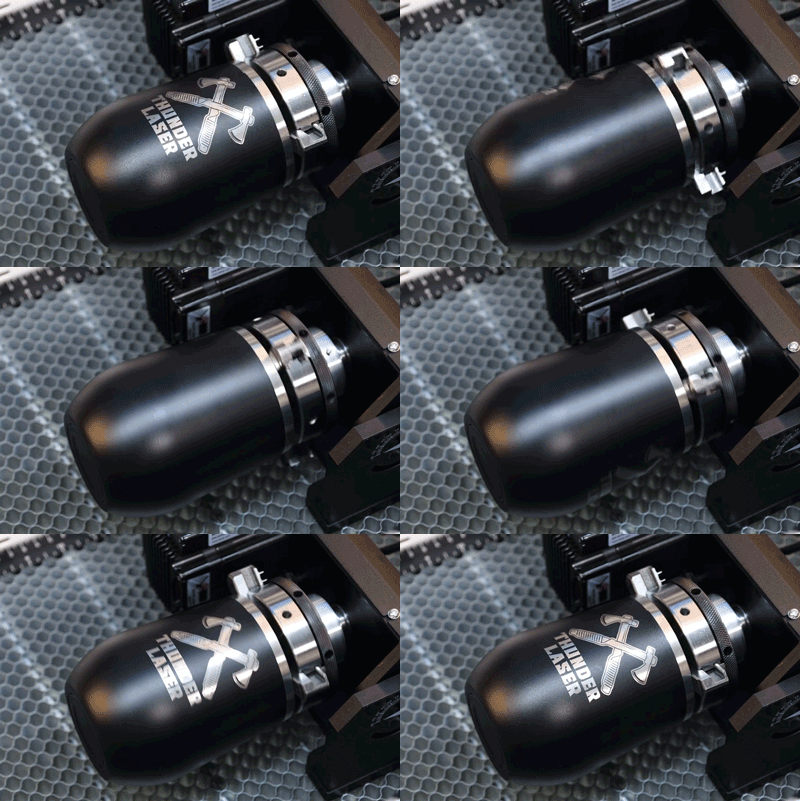
Rotary attachment used to process cylindrical laser engraving projects.
Laser systems generate heat during operation, so the cooling method is an important part of machine reliability and consistent output. Different CO₂ laser sources may use different cooling designs.
Instead of choosing a machine simply because it is air-cooled or water-cooled, compare how the complete cooling system is designed for the laser source, rated workload, ambient operating conditions, and maintenance requirements.
Daily usability affects how quickly an operator can move from design to production. Focus adjustment, machine controls, file transfer, software workflow, material positioning, cleaning, and routine maintenance should all be considered.
For a business, ease of maintenance can be just as important as initial engraving quality. Optics, exhaust paths, working tables, Air Assist components, and moving parts should be easy to inspect and maintain according to the manufacturer's schedule.
Wood engraving and cutting generate smoke, particles, heat, and combustible residue. Air Assist helps move smoke and debris away from the processing area, while stronger airflow is often useful during cutting to clear the kerf and reduce excessive charring.
An exhaust system removes process fumes from the machine and workspace. Proper ventilation is especially important for production environments where the laser may run for extended periods.
Because wood is combustible, laser processing should always be monitored. Do not process unidentified, chemically treated, coated, laminated, or adhesive-based wood products until their composition and laser suitability have been verified.
The main advantage of a laser engraver is not simply that it is “faster” or “more precise.” Its value comes from combining digital control, non-contact processing, repeatability, engraving, and cutting in one workflow.
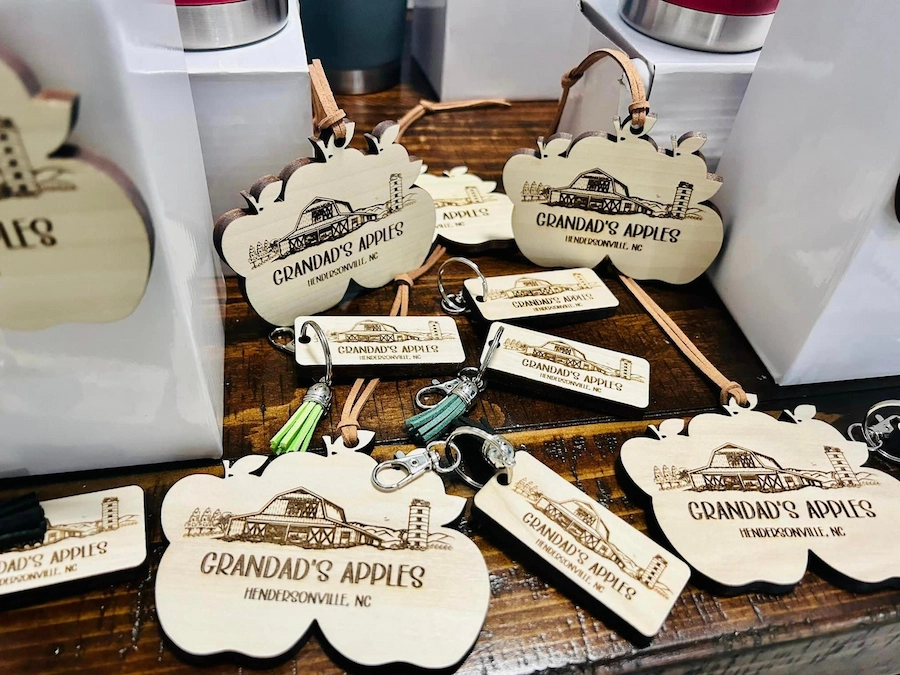
Small personalized wooden products can be engraved repeatedly from the same digital design.
| Capability | Why It Matters for Woodworking |
|---|---|
| Non-contact processing | No cutting bit presses against the wood during engraving. |
| Fine digital detail | Useful for text, logos, photographs, line art, and intricate patterns. |
| Repeatability | The same digital file and process can be repeated across multiple products. |
| Engraving and cutting | A suitable CO₂ system can perform both processes without changing to a mechanical cutting tool. |
| Fast customization | Names, logos, dates, artwork, and personalized designs can be changed digitally between jobs. |
Key workflow advantages of laser engraving for customized and repeat-production wood projects.
Start with the products you plan to make rather than choosing a machine only by wattage or price. A wood laser engraver for personalized gifts has different requirements from a system used for large signage, furniture components, or continuous production.
There is no single wattage that is best for every wood engraving job. Surface engraving can often be performed at relatively low output because the goal is to remove or darken only a shallow layer. Cutting requires more energy and is affected much more strongly by wood thickness, density, glue content, focus, lens selection, airflow, speed, and number of passes.
If your work is mainly detailed engraving, compare beam quality, engraving speed, spot size, and motion performance as carefully as power. If your business also cuts thicker materials or needs higher throughput, laser power becomes a more important part of the machine decision.
Entry-level machines can reduce the initial cost, but purchase price should not be the only consideration. Work area, laser source, expected operating hours, exhaust, accessories, software, maintenance, production speed, support, and future project size can all affect the total value of the system.
A lower-cost machine may be sufficient for occasional personal projects. A business processing repeated customer orders should normally place more weight on consistency, workflow, serviceability, support, production capacity, and room for growth.
Small plaques, ornaments, coasters, and gifts can be produced on a compact machine. Larger signs, layered wall art, furniture panels, packaging components, and batch production benefit from a larger bed and a machine designed for longer operating cycles.
If oversized boards are part of your regular workflow, check pass-through capability before purchasing. If most jobs contain many small products, compare how efficiently the working area can be filled for batch engraving.
Support becomes especially important when a machine is used for commercial production. Look for setup guidance, documentation, software support, troubleshooting resources, training, and access to technicians who understand the machine.
If you are unsure which machine is suitable for your wood, Thunder Laser also provides material testing and application validation. You can provide your material type, thickness, desired process, and production requirements so the Application Lab can evaluate engraving quality, cutting results, processing speed, and suitable machine configurations before you make a purchasing decision.
There is no single Thunder Laser model that is best for every woodworker. The right choice depends on whether your priority is fine engraving, compact installation, cutting power, larger material size, or higher-volume production.
| Woodworking Need | Recommended Thunder Laser | Why Consider It |
|---|---|---|
| Compact professional engraving | Bolt Series | RF CO₂ source, compact footprint, detailed engraving, and rotary support |
| Small business and frequent engraving | Bolt Plus | Larger working area and higher production capability within the Bolt family |
| Professional batch engraving | Bolt Pro | Largest work area and highest power options in the Bolt range |
| Larger wood projects and stronger cutting | Nova Series | Multiple bed sizes and DC glass CO₂ power options for engraving and cutting |
Thunder Laser machine selection should be based on work area, engraving detail, cutting requirements, and production volume.
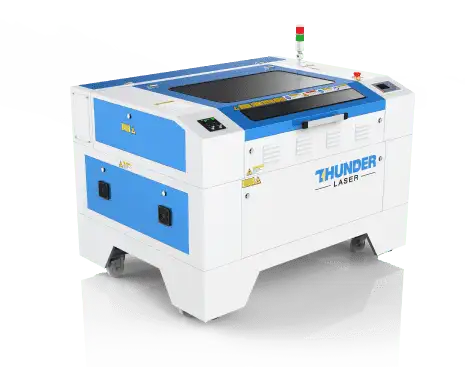
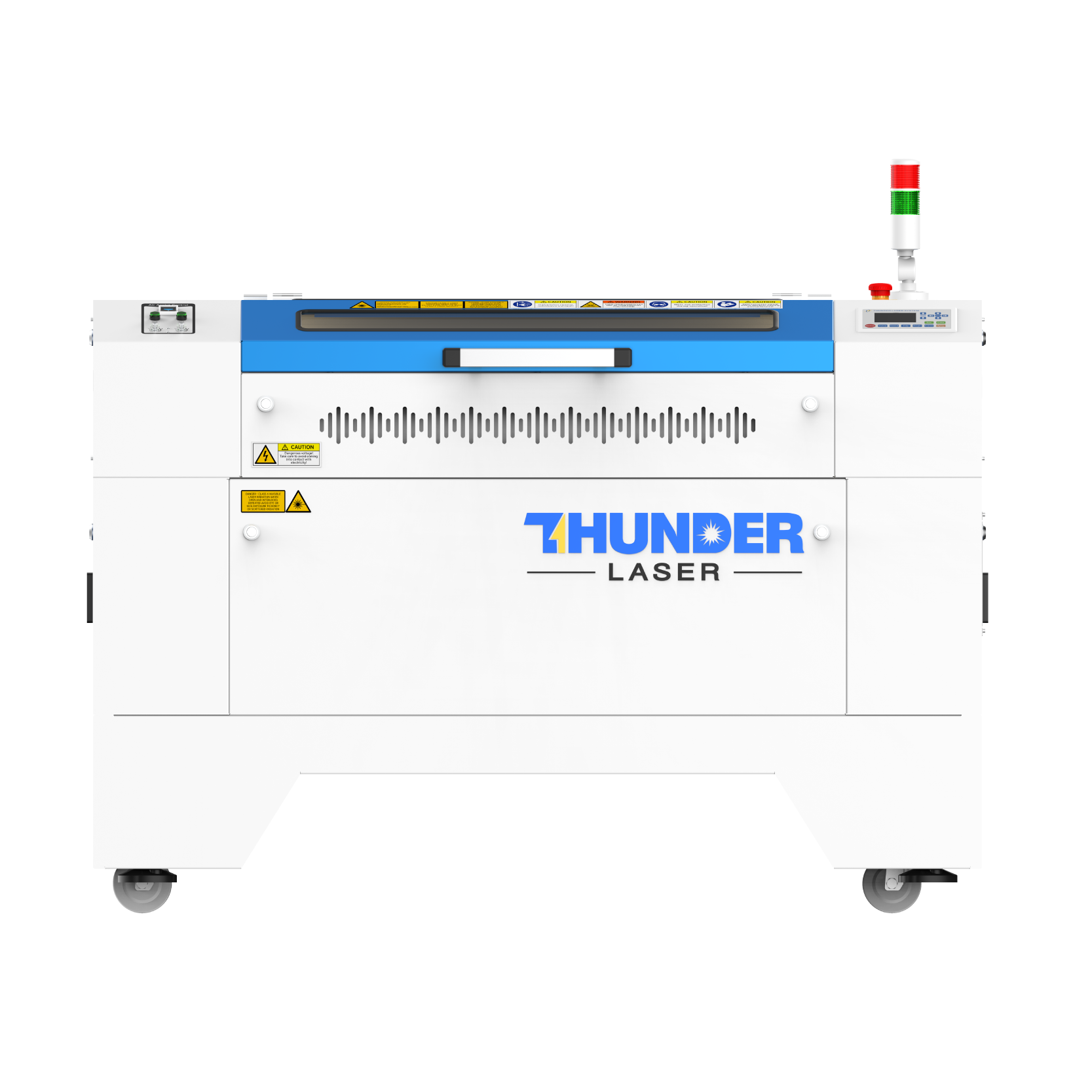
Thunder Laser Nova Series for wood engraving, cutting, and larger-format production.
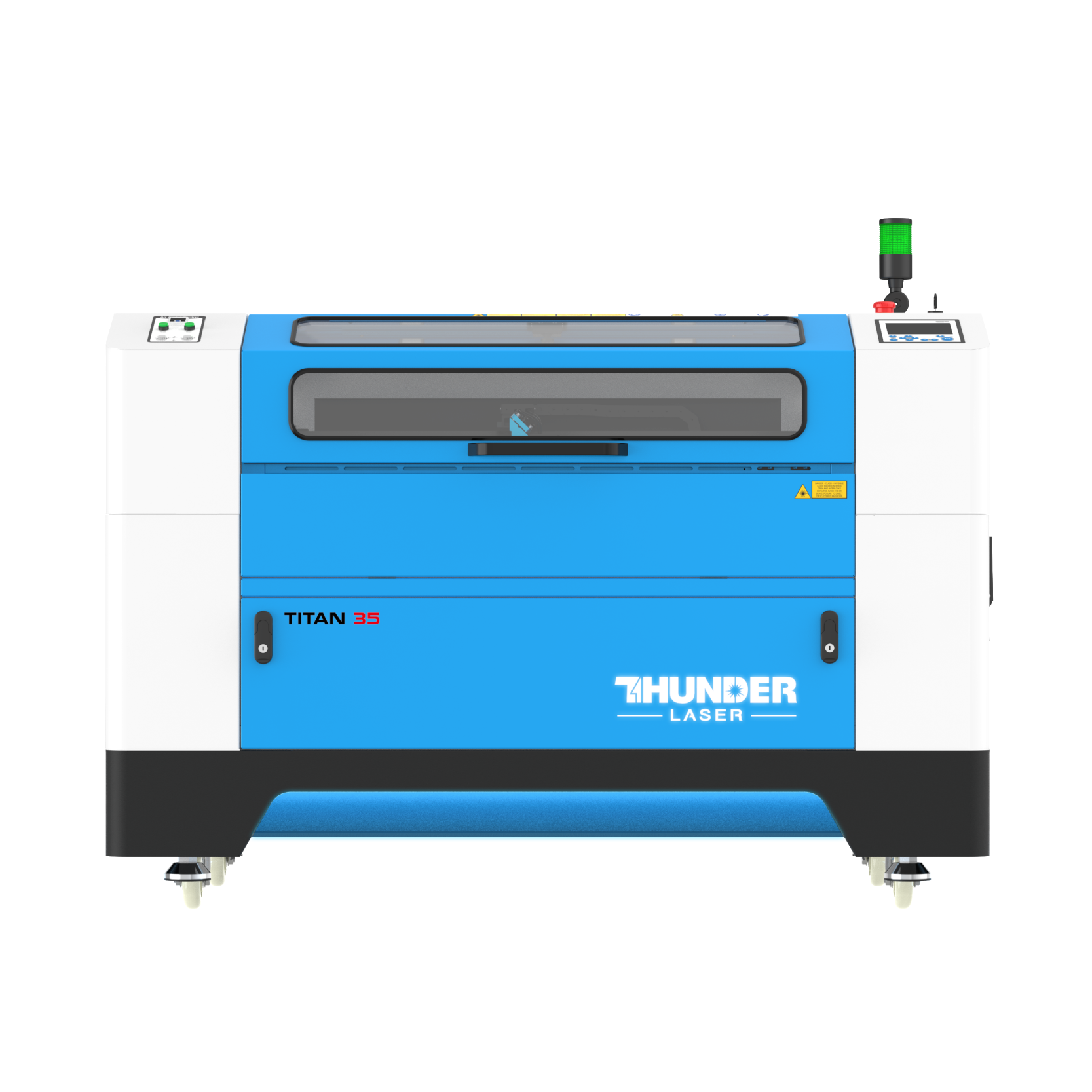
The Thunder Laser Nova Series is designed around DC glass CO₂ laser sources and is available in several working-area and power configurations. It is a practical option for businesses that need to combine wood engraving with stronger cutting capability.
Nova models are especially relevant for signs, furniture components, layered décor, packaging, models, and larger batches where bed size matters. Rather than selecting the largest Nova automatically, match the machine to the size of the material you process most frequently and the cutting capacity your products require.
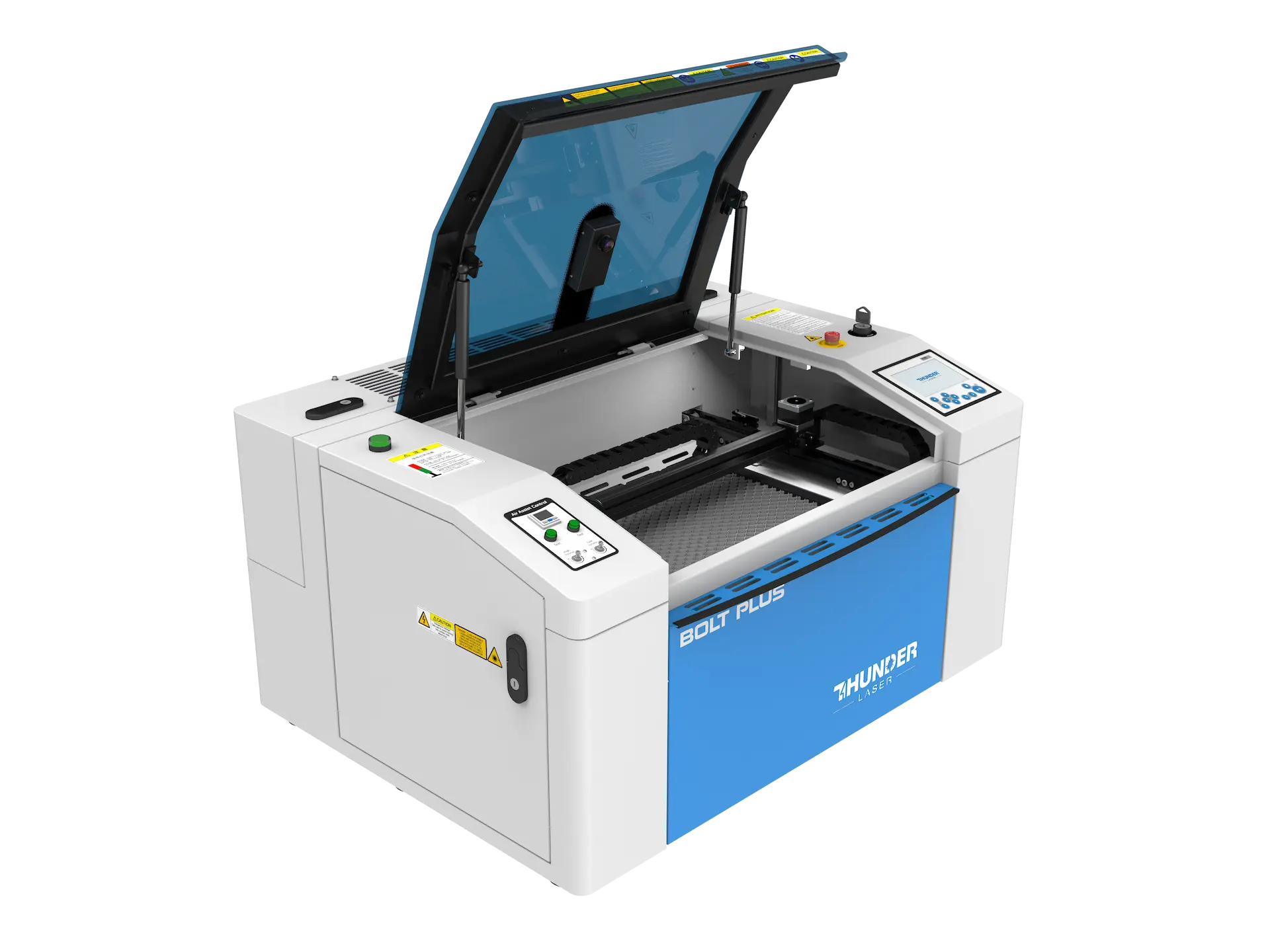
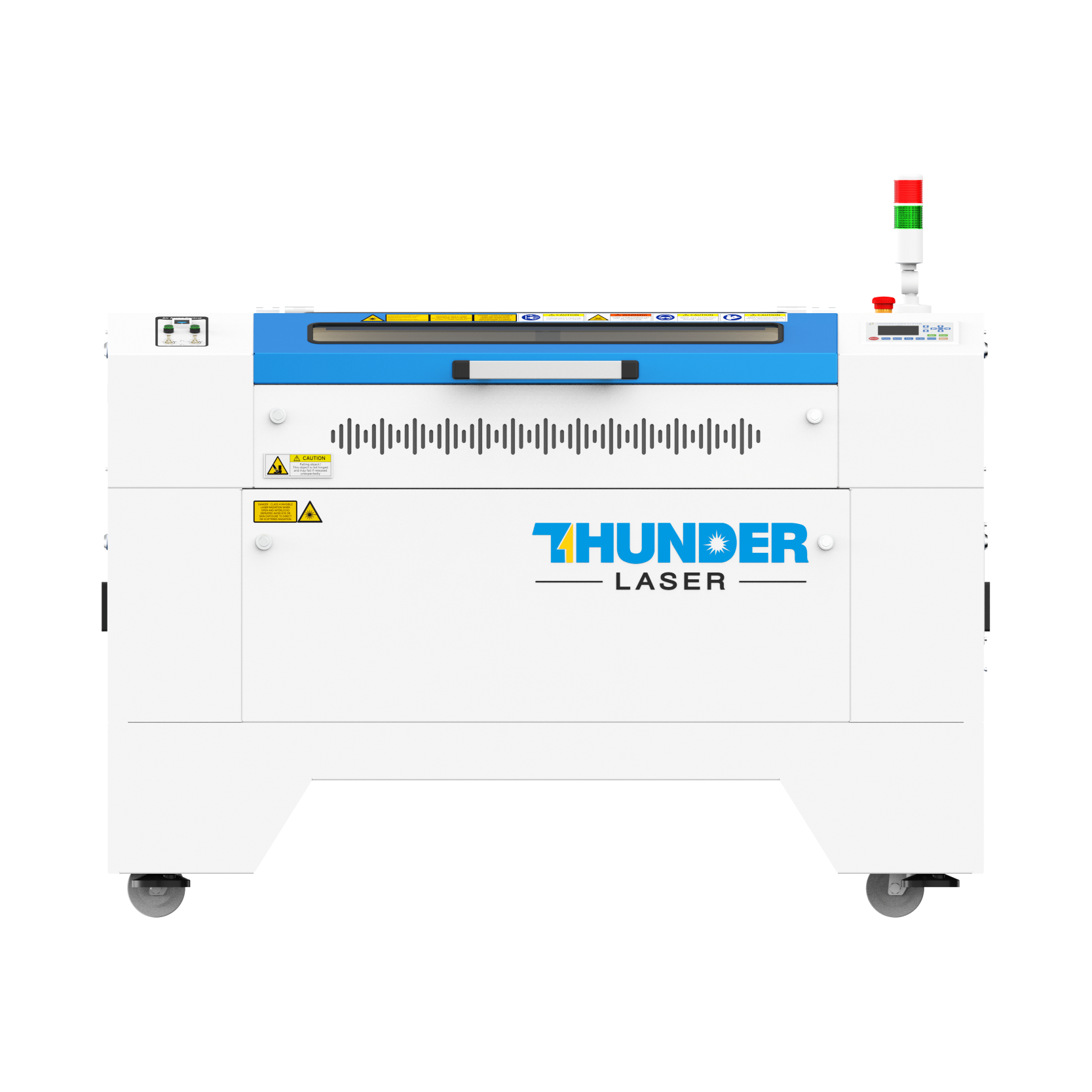
Thunder Laser Bolt Series RF CO₂ laser engraver for detailed wood engraving.
The Thunder Laser Bolt Series uses RF CO₂ laser technology and is positioned around detailed engraving, fast response, compact installation, and professional everyday use.
Bolt is well suited to workshops producing engraved signs, photographs, personalized gifts, plaques, decorative products, classroom projects, and small commercial batches. Its compact format can also make it easier to install where floor space is limited.
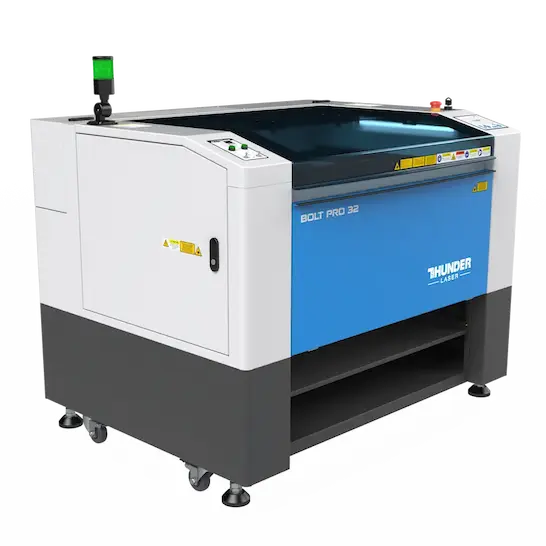
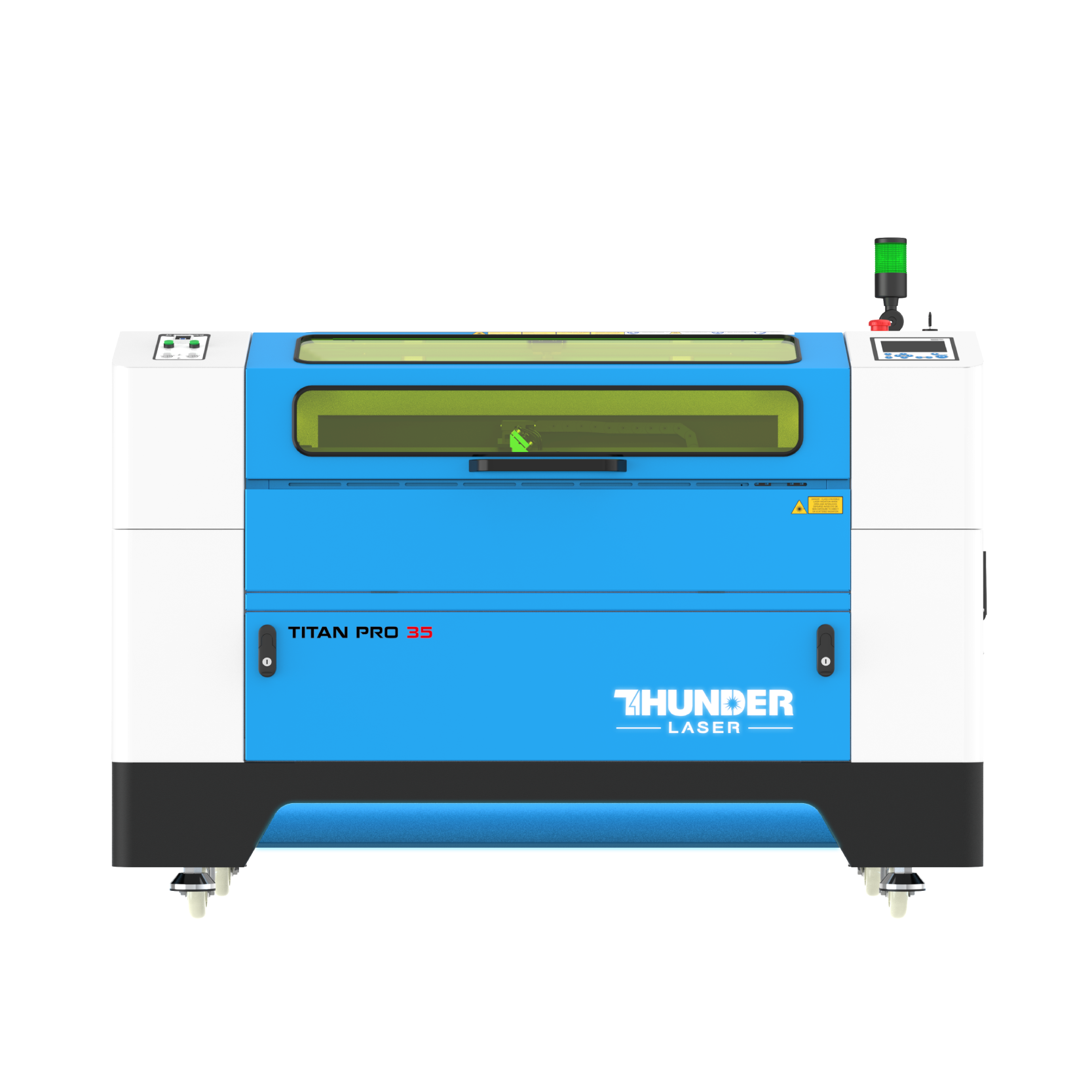
Thunder Bolt Pro for larger and higher-volume precision engraving applications.
Within the Bolt family, Bolt Pro is intended for users who need more working area, higher power options, and greater production capability while retaining the engraving advantages of an RF CO₂ system.
It is a stronger fit for professional shops processing repeated orders, larger engraving layouts, multiple products per batch, and applications where fine detail remains important. Before choosing between Bolt, Bolt Plus, Bolt Pro, and Nova, compare your typical material dimensions and whether engraving detail or cutting capacity is the higher priority.
Better engraving starts with consistent material and controlled testing. Even two pieces sold under the same wood name can respond differently because of grain, resin content, moisture, glue, density, or surface treatment.
If you need a step-by-step method for finding suitable parameters, see our laser material settings test guide. For information about species, grain, resin, engraving contrast, and wood selection, visit the Thunder Laser wood material guide.
The best laser engraver for wood is the machine that matches the products you actually plan to make. CO₂ lasers are generally the most versatile option for professional wood engraving and cutting, while diode systems can suit smaller hobby applications. Fiber lasers are primarily intended for other material categories and are not the standard choice for untreated wood.
Before buying, compare laser source, work area, power, engraving detail, cutting requirements, Air Assist, exhaust, rotary support, software, maintenance, and technical support. For detailed engraving and compact professional workflows, the Thunder Laser Bolt Series is a strong option. For larger work areas and more cutting-focused wood production, the Nova Series may be a better fit.
If you still are not sure which configuration matches your material, send a sample to the Thunder Laser Application Lab and compare real processing results before making the final machine decision.
Talk To Our Experts Now!
Please leave your contact information so that we can serve you better.
FAQS
TAKE THE NEXT STEP WITH THUNDER LASER


 Stable & Consistent MachinesUnlimited ApplicationsRobust After-sales SupportFactory Direct Supply


