



PAPER & CARDSTOCK LASER
ENGRAVING & CUTTING & MARKING
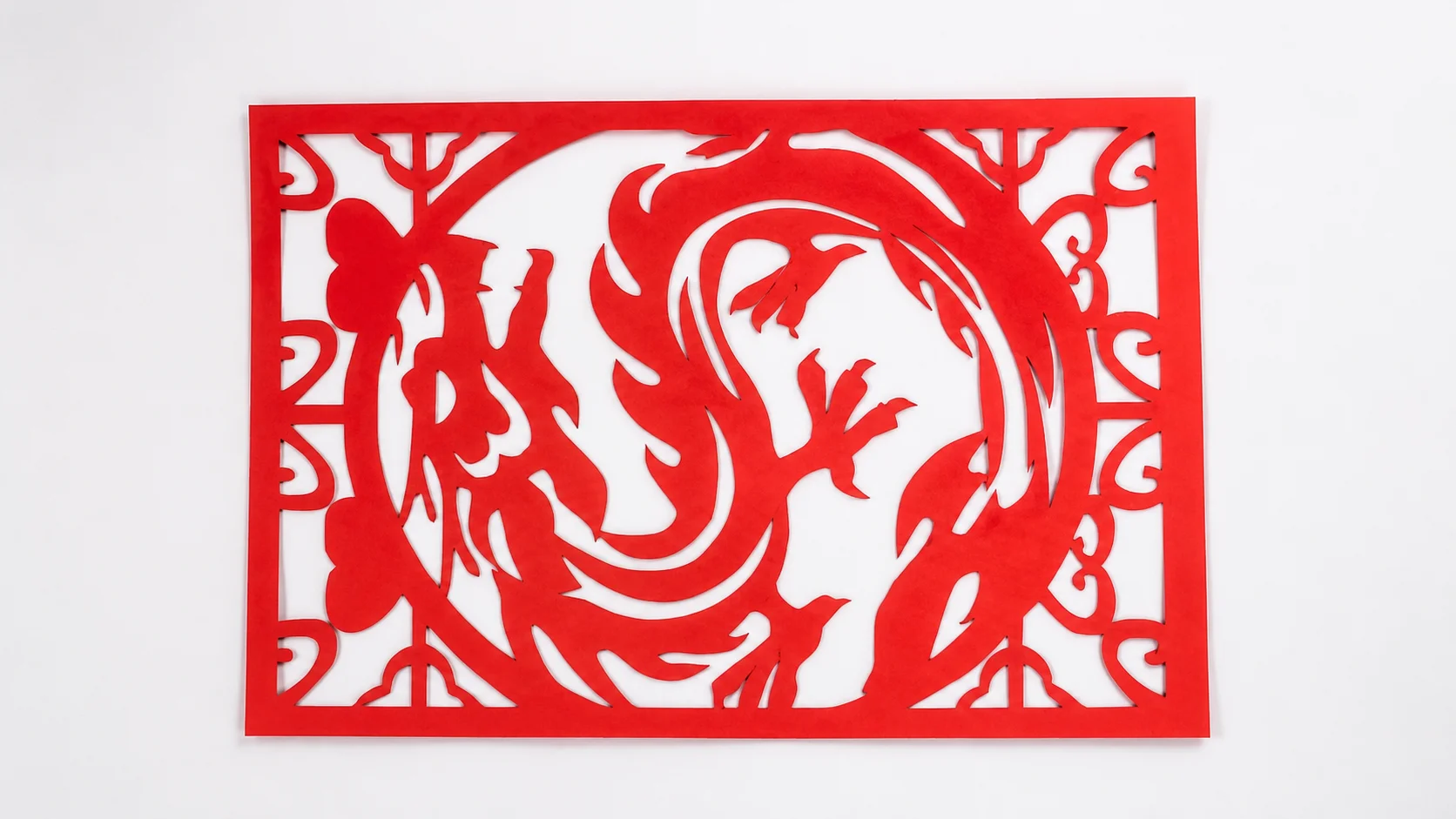
Achieve flawless paper engraving, cutting and marking with industrial-grade precision.
WHAT ARE YOU LOOKING FOR?
Search Across Products, Blog Posts, Support Content, And Resources.

PAPER & CARDSTOCK LASER
ENGRAVING & CUTTING & MARKING
Achieve flawless paper engraving, cutting and marking with industrial-grade precision.


ADVANTAGES OF LASER PROCESSING PAPER
Paper is one of the most accessible, versatile, and expressive materials for laser cutting. It’s lightweight, affordable, and available in countless colors, textures, and finishes—making it ideal for creative design, rapid prototyping, packaging, and fine art. With a Thunder Laser Machine, you can achieve:
 Fine Details and Intricate Paper CuttingContact-Free Cutting with No Tool WearFlexible Design, Scoring and PersonalizationConsistent and Repeatable Digital ProductionFaster Prototyping and Short-Run ProductionEfficient Use of Paper and Cardstock
PAPER LASER PROCESSING METHODS
With a Thunder Laser machine, paper can be engraved and cut precisely that’s difficult to achieve by hand.
From delicate patterns to intricate textures, laser processing allows these effects to be applied perfectly.


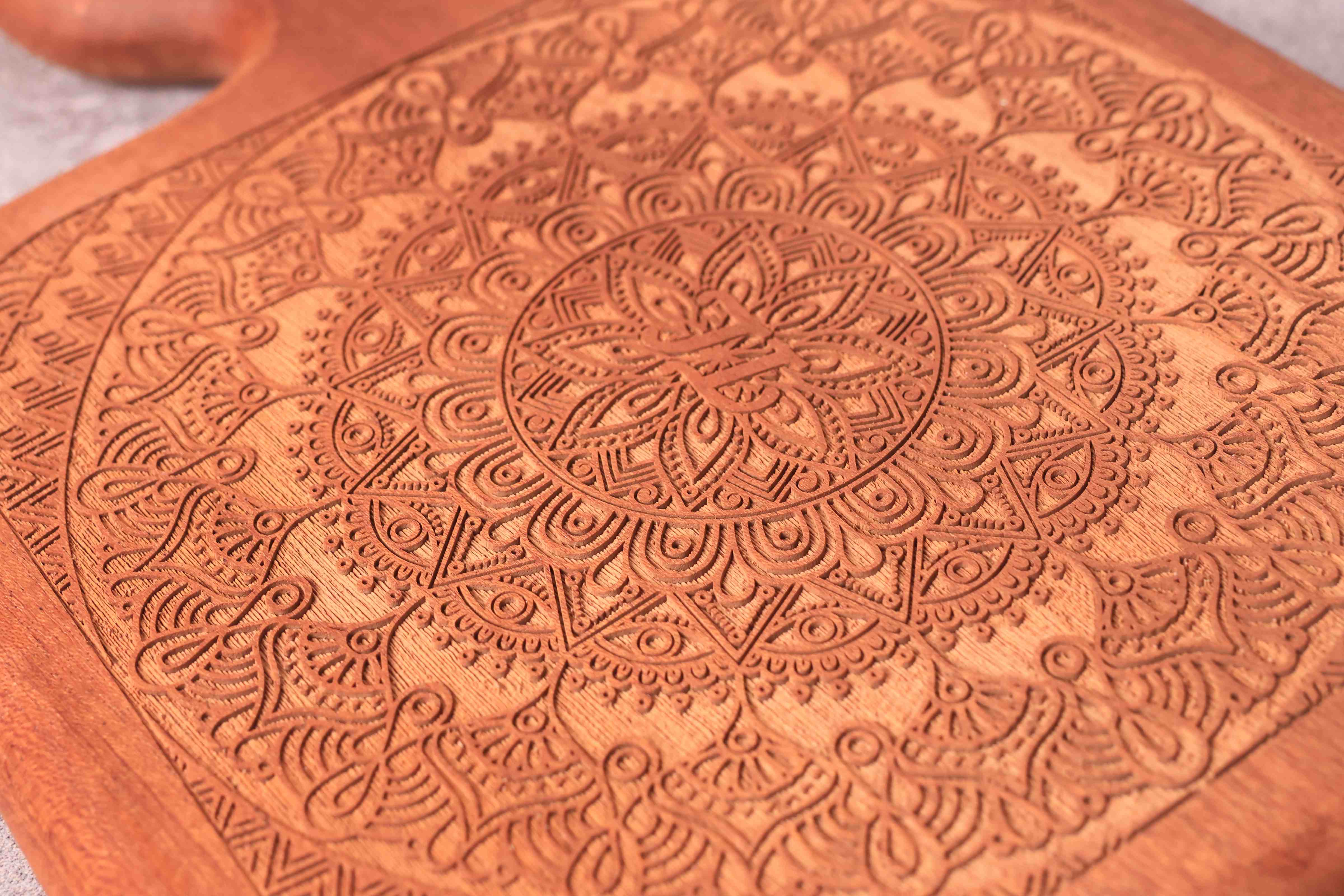
Shallow Engraving
Cuts completely through paper, cardstock, or compatible paperboard to create intricate shapes, packaging parts, cards, labels, and decorative patterns.

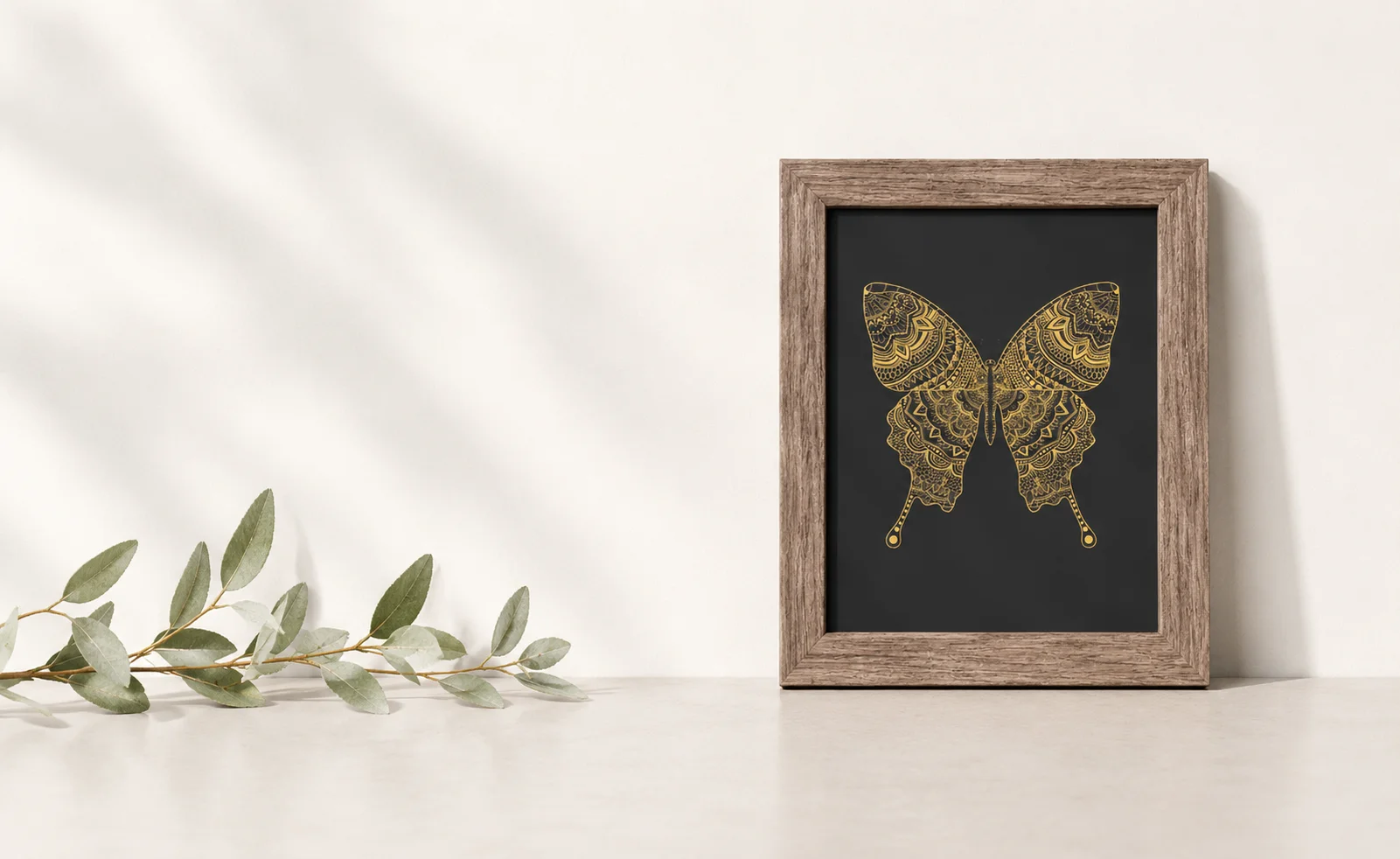
Vector Engraving
Follows vector paths to cut or etch precise outlines and shapes. Ideal for intricate patterns, logos, and decorative accents.

Photo Engraving
Reproduces preprocessed photographs and grayscale artwork on suitable cardstock and art papers.

Perforating
Creates tear lines, decorative perforations, ventilation patterns, stitch guides, and foldable paper features.

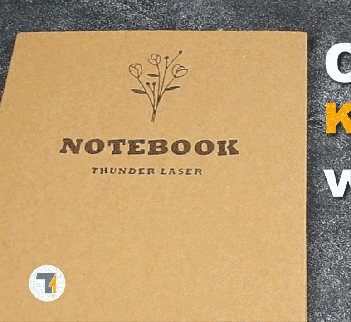
Laser Cutting
Creates subtle surface marks and produces clean and refined results.

Print & Cut
Aligns cutting paths with printed graphics or registration marks for customized packaging, labels, cards, and printed paper products.
CHOOSING PAPER FOR LASER PROCESSING
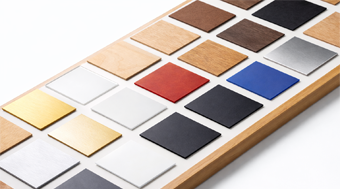
Paper materials vary in fiber composition, thickness, weight, surface finish, coatings, color, and layer construction. Choose the paper based on the finished product you need.
Cardstock & Heavy Paper – Cardstock, Cover Stock, Bristol Board, Heavy Art Paper
Uncoated & Natural Paper – Copy Paper, Kraft Paper, Construction Paper, Watercolor Paper, Vellum, Tissue Paper
Coated & Specialty Paper – Gloss-Coated Paper, Matte-Coated Paper, Metallic Paper, Pearl Paper, Photo Paper, Specialty Textured Paper
Paperboard & Corrugated Materials – Chipboard, Greyboard, Paperboard, Corrugated Cardboard

WHAT YOU CAN MAKE
WITH PAPER LASER MACHINES?

Signs and Advertising

Packaging Industry

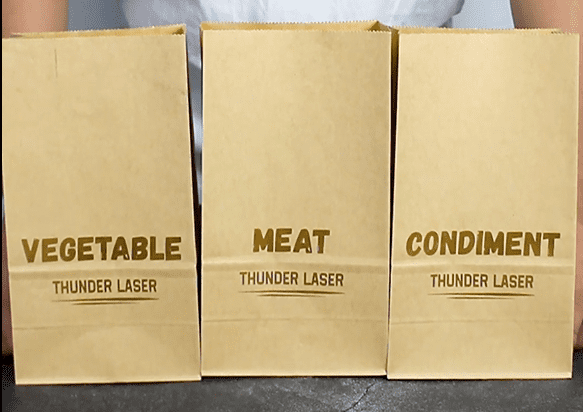
Food Industry
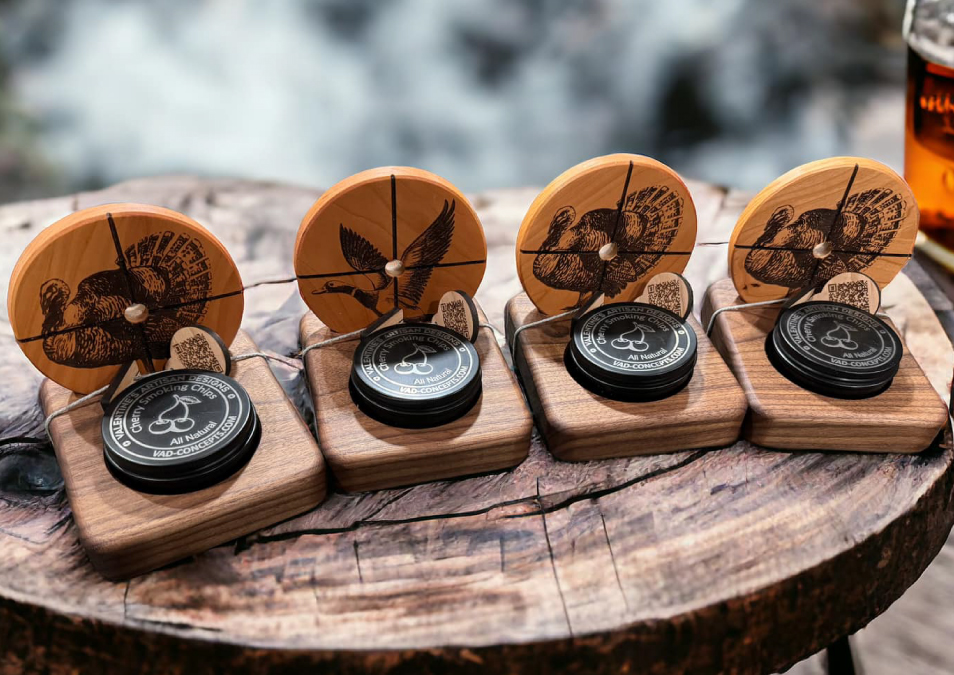
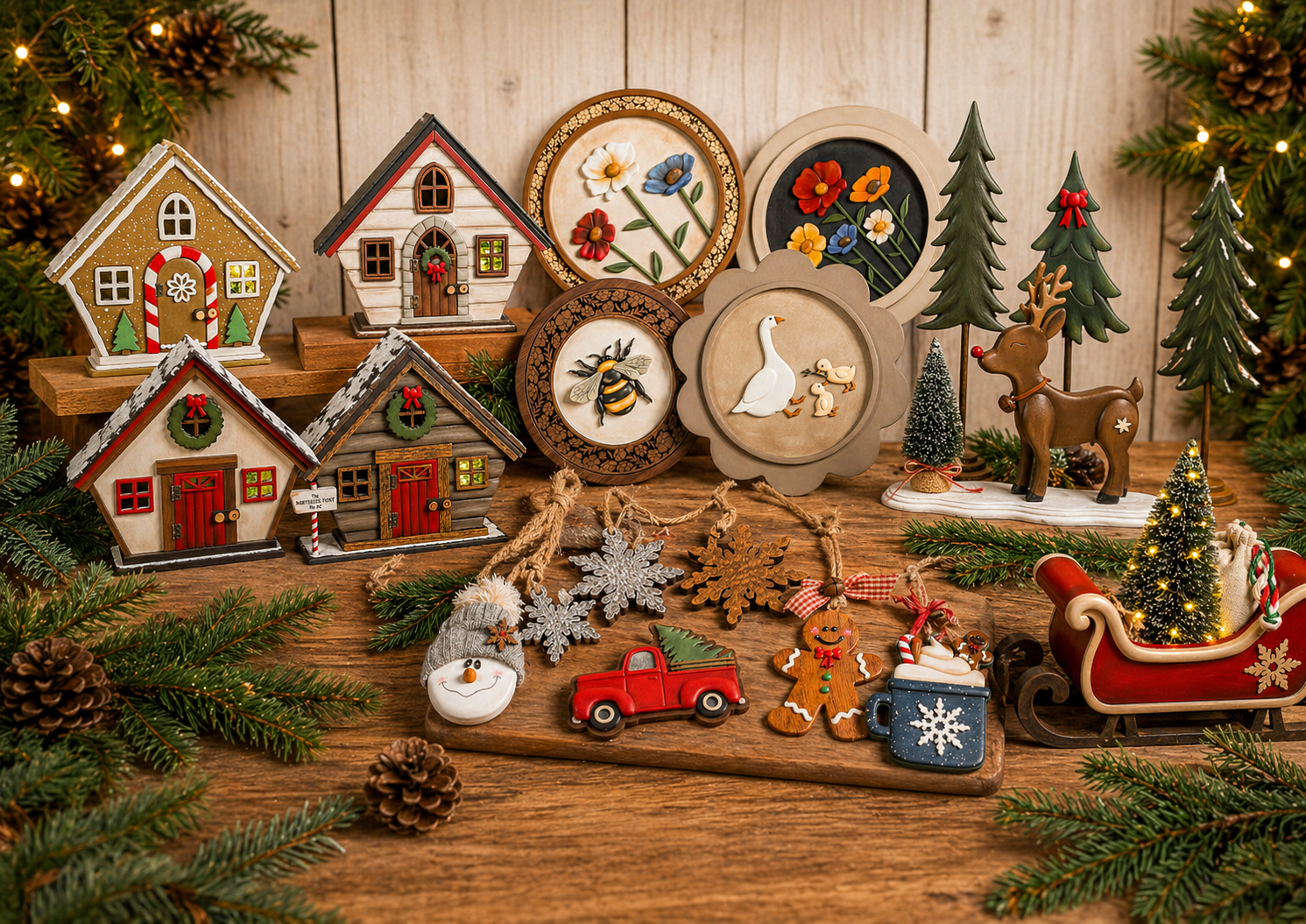
Personalized Customization
Personalized Customization

Personalized Customization

Personalized Customization

Packaging Industry

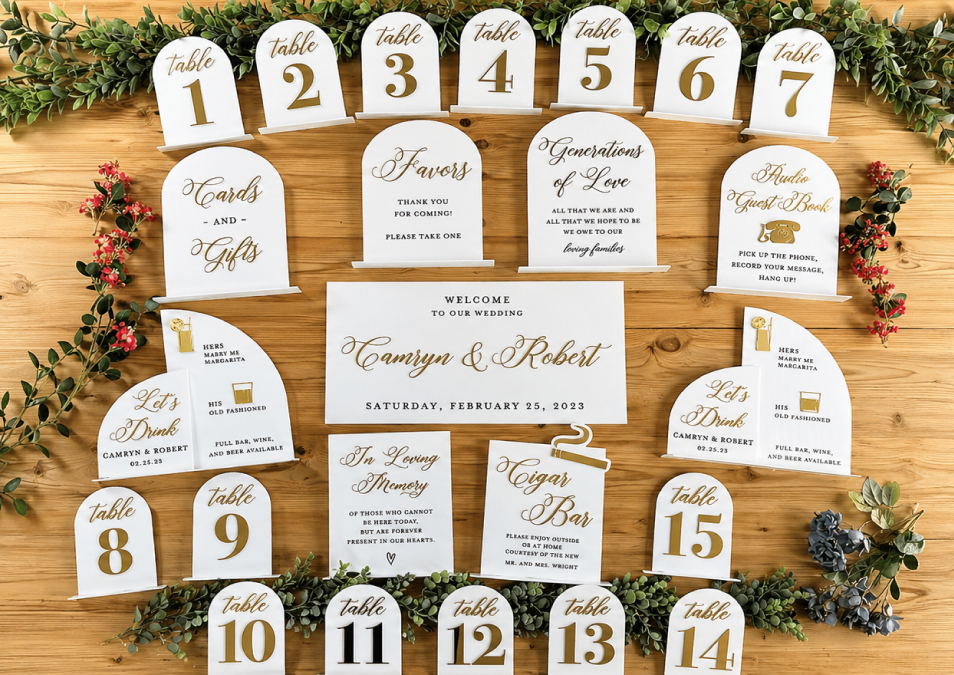
Wedding Industry
CREATING WITH PAPER HAS
NEVER BEEN THIS EASY

Position & Focus
Place the paper on the laser bed.

Import Design&Test Settings
Import or create a design and make material testing.

Start engraving & Cutting & Marking
Just send the file, hit Start, and wait—it’s that easy.
RELATED RESOURCES

PAPER LASER CUTTING
& ENGRAVING FAQS
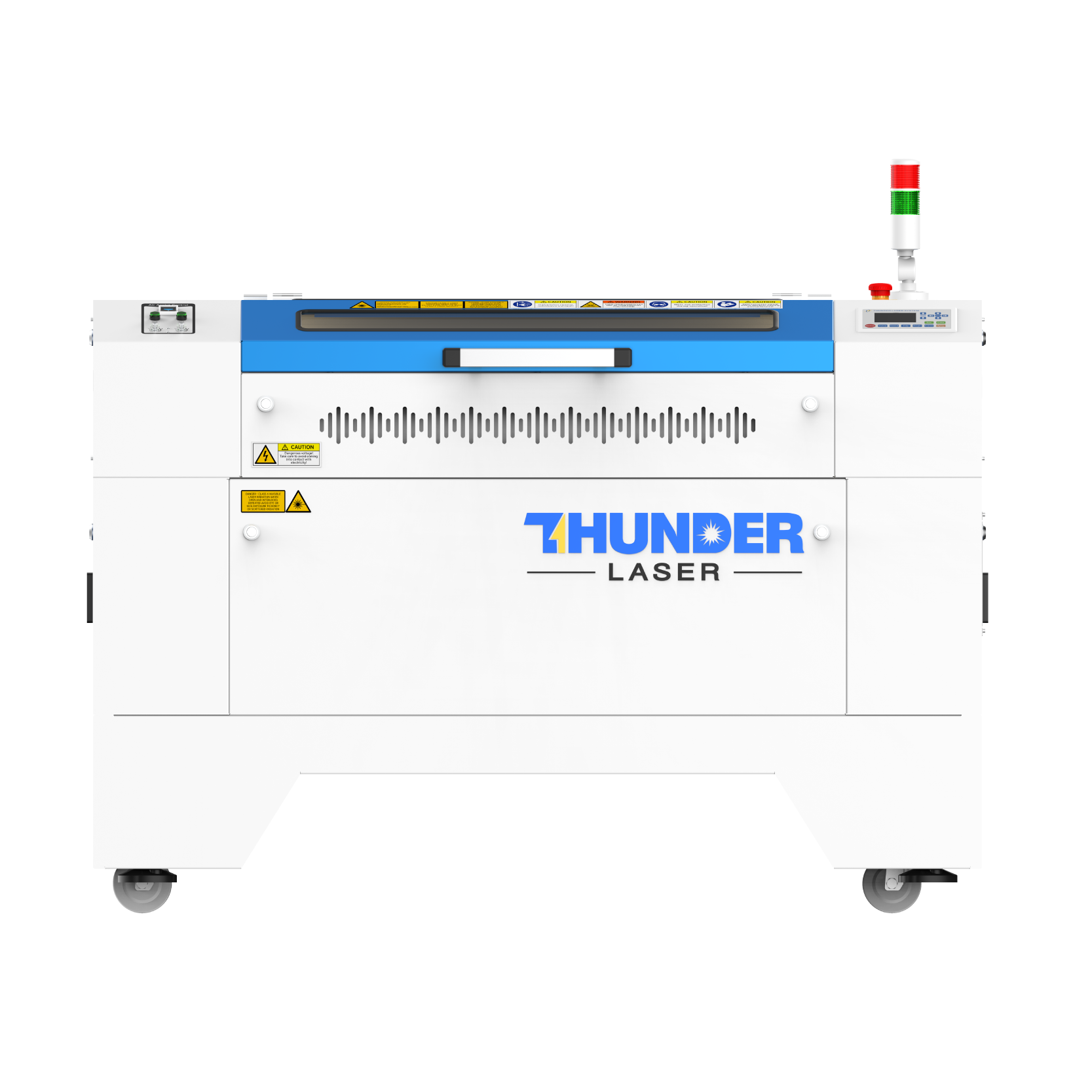
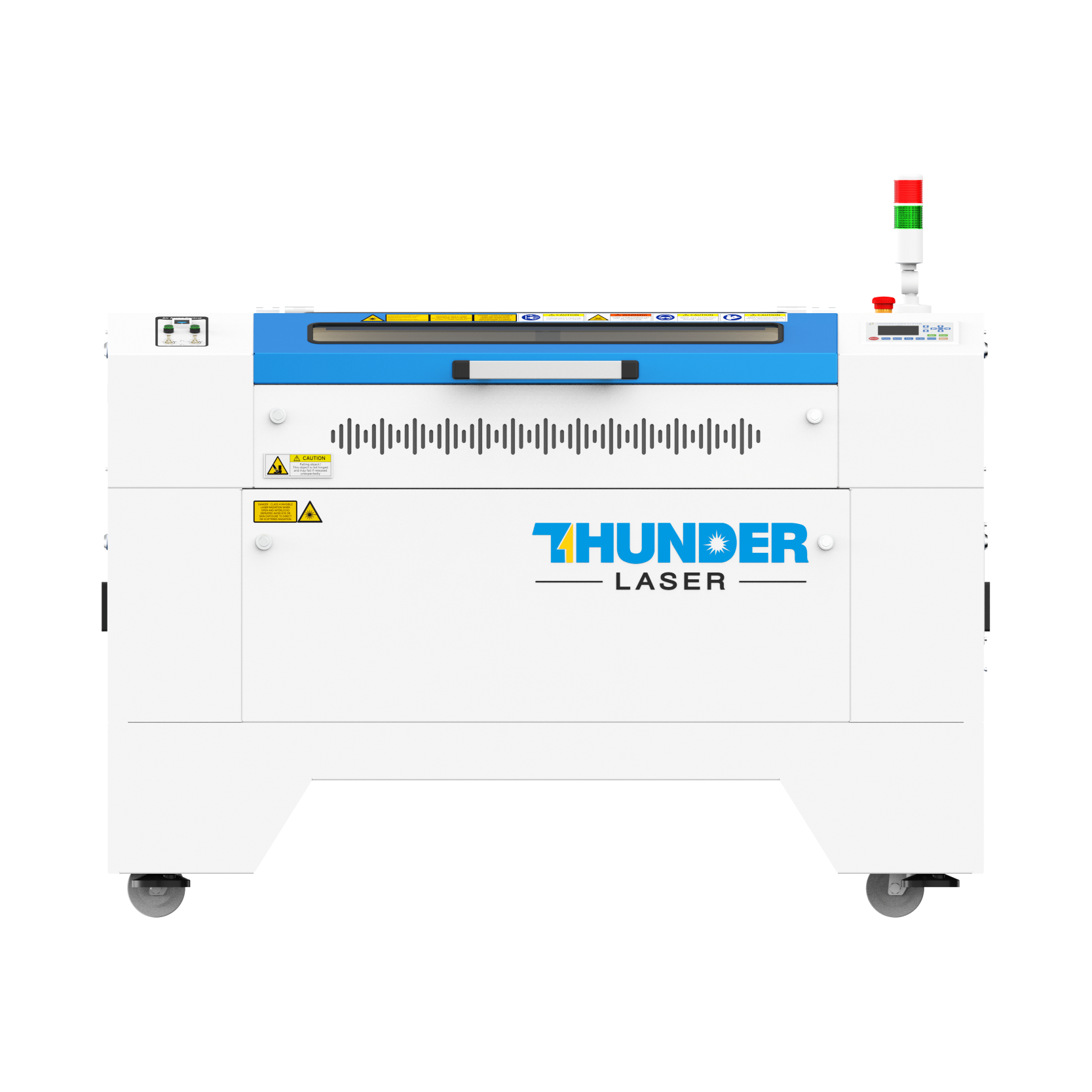
The Bolt Series is well suited to detailed cardstock cutting, invitations, paper art, engraving, scoring, and small packaging projects. Nova provides a larger work area for cardboard, packaging prototypes, signage, and batch production.
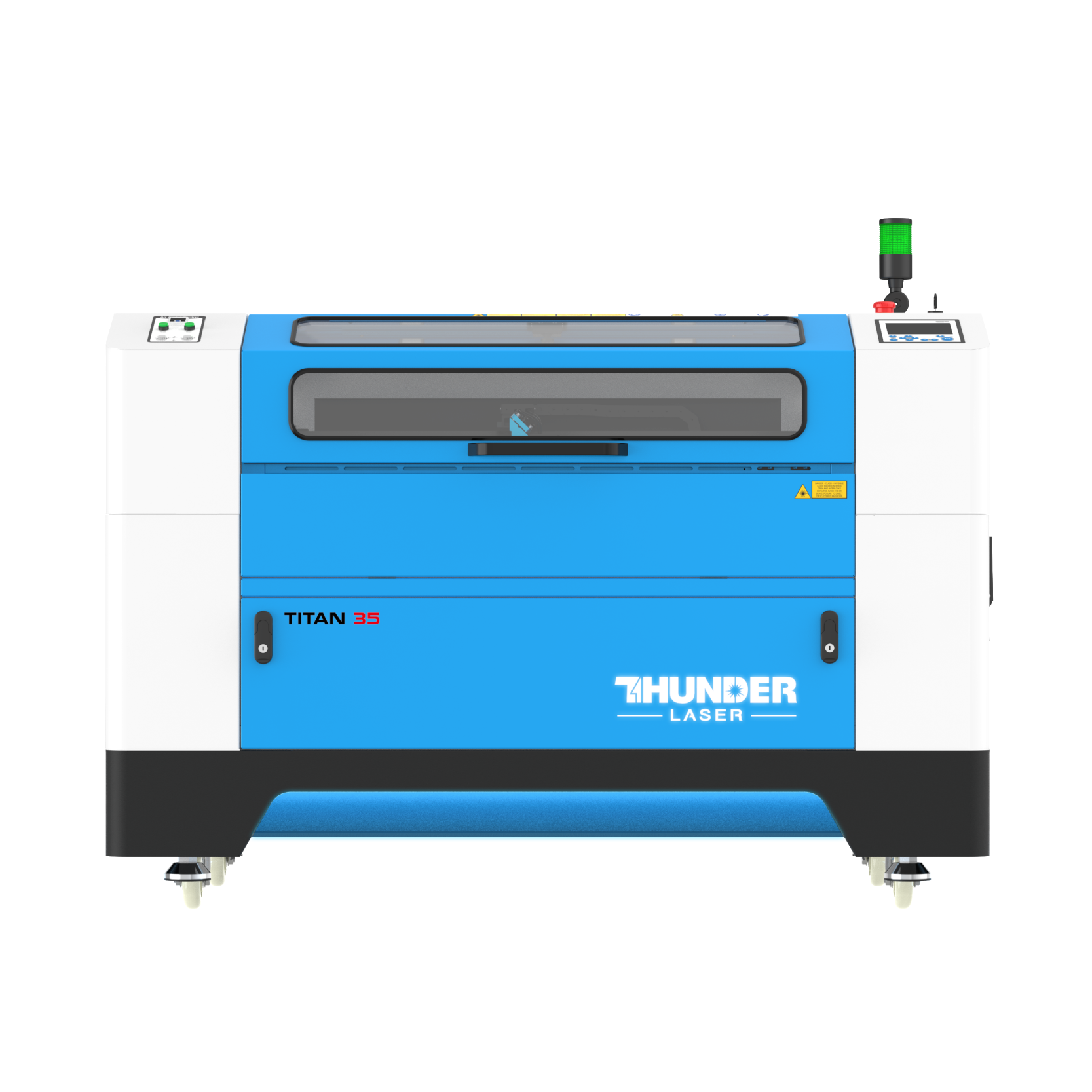
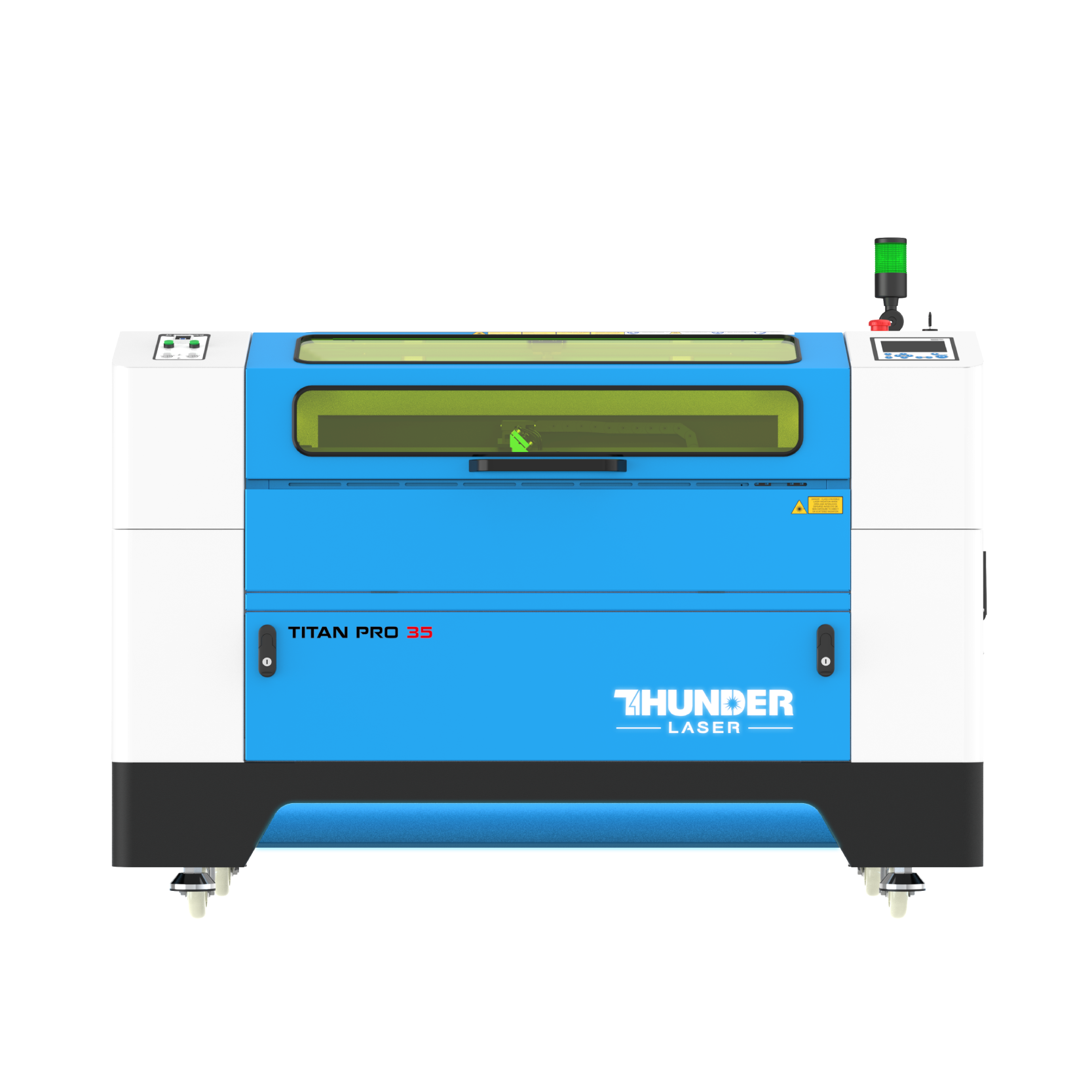
Nova Plus combines a larger working area with RF CO₂ performance for detailed paper production, while Titan supports larger-format and higher-volume workflows. Titan Pro is particularly useful for printed paper and packaging applications that benefit from camera-assisted alignment and contour cutting.
The best machine depends on the paper type, sheet size, production volume, required detail, cutting speed, and whether camera registration is needed. For coated, laminated, composite, or unfamiliar paper products, use the Thunder Laser Material Testing Service before production.
Ready to test, create, and scale?
Book a demo or send us a message — we’ll help you get there.

 Stable & Consistent MachinesUnlimited ApplicationsRobust After-sales SupportFactory Direct Supply