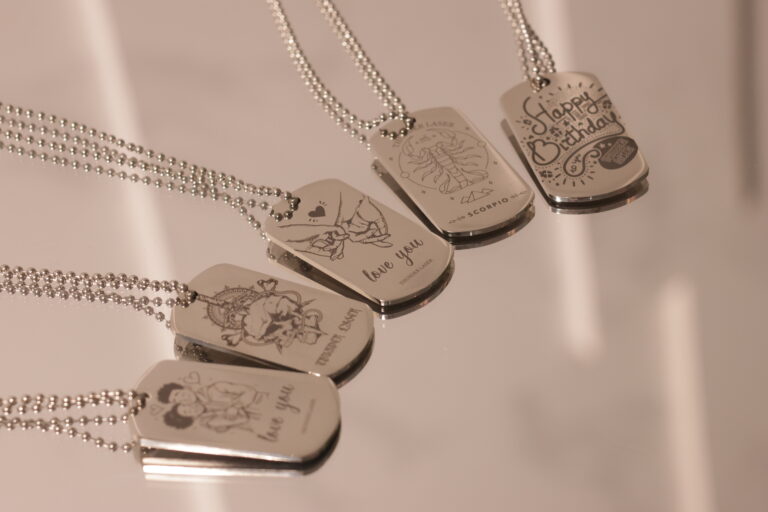
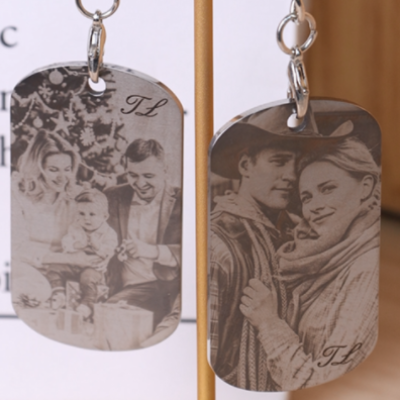
Marking a photo onto 304 stainless steel is one of the most impressive applications of a fiber laser. From personalized gifts to commemorative plaques, metal photo engraving offers a permanent, high-contrast finish that feels premium and lasts a lifetime. In this tutorial, you’ll learn exactly how to prepare your photo, adjust the image for laser marking, set up your stainless steel sheet, and run a clean, detailed marking job—perfect for beginners and hobbyists who want professional results.
Verify that the exhaust fan is functioning properly.
Make sure the lens isn't stained and the laser is running well.
Remember take the the lens' cover off!
Step 1: Place the Material on the Laser Bed
Lay your 304 stainless steel sheet flat on the laser bed. Make sure it is clean, fingerprint-free, and secured so it won’t shift during marking.
Tip: To keep your sheet perfectly in place, you can use a CO₂ laser to cut a simple wooden frame that holds the metal tightly. If you don’t want to make a frame, just place a wooden board underneath your stainless steel sheet—this protects the laser bed in case the marking outline is slightly off, preventing accidental hits on the worktable.
Step 2: Prepare Your Photo for Laser Marking
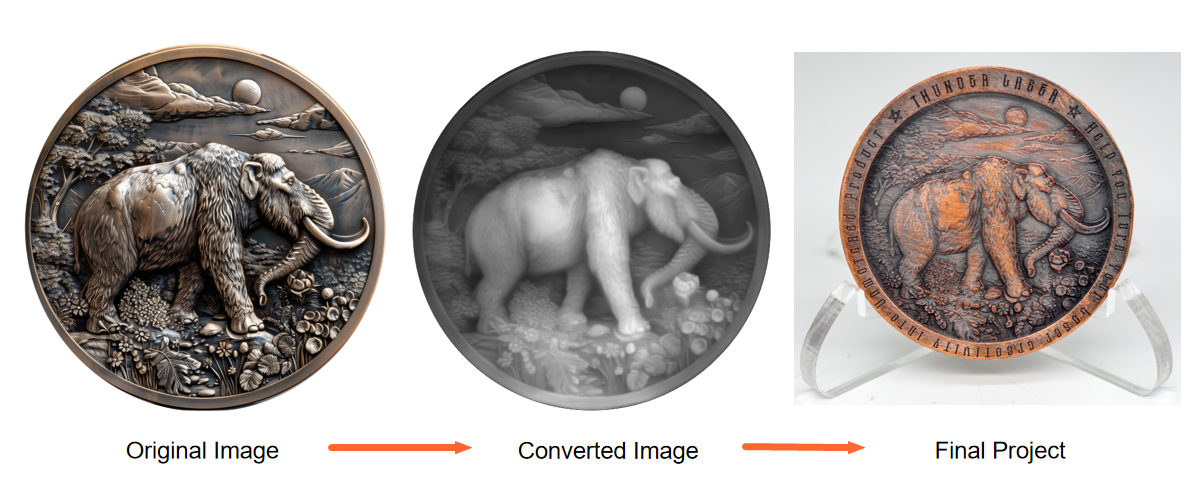
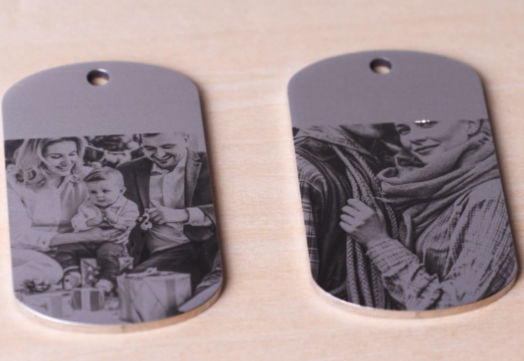
Before opening your laser software, start by processing the photo. Convert it to grayscale, then adjust the curves, levels, contrast, and sharpness (You can do it with PR) to create an image with strong contrast and clear details. A well-processed image means a well-marked result.
The picture shows how to laser mark the photo on brass, only for referece
Step 3: Import the Photo into Your Laser Software
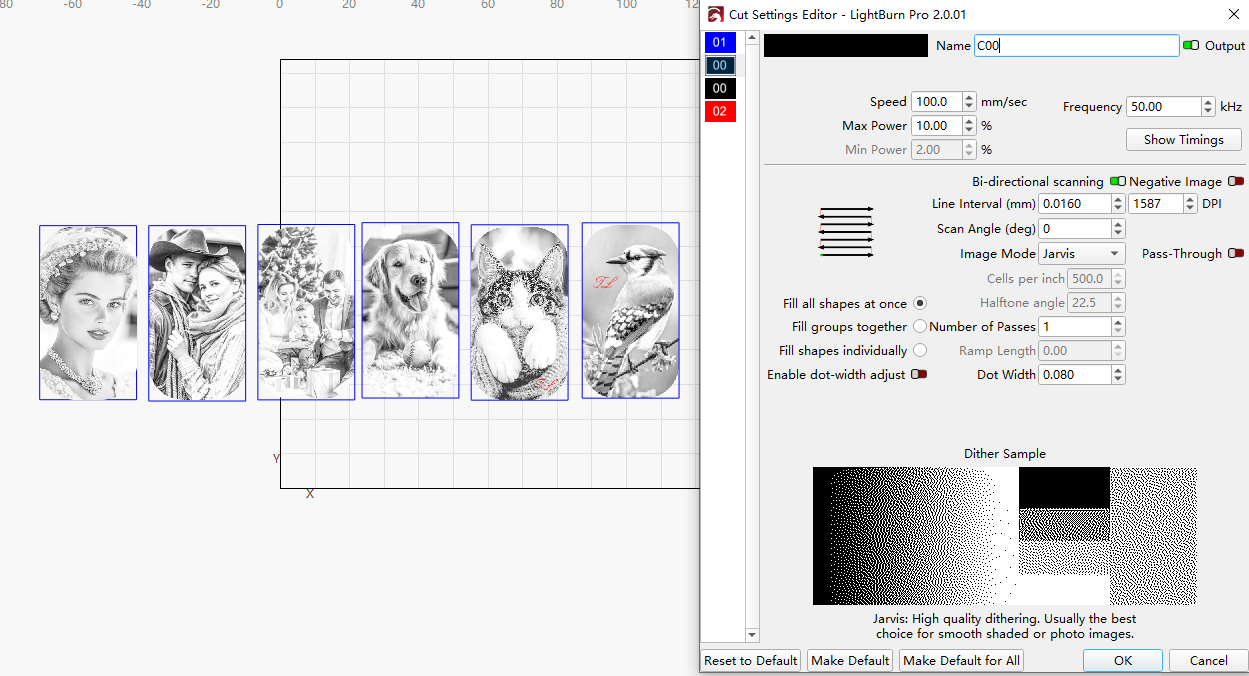
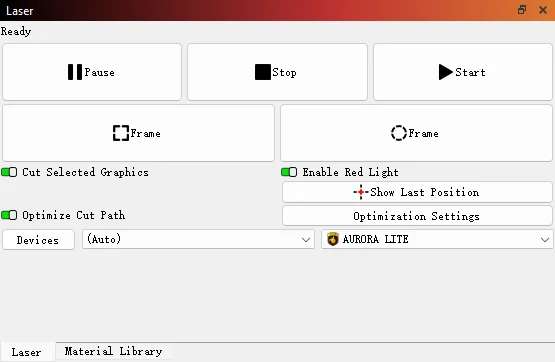
Open your preferred laser software. Import your processed photo and position it on the canvas. Adjust the size and placement according to your sheet. Double-check your marking parameters—especially speed, power, frequency, and line interval—to ensure clarity and fine details. For the best results, you can refer to our recommended parameters and adjust them as needed to match your material and design requirements.
Step 4: Focus Your Machine
Focus is the key to success. Once focus is ignored, the results may not be satisfying. Before you start, make sure you have finished focusing.
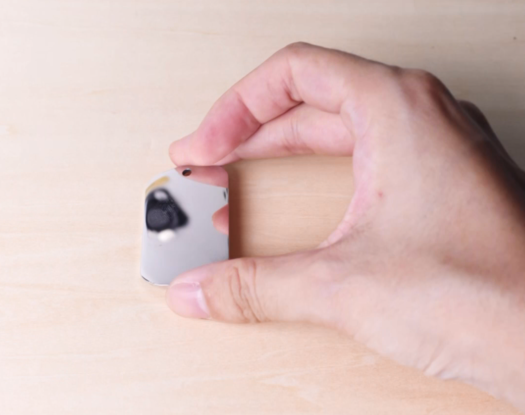
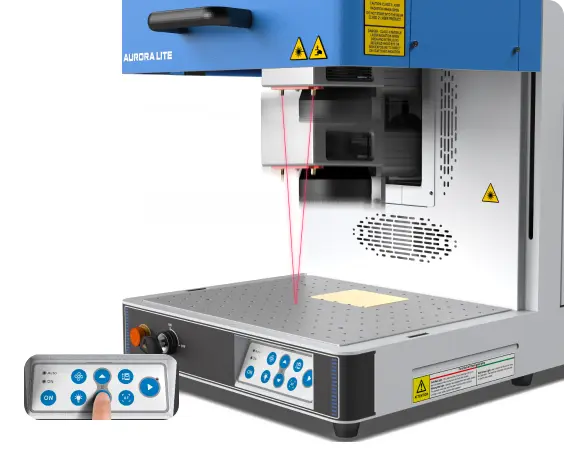
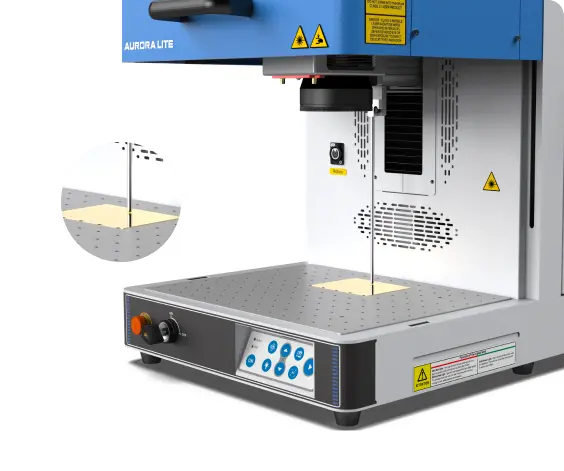
With the Aurora Lite, you have two ways to achieve perfect focus. The first method uses the red-dot pointer to assist—simply adjust the laser head until the two red dots overlap, and you’re good to go. The second method, which is often more precise, is manual focusing with a focus stick. Adjust the height of the laser head until the focus stick just touches the surface of the material in a perfectly vertical position. Whenever possible, use manual focus for better accuracy.
Red-dot assist focus
Manual focus
Step 5: Frame the Design and Start Laser Marking
Run a framing/outline preview to confirm the marking area matches the sheet’s position. Make any necessary adjustments before starting the job. Once everything is adjusted, simply hit ‘Start’ to begin laser marking the brass belt buckle with the Aurora Lite.
Step 6: Monitor the Laser Marking Process
Keeping an eye on the machine allows you to spot unusual conditions—such as error alarms, smoke build-up, or unexpected pauses—before they become problems.
While observing, remember that the laser beam is extremely powerful. Even with the protective lid closed, avoid staring directly at the marking spot for too long. A quick glance to check progress is fine, but prolonged gazing should be avoided for safety reasons.
Step 7: Complete the laser marking
Once marking is complete, let the stainless steel sheet cool down for a moment before handling it to avoid any heat-related injuries. Then, your metal photo piece is now ready to display or gift.
Come and Try!
With the right setup, you can easily laser mark professional-quality pgotos on stainless steel. Grab a piece of 304 stainless steel, pick a meaningful photo, and try marking your first metal portrait today—you’ll be amazed by the clarity and permanence a fiber laser can achieve.

.png "laser cutter Globle") International
International
 United States
 Brasil
 Canada
 Costa Rica
 Mexico
 Česká
Česká
 Romania
 Polska
 Ireland
 Italia
 Lietuva
 Россия
 Deutschland
 Britain
 Україна
 France
 Sverige
 Norway
 Denmark
 Ελλάδα
 Portugal
 한국
한국
 中国
中国
 中国香港
中国香港
 Israel
 中國臺灣
中國臺灣
 ジャパン
ジャパン India
India
 پاکستان
 پශ්රී ලංකා
 ประเทศไทย
 Australia
 New Zealand
 South Africa